

Honest product comparison
A focused Serato Sample alternative for fast chopping.
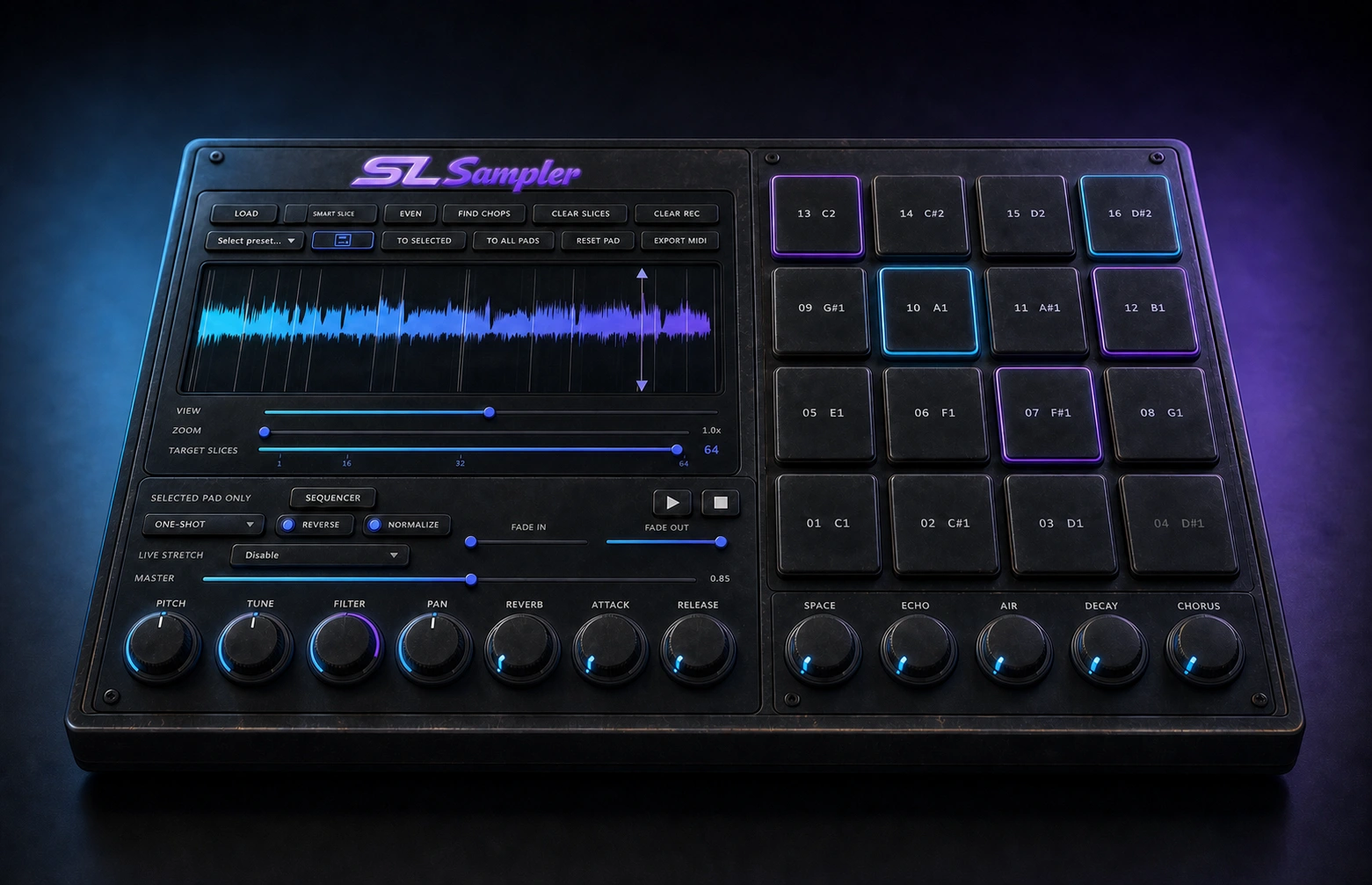
SL Sampler and Serato Sample both turn recordings into playable material, but they solve the job differently. SL Sampler currently emphasizes a focused macOS VST3 workflow, Smart Slice, up to 64 pads, MIDI recording and audio drag. Serato Sample is the broader cross-platform product with stems, pitch and time processing, 32 cue pads and more plugin formats.
Verified feature comparison
SL Sampler vs Serato Sample
| Area | SL Sampler | Compared product |
|---|---|---|
| Playable positions | Up to 64 pads | Up to 32 cue points |
| Automatic discovery | Smart Slice | Find Samples, Randomize and Set Slicer |
| MIDI workflow | MIDI recording and hardware input | MIDI hardware, keyboard and piano roll triggering |
| Audio separation | Not currently listed | Real-time vocal, melody, bass and drum stems |
| Current formats | VST3 and standalone | VST, VST3, AU and AAX |
| Current platform | macOS Apple Silicon | macOS and Windows |
Competitor details checked against the Official Serato Sample product page. Product capabilities can change, so verify current requirements before buying.
Who each product is for
Choose by workflow, not hype.
Choose SL Sampler when you want a lower-cost, focused chopping workflow with more playable pads and direct MIDI or audio movement. Choose Serato Sample when stems, Windows, AAX or its mature pitch and time system are required today.
Explore SL Sampler