
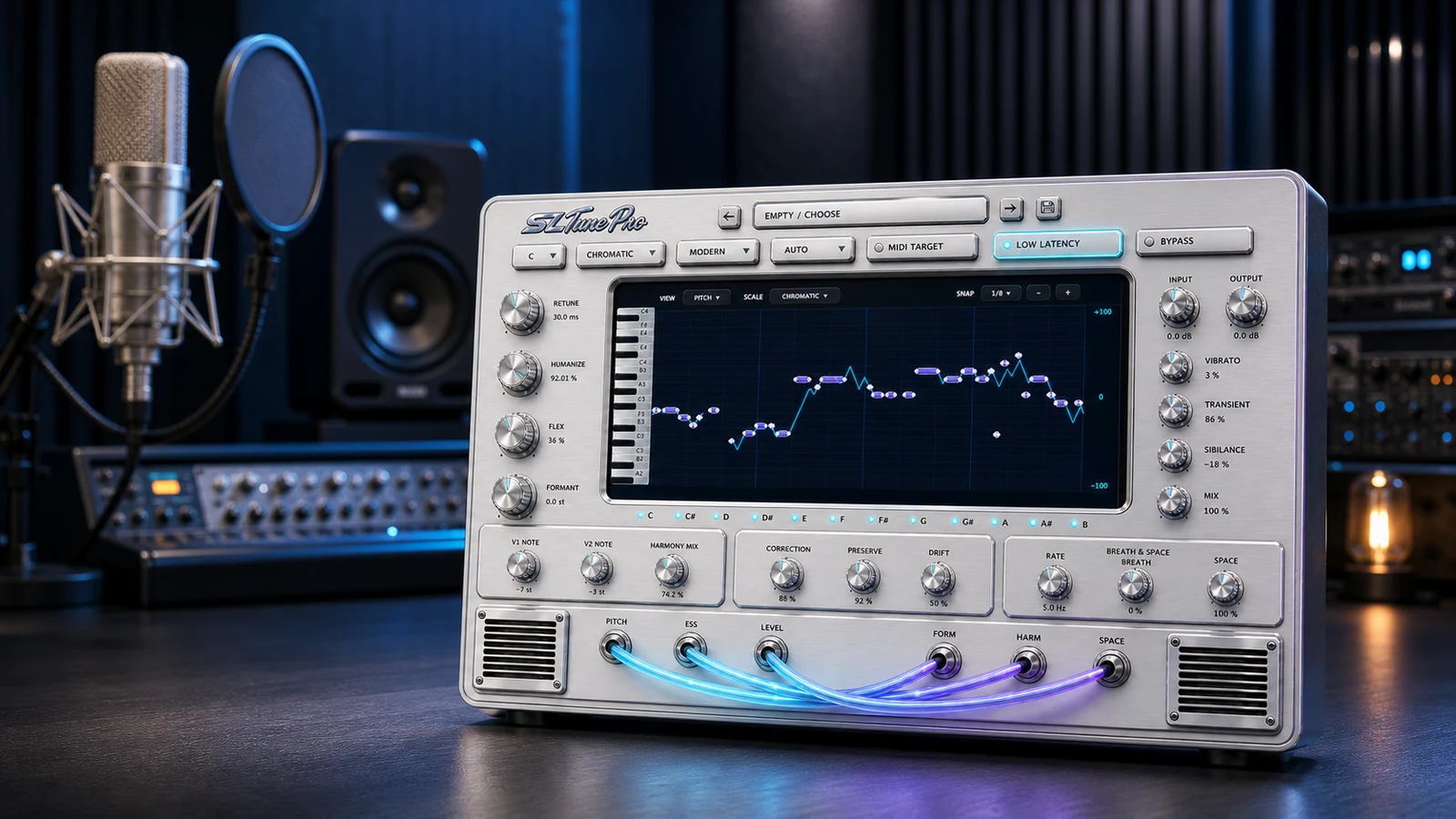
Vocal tuning and harmony processor$69$39
SL Tune Pro
Natural correction, hard tuning and four harmony voices in one processor.

A vocal tuning plugin should support the style of the performance. Start with the key and scale, then decide whether the result should stay natural or become an obvious effect.
Use slower correction and preserve transitions between notes. Listen to sustained notes, consonants and phrase endings in the full arrangement.
Use faster correction when pitch movement is part of the production style. Confirm the musical key first, because an incorrect scale can force notes in the wrong direction.
SL Tune covers focused vocal pitch correction. SL Tune Pro adds vocal character and four harmony voices, which keeps tuning and harmony decisions in one interface.
Check the product pages for current formats and verified platform availability. Website purchases and App Store editions are separate products where listed.
Correct pitch, build harmonies and finish the vocal character with the tool that matches the job.
Natural correction, hard tuning and four harmony voices in one processor.

Focused scale-aware pitch correction from transparent cleanup to hard tuning.
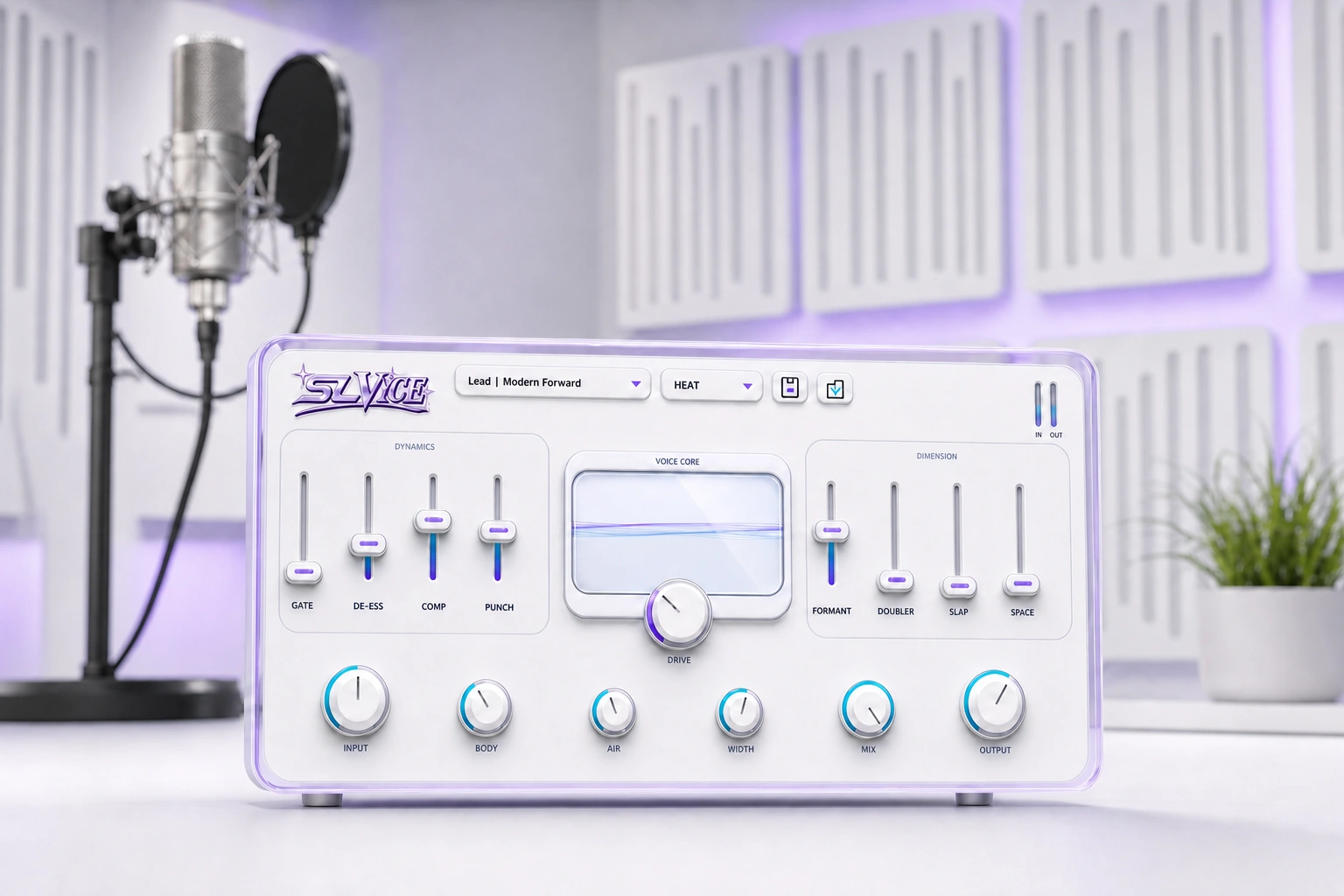
Shape dynamics, tone, width, doubling, slap and space after tuning.