Animated stereo motion plugin
SL Drift
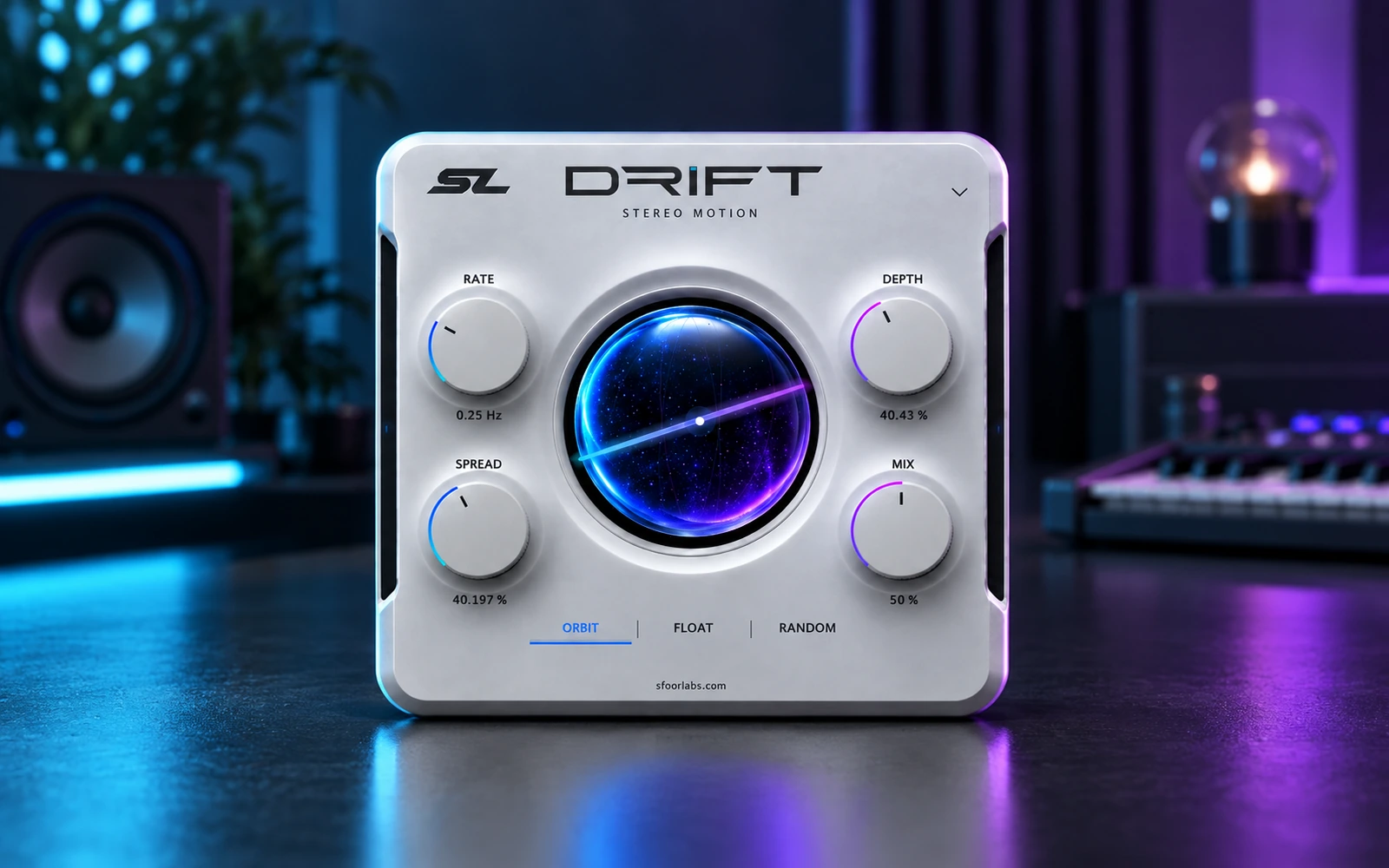
Add controlled stereo motion with Rate, Depth, Spread and Mix.
Free

SL Drift and SL Space are free macOS Apple Silicon plugins. They cover two common jobs without forcing a large bundle into the session.
Start with Drift when a static pad, backing vocal, effect or loop needs stereo movement. Rate controls speed, Depth controls the amount of movement, Spread controls width and Mix blends the result.
Start with Space when the source needs a room around it. Choose Plate or Hall, then adjust Size and Mix. The focused control set makes it useful for quick vocal, synth, guitar and sound design decisions.
Both product pages show the exact current formats and platform support before download. See the launch news and watch both plugins in motion.
Two focused tools, complete product pages and no subscription.
Add controlled stereo motion with Rate, Depth, Spread and Mix.

Place vocals, synths, guitars and loops inside Plate or Hall ambience.