

Reduce steady noise.
Reduce steady noise. Preserve tonal detail. Blend with the original using three direct faders.
Version 1.0.1
Free download. No paid subscription, trial or payment card required. Email news is separate; you can unsubscribe without losing your free plugins.
Install SL Hub, then choose your free plugins. No paid subscription is required. About SL Hub
Clean. Focus. Mix.
Clean controls spectral reduction. Focus protects prominent tones. Mix blends the processed signal with the original. All processing stays on your device.
- Stereo-linked reduction
- Tonal Focus protection
- Dry/processed Mix
- Local processing
Three faders. Less noise.
Separate silver faders and ice-white rails show the processing settings. The square chassis stays intact in compact and mobile windows.
Use the effect on a track in a compatible DAW, or import an audio file for standalone playback. Import does not autoplay or open microphone monitoring.

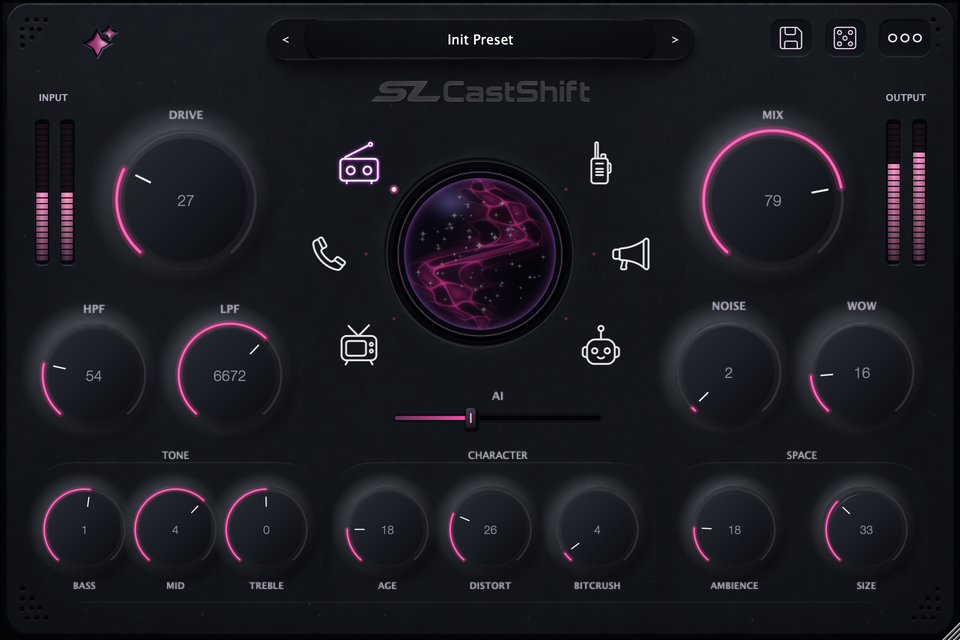
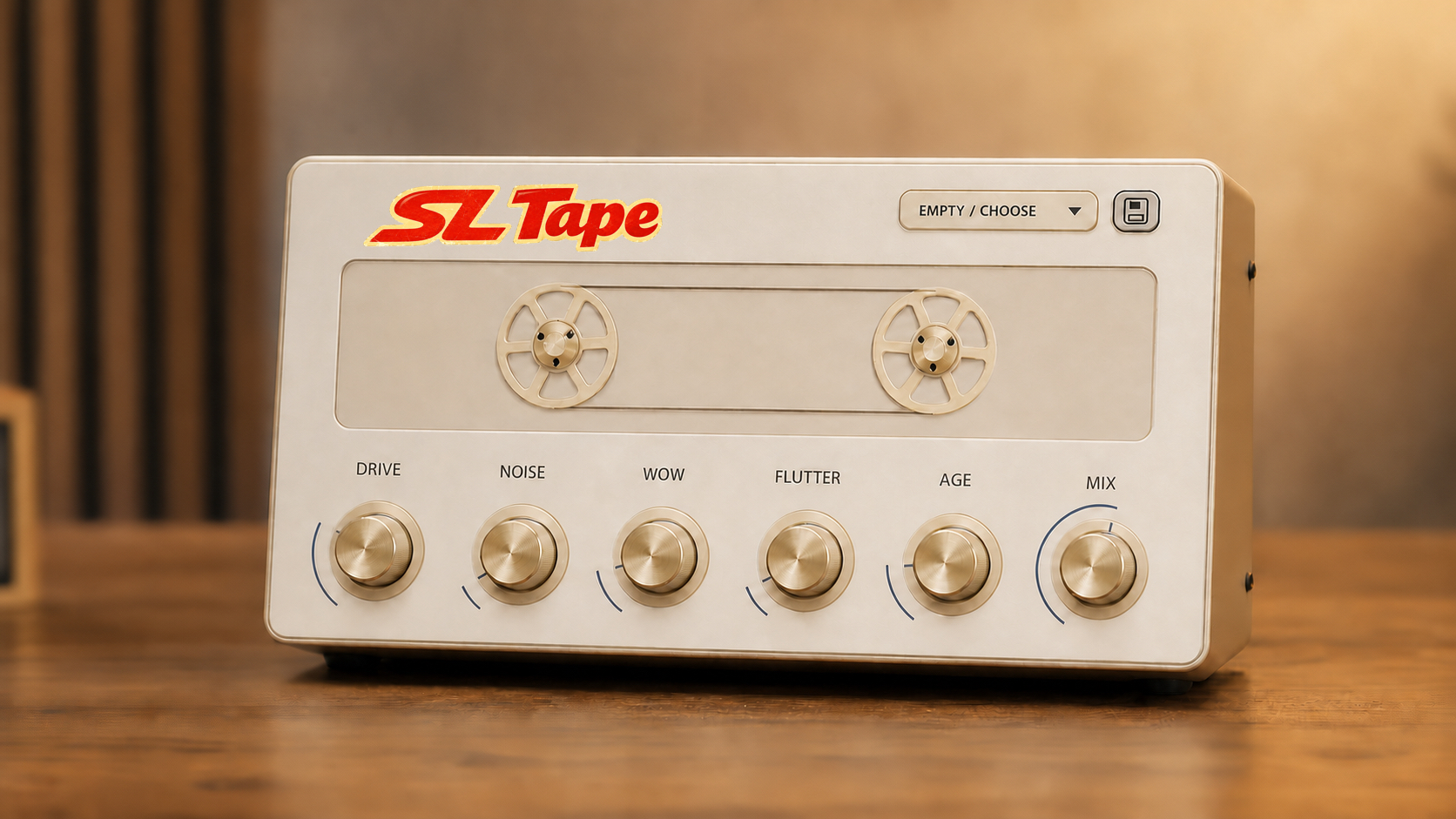 SL Tape
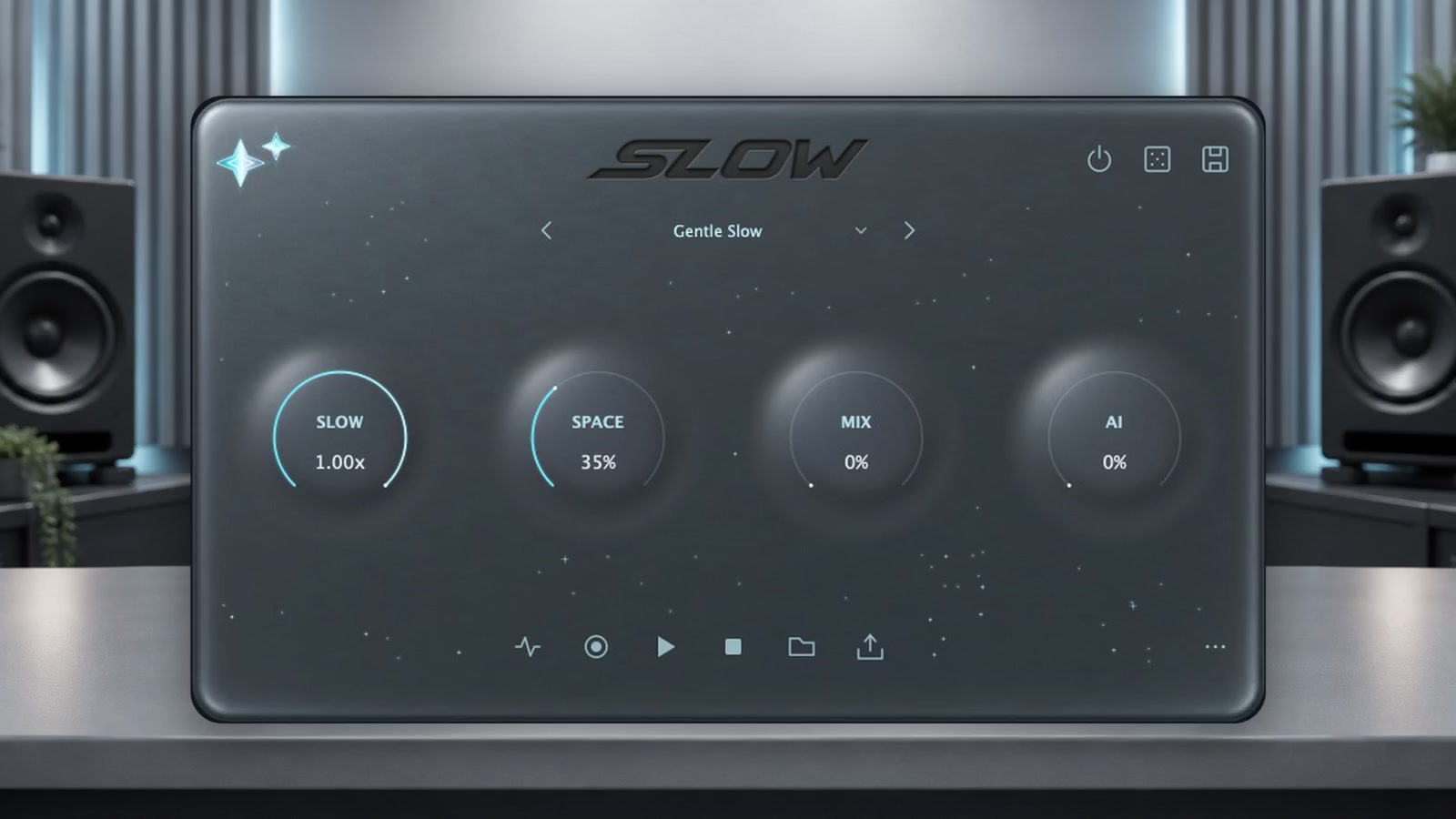 SL OW
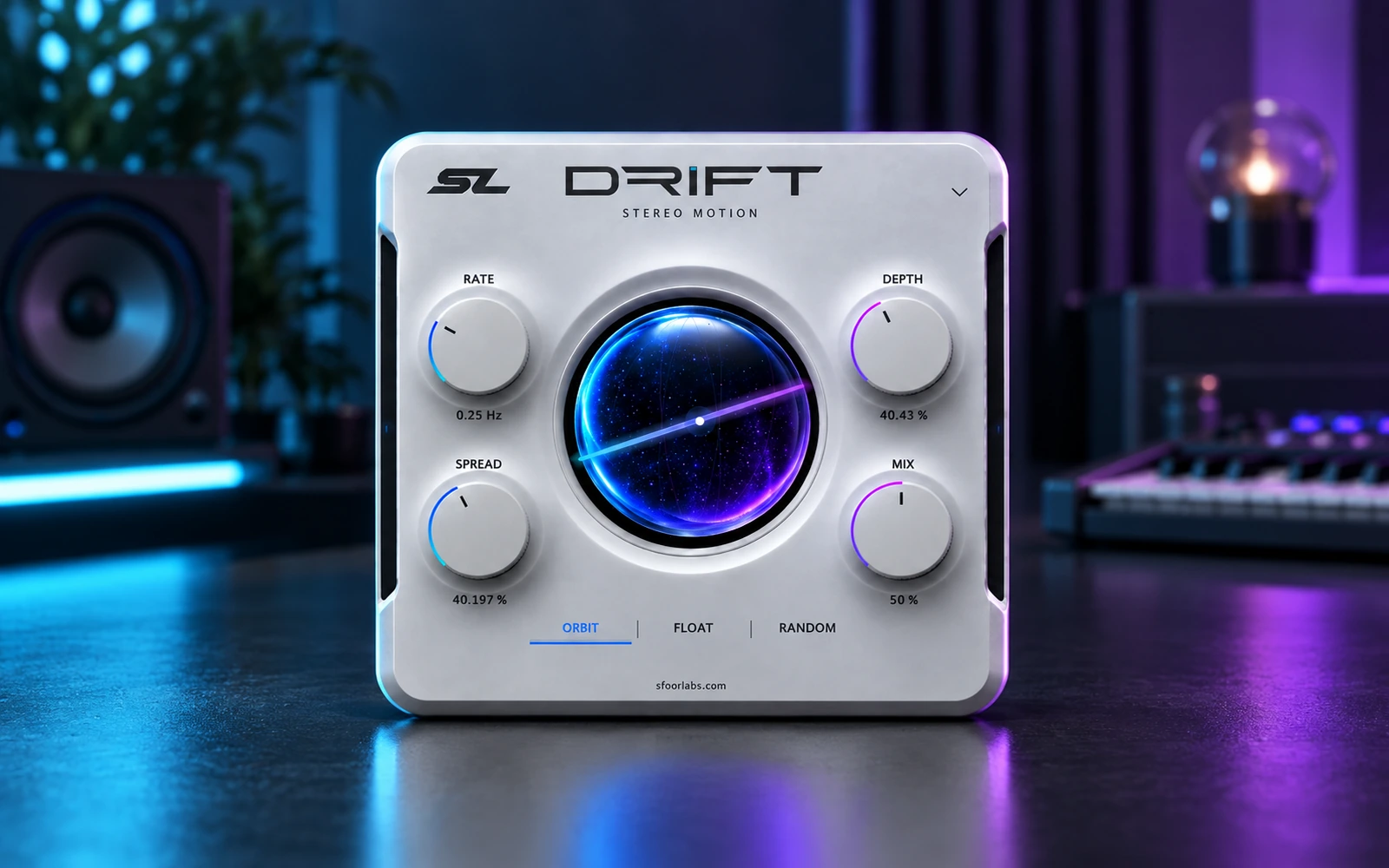 SL Drift
 SL Space
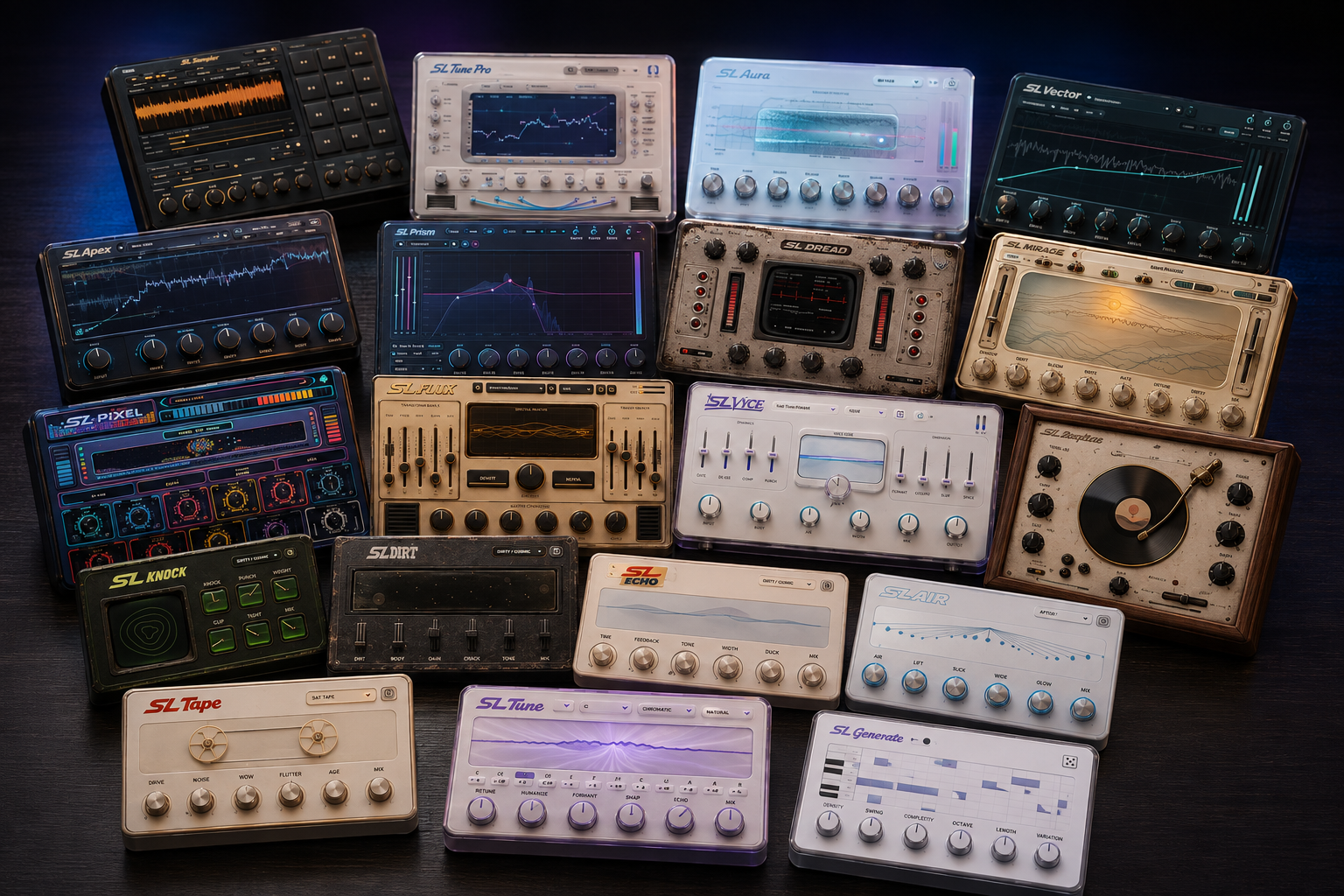 Explore all plugins
Desktop platforms
Free for Mac and Windows via SL Hub. No paid subscription is required. Windows 10 version 2004 or later / Windows 11 x64: VST3 and standalone.
Release notes
Windows 1.0.1 / release announcement
The Windows x64 edition of SL Clean includes VST3 and a standalone app.
Install and update through SL Hub. See the Windows requirements and installation guide for Windows 10 version 2004 or later and Windows 11 x64.
Free through SL Hub, with no paid subscription or payment card required. The first website download requires a verified account and explicit product-news email consent. You can unsubscribe later and keep your existing free access.
SL Clean FAQ
What is included?
VST3, Audio Unit and standalone for Apple Silicon Mac. The branded installer requires macOS 13 or later.
Is it free?
Yes. The website download uses the same verified-account and email-consent flow as our other free plugins. You can unsubscribe at any time.
Does it remove every kind of noise?
No. It reduces steady noise already present in the recording. Aggressive reduction can soften musical detail; it is not a vocal separator or a universal click remover.
Can standalone export audio?
No. It imports and plays local files up to five minutes. Use your DAW to render processed audio.
Is the iPhone and iPad edition available?
The mobile AUv3 and standalone edition is being prepared for the App Store. It is not publicly available yet.