
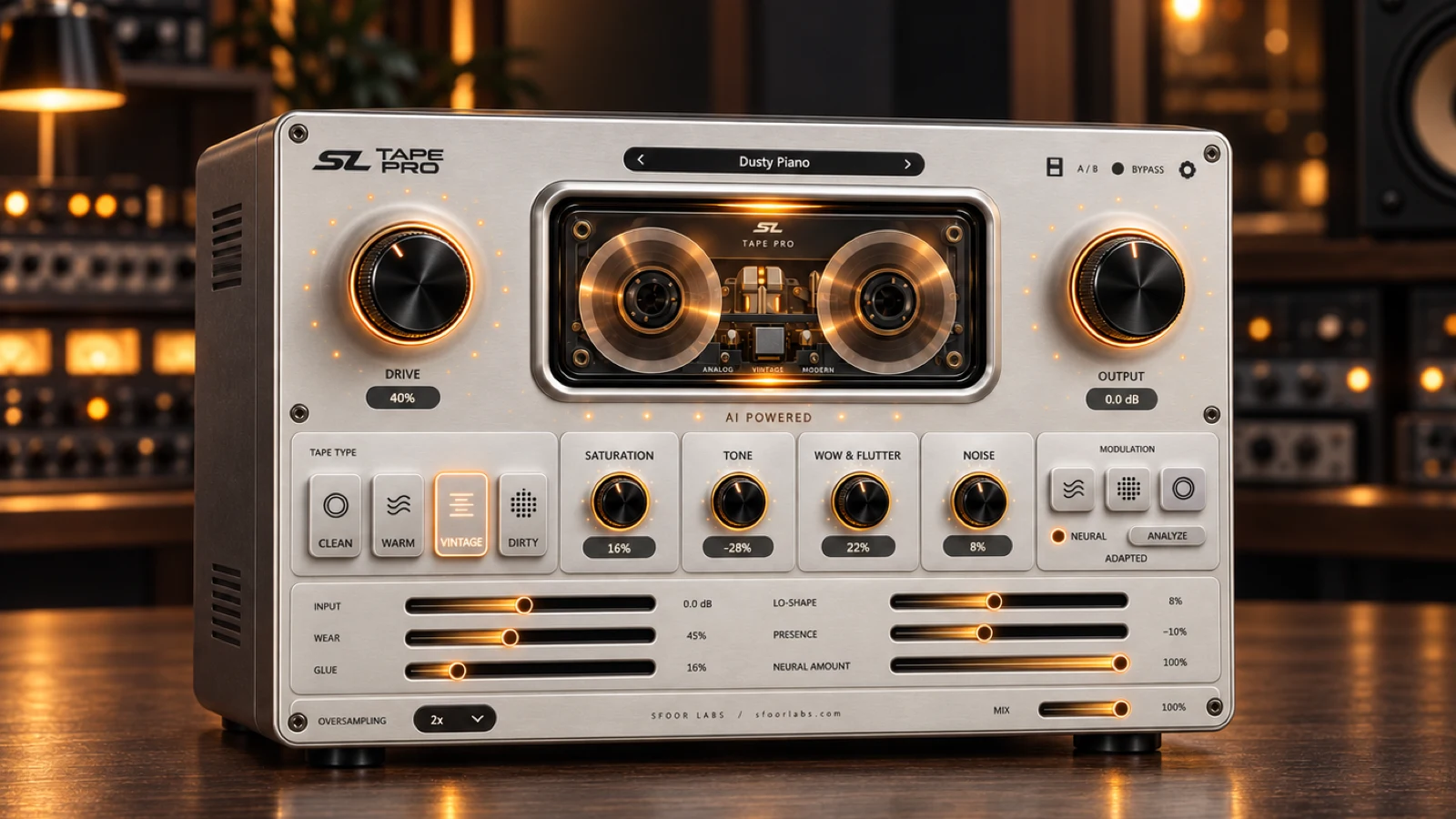
AI-powered neural tape effect$69$39
SL Tape Pro
Choose Clean, Warm, Vintage or Dirty and shape the tape behavior in detail.

Tape processing can add tone, motion, texture and glue. The useful choice is the smallest amount that solves a clear problem in the track.
Use subtle saturation to soften sharp peaks and add density. Keep noise and movement controlled when intelligibility is the priority.
Use more drive when the drum bus needs density or grit. Compare the processed signal at a matched output level so louder does not automatically sound better.
Choose a clean or warm character and make small changes. Mix bus processing affects every source, so use less drive and check transients after each adjustment.
SL Tape is the focused option for quick tape color and lo-fi character. SL Tape Pro adds four tape characters, local neural analysis, saturation, movement, wear, noise and glue controls for more detailed work.
Use the simpler tool when speed matters. Use Tape Pro when the tape behavior itself is part of the sound design or final mix decision.
Start with quick cassette color or move into detailed tape character and vinyl texture.
Choose Clean, Warm, Vintage or Dirty and shape the tape behavior in detail.
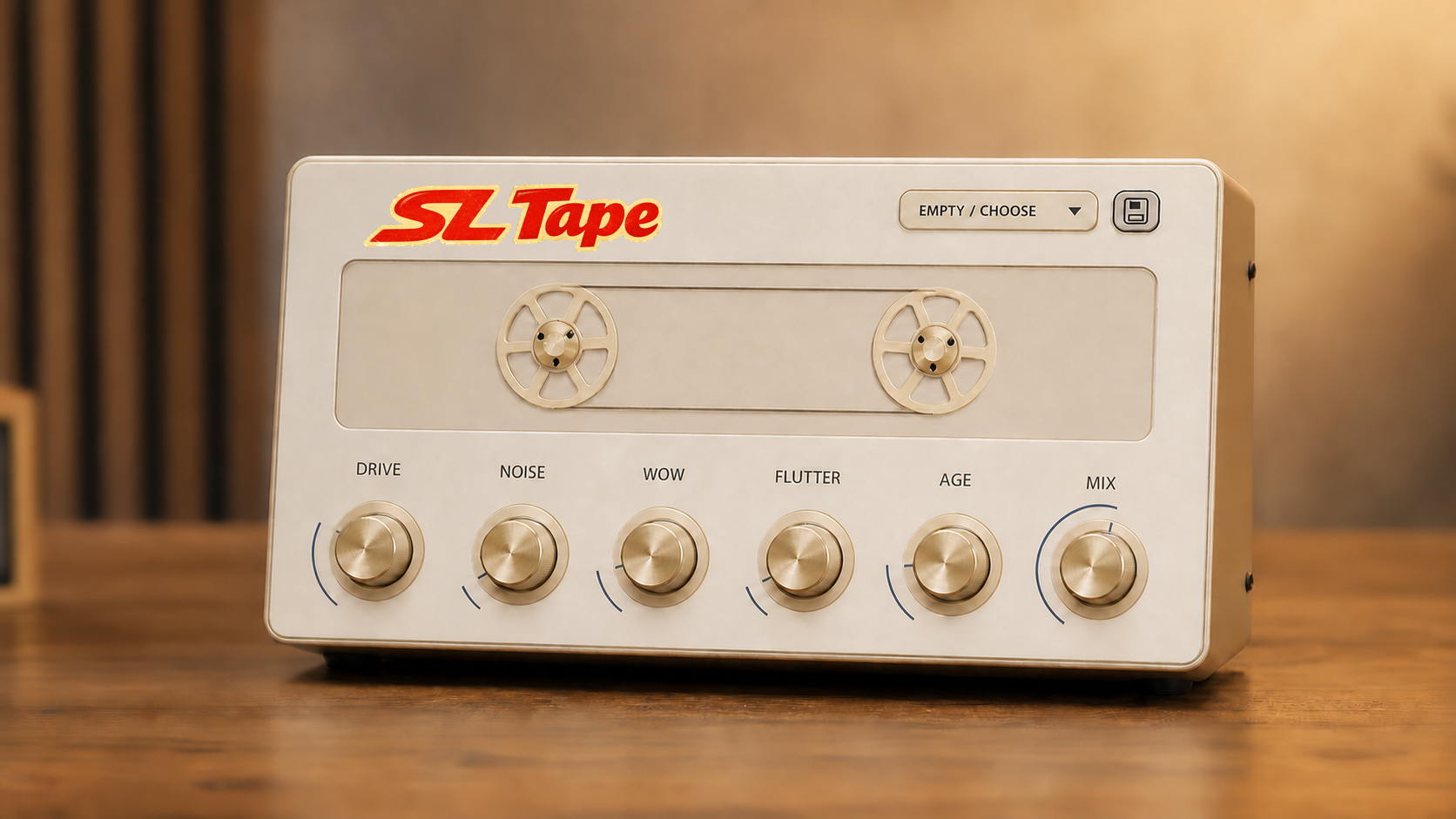
Fast cassette warmth, movement and age with a focused control set.
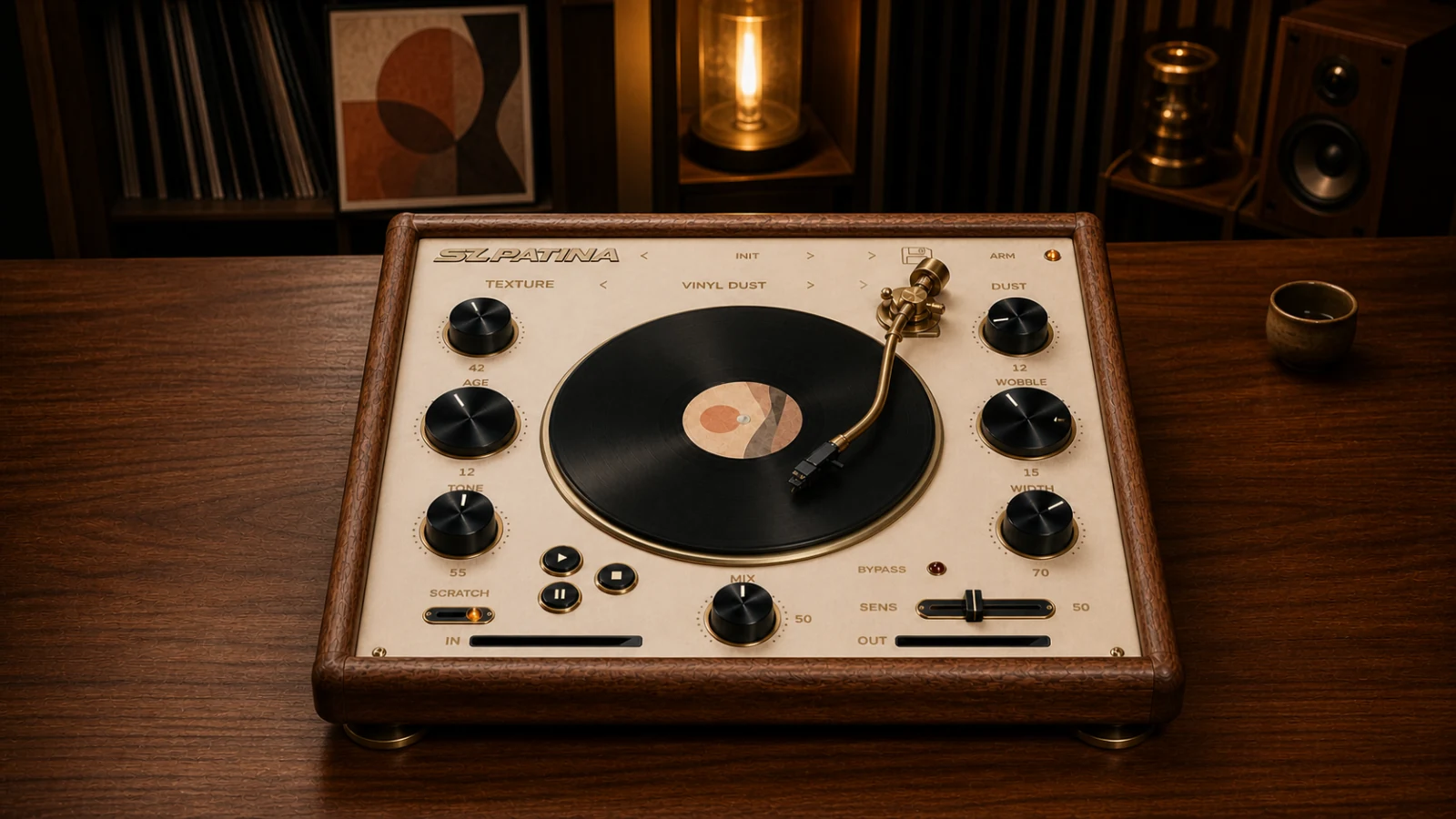
Add vinyl movement and continuous texture when tape is not the final color.