
SL Patina
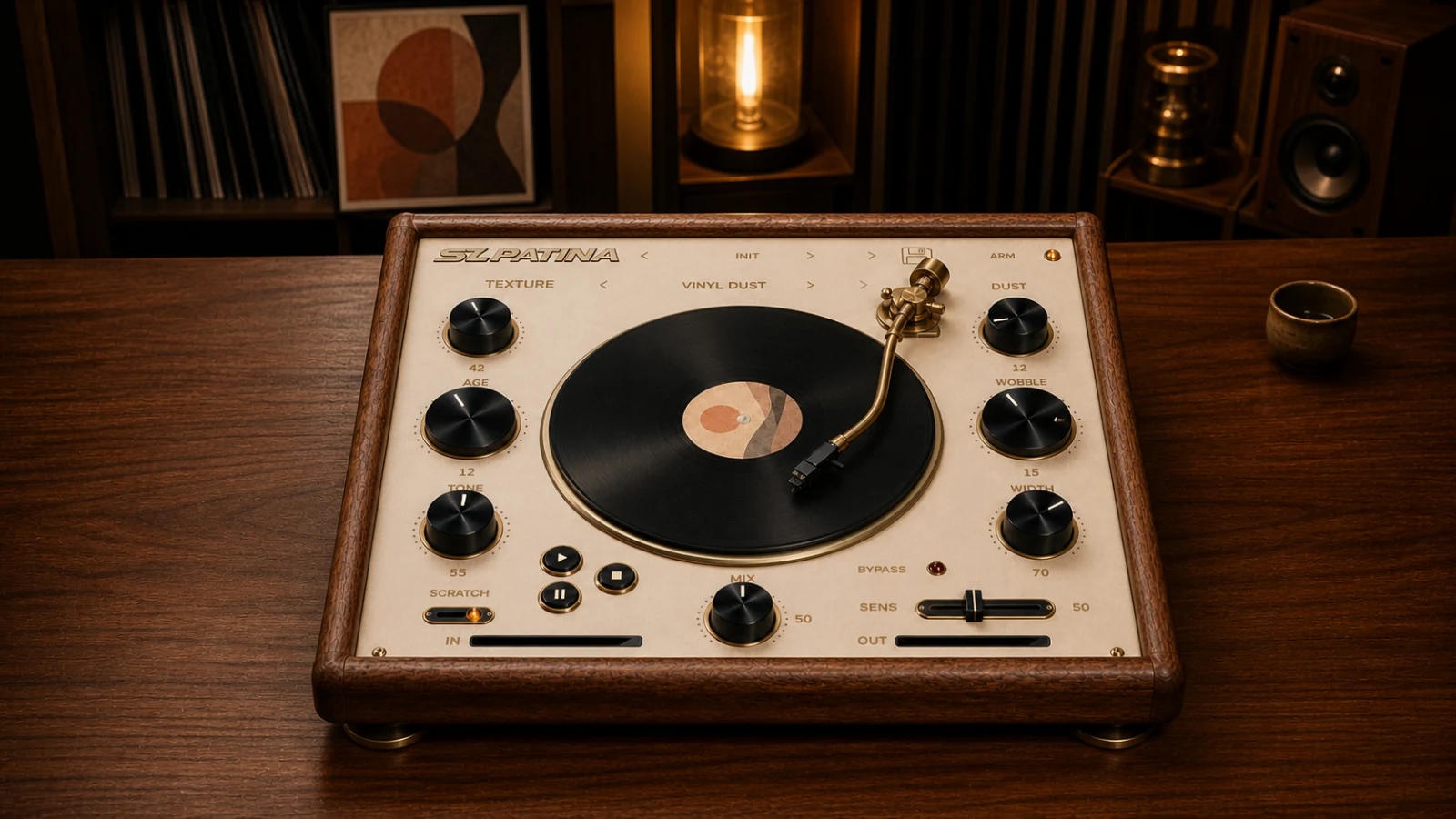
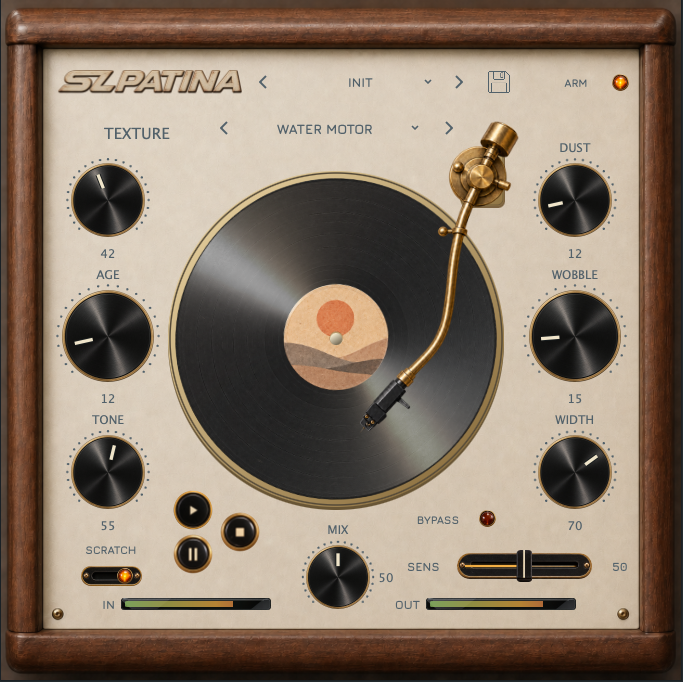
Add a continuous bed of atmosphere without arranging separate audio loops. Browse thirty built-in textures, shape Tone, Dust, Wobble and Width, then blend the result with the incoming track.
What SL Patina does
Thirty continuous textures with focused tone, dust, wobble, width and blend controls in a compact vintage audio effect.
- 30 continuous textures
- Texture tone and dust
- Wobble and width
- Age processing
- 31 factory states
- User presets
Built for music, not menus.
Add a continuous bed of atmosphere without arranging separate audio loops. Browse thirty built-in textures, shape Tone, Dust, Wobble and Width, then blend the result with the incoming track.
Desktop platforms
Windows 10 version 2004 or later / Windows 11 x64: VST3 and standalone. Mac formats and minimum requirements are listed above. One website desktop purchase includes Mac and Windows. Existing desktop customers can use their account or SL Hub; App Store purchases remain separate.
SL Patina FAQ
Compare tape color and vinyl texture in the tape saturation guide.
What format does SL Patina use?
VST3 and Audio Unit and AUv3. Current supported systems: Windows x64, macOS Apple Silicon and the separately listed iPadOS edition. Windows includes VST3 and standalone.
What is included with SL Patina?
Your purchase includes the supported plugin build and the delivery terms shown at checkout. There is no claim that this paid product is free.
Where can I see every Sfoor Labs plugin?
Visit the complete Sfoor Labs plugin catalog for current products, bundles and release status.
 SL Pixel
 SL Dread
 SL Mirage
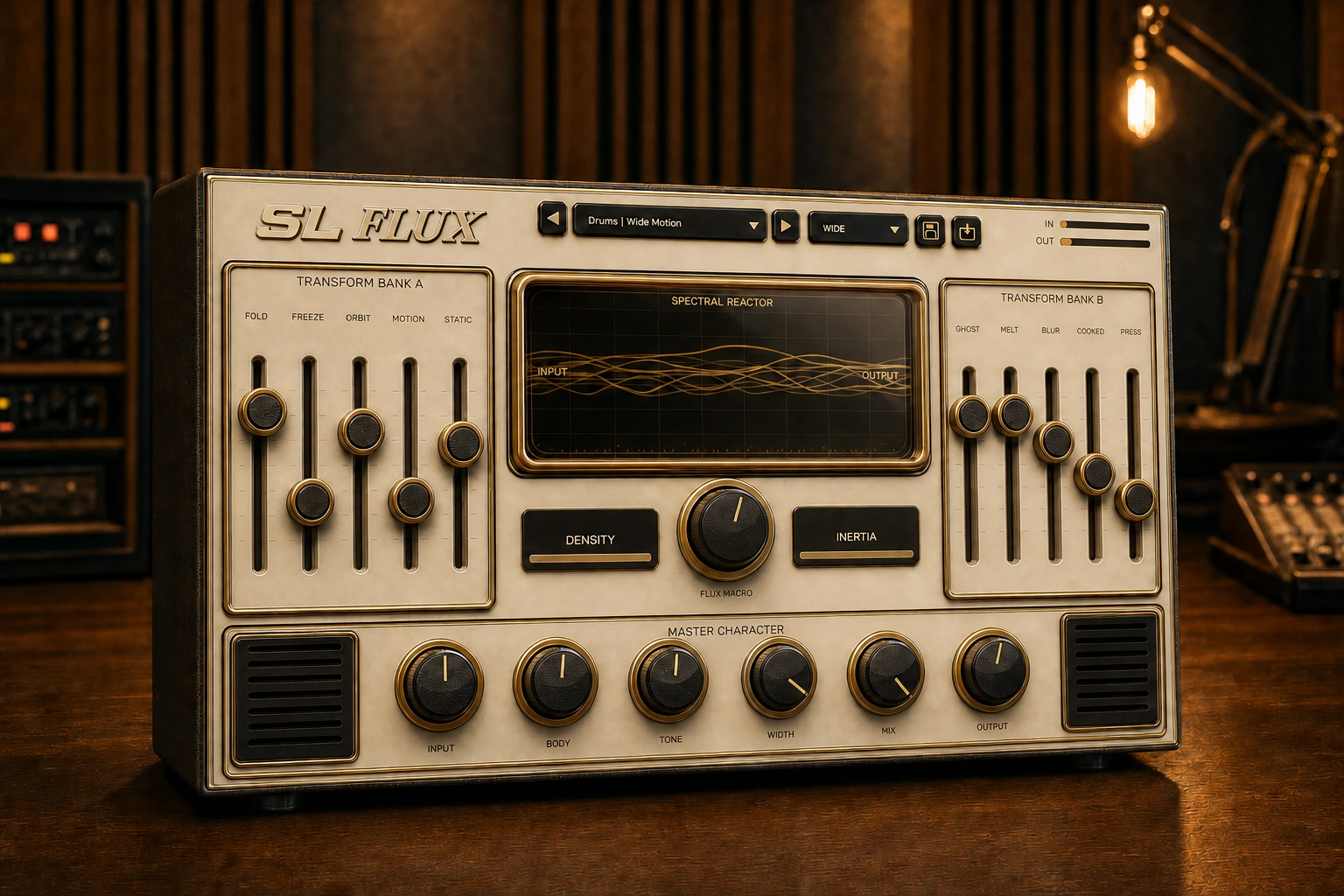 SL FLUX
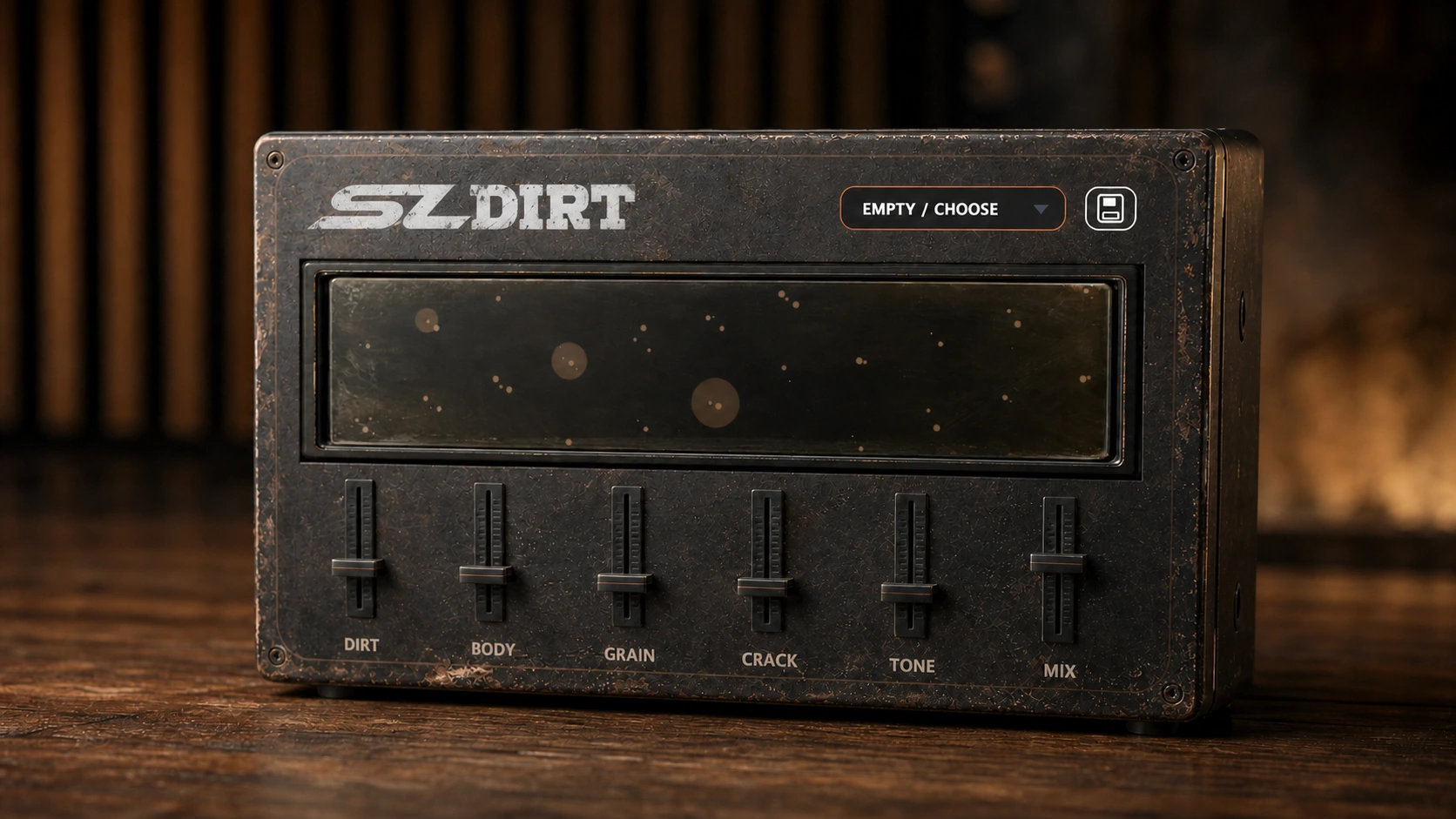 SL Dirt
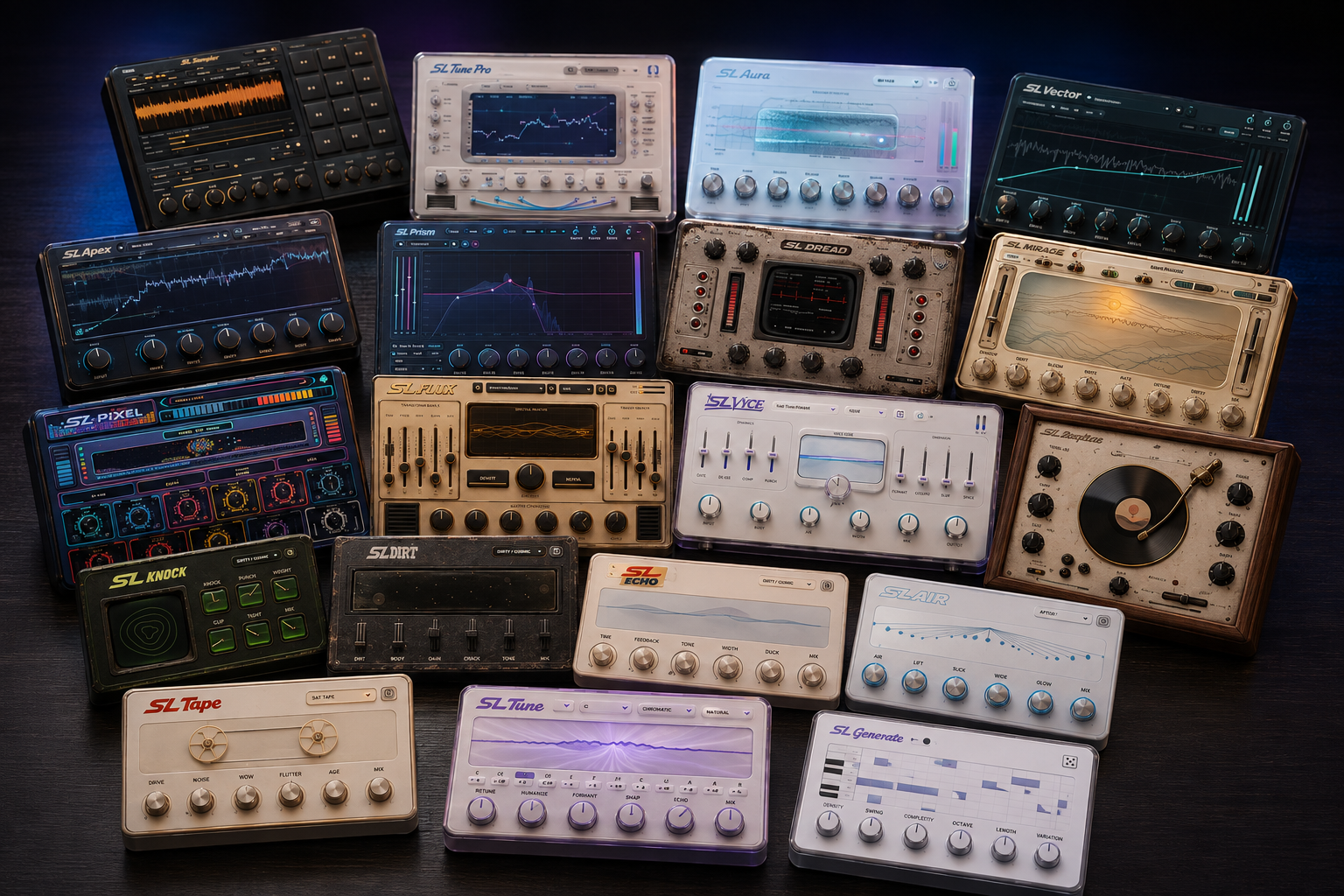 Explore all plugins
Before you buy
One desktop purchase for Mac and Windows.
Current testing focuses on macOS and FL Studio. Check your system and host before purchasing; compatibility with every DAW has not been verified.