

Plugins, updates and your account.
SL Hub for iPhone and iPad
Play Sfoor Labs instruments and effects in compatible AUv3 hosts. Layer instruments on one MIDI track and build effect chains.
SL Hub includes 38 instruments and effects on iPhone and iPad, including 5 free plugins. Paid plugins are available through in-app purchases or an optional subscription. App Store purchases and subscriptions are separate from desktop purchases.
Illustrated product overview. Host support and routing vary. Requires iOS or iPadOS 17 or later.See SL Hub in action.
Choose your plugins, install them and keep them updated in one app. Free plugins do not require a paid subscription.
Get started on Mac or Windows
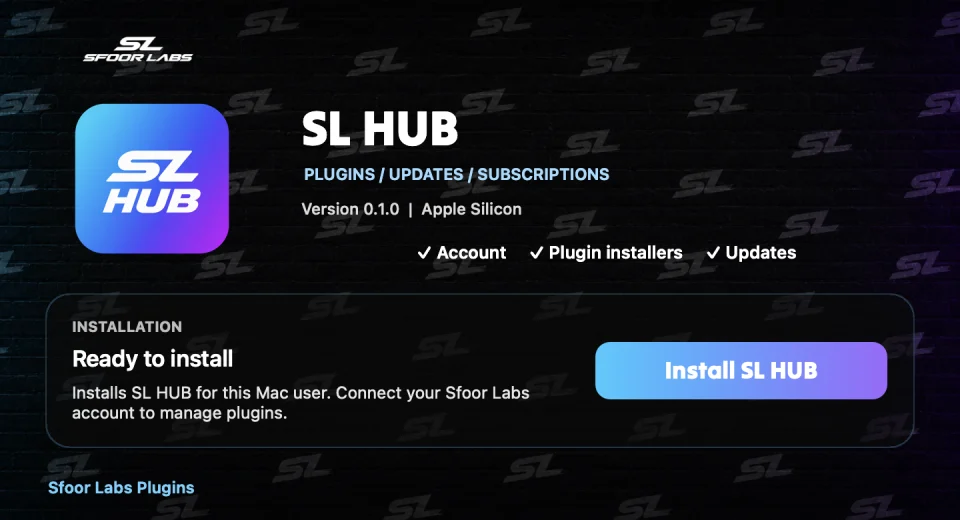
Install SL Hub
On Mac, open the disk image and run Install SL Hub. On Windows, run the downloaded setup. Then connect your account in the app.
Connect your account
Approve the one-time code on sfoorlabs.com using the account you use for purchases.
Choose your plugins
See your access and available plugins. Click a plugin name to explore its product page.

Free download / Mac Apple Silicon or Windows x64
Mac 1.1.1 (build 2026.11.09006) / Windows 1.0.1 (build 2026.11.09005). On Mac, buy plugins and manage subscriptions inside Hub. Website purchases remain available; Windows uses the website.
If Hub 0.1.2 will not open, download the current installer on this page and reinstall. Keep using the same account; your account and plugin access are preserved. A Hub that cannot open cannot update itself.
App Store for iPhone and iPad - Free download with optional in-app purchases or subscription.

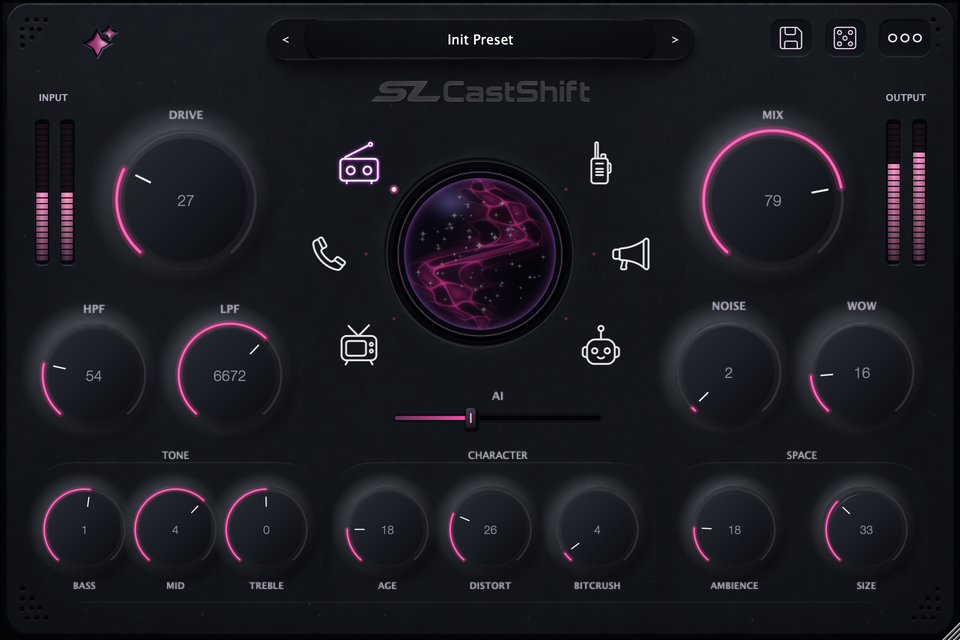
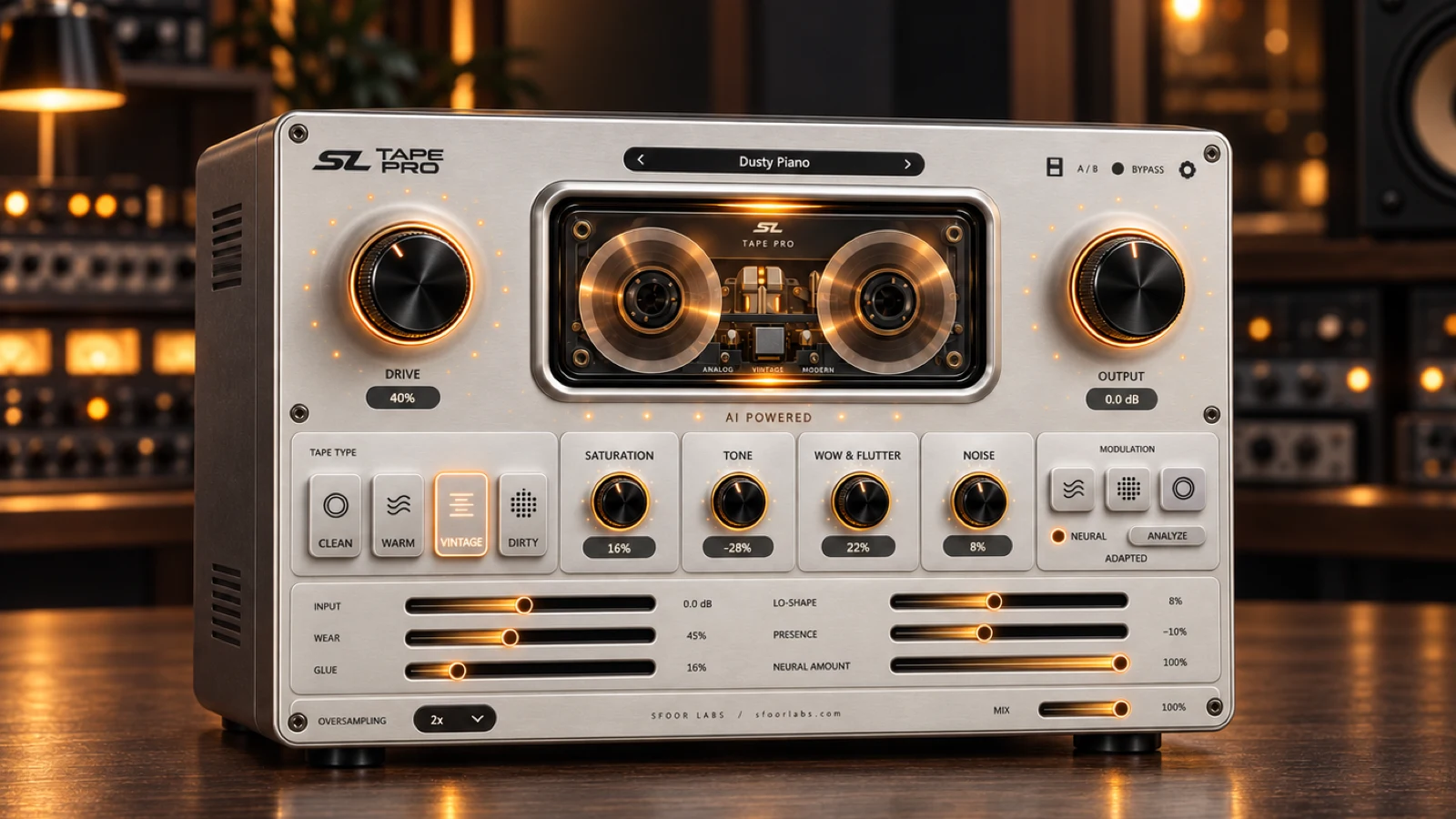 SL Tape Pro
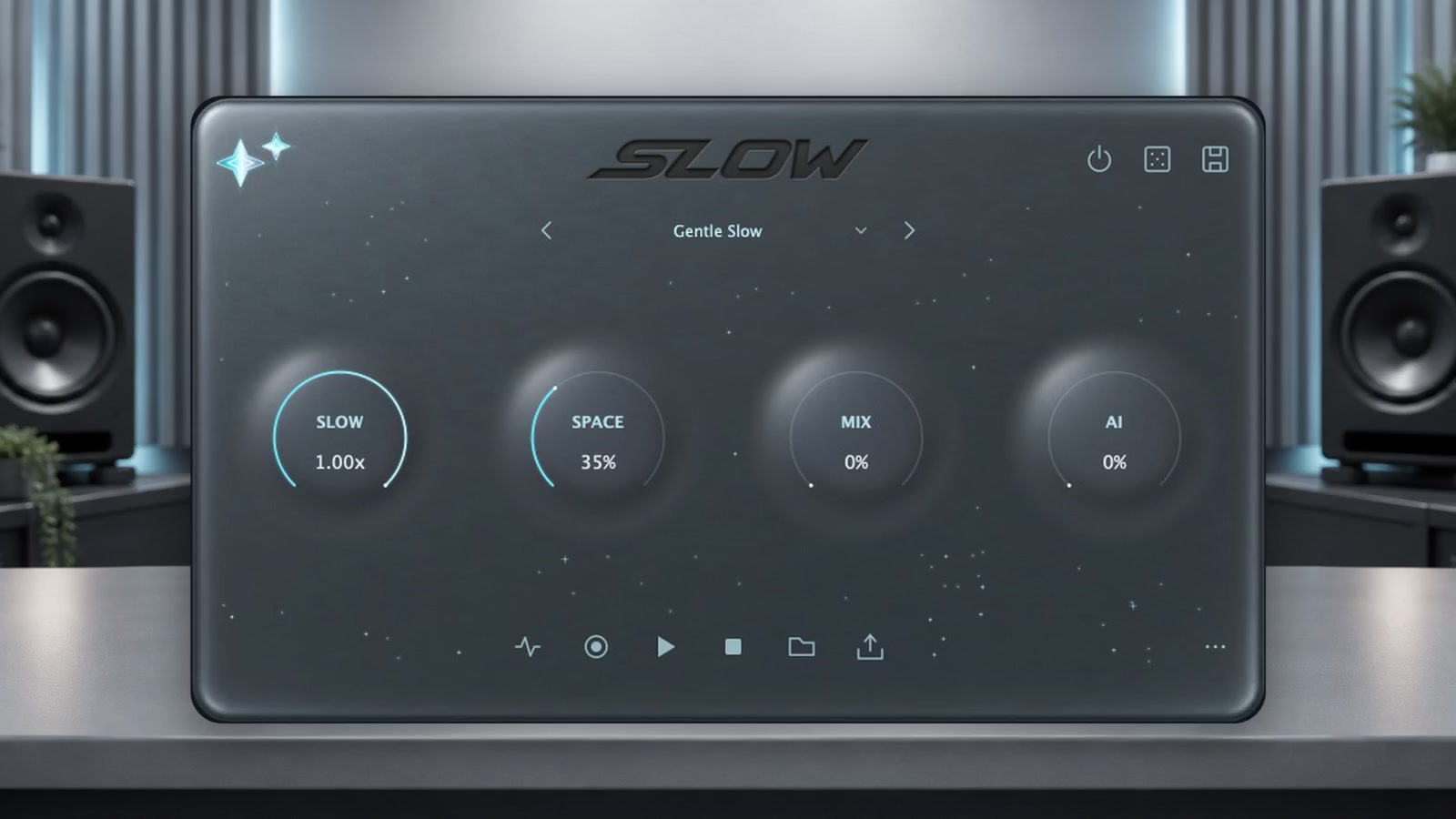 SL OW
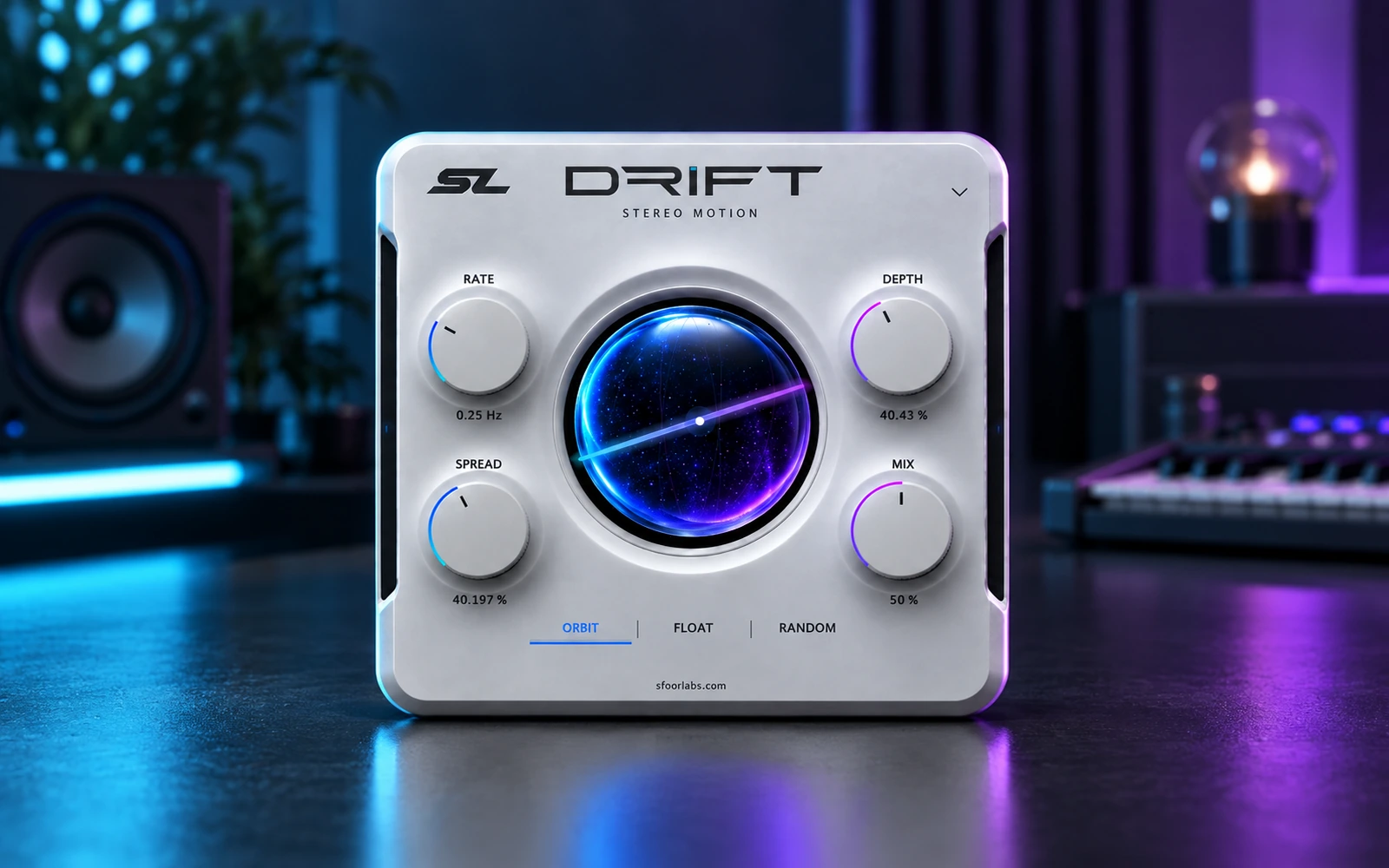 SL Drift
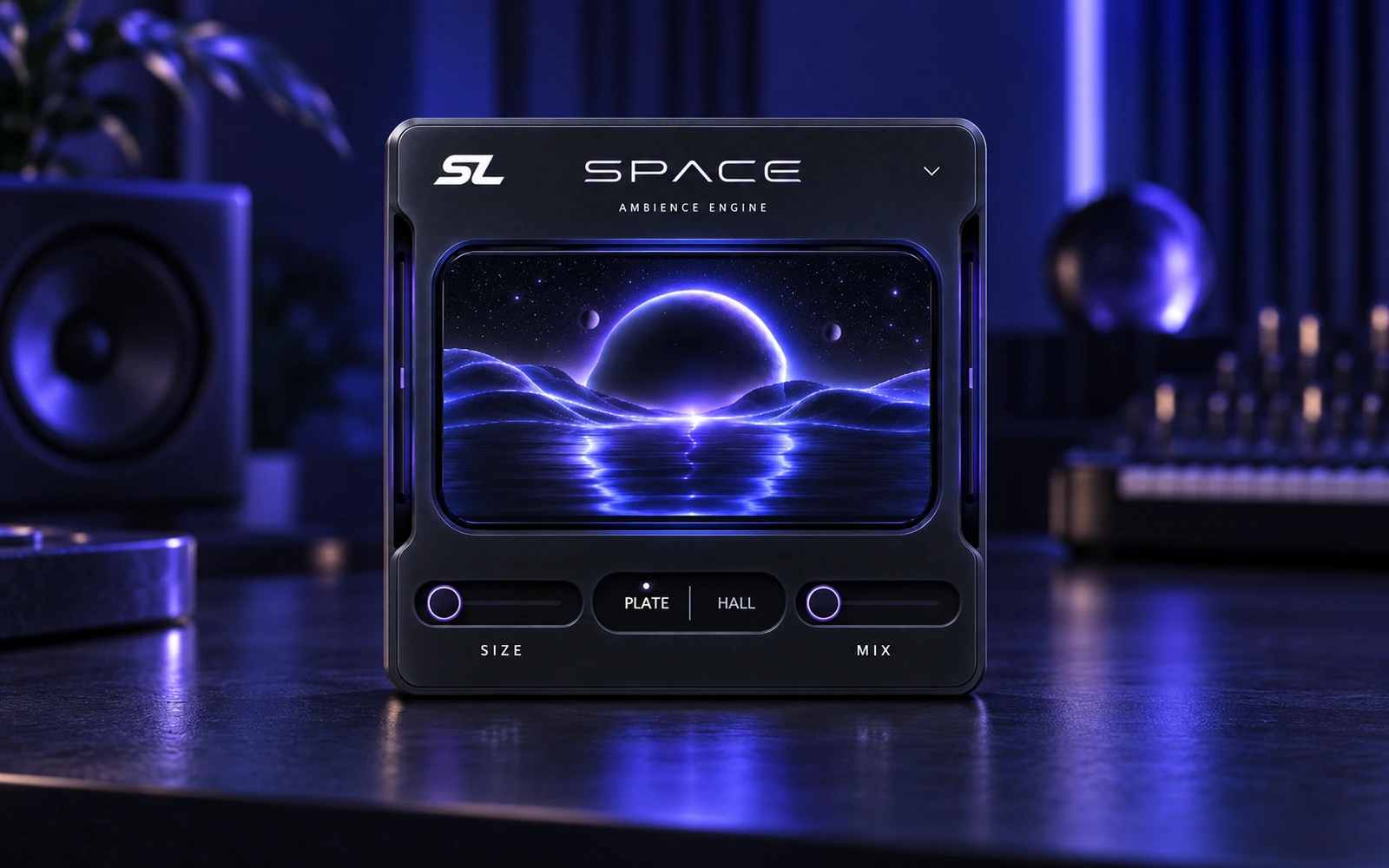 SL Space
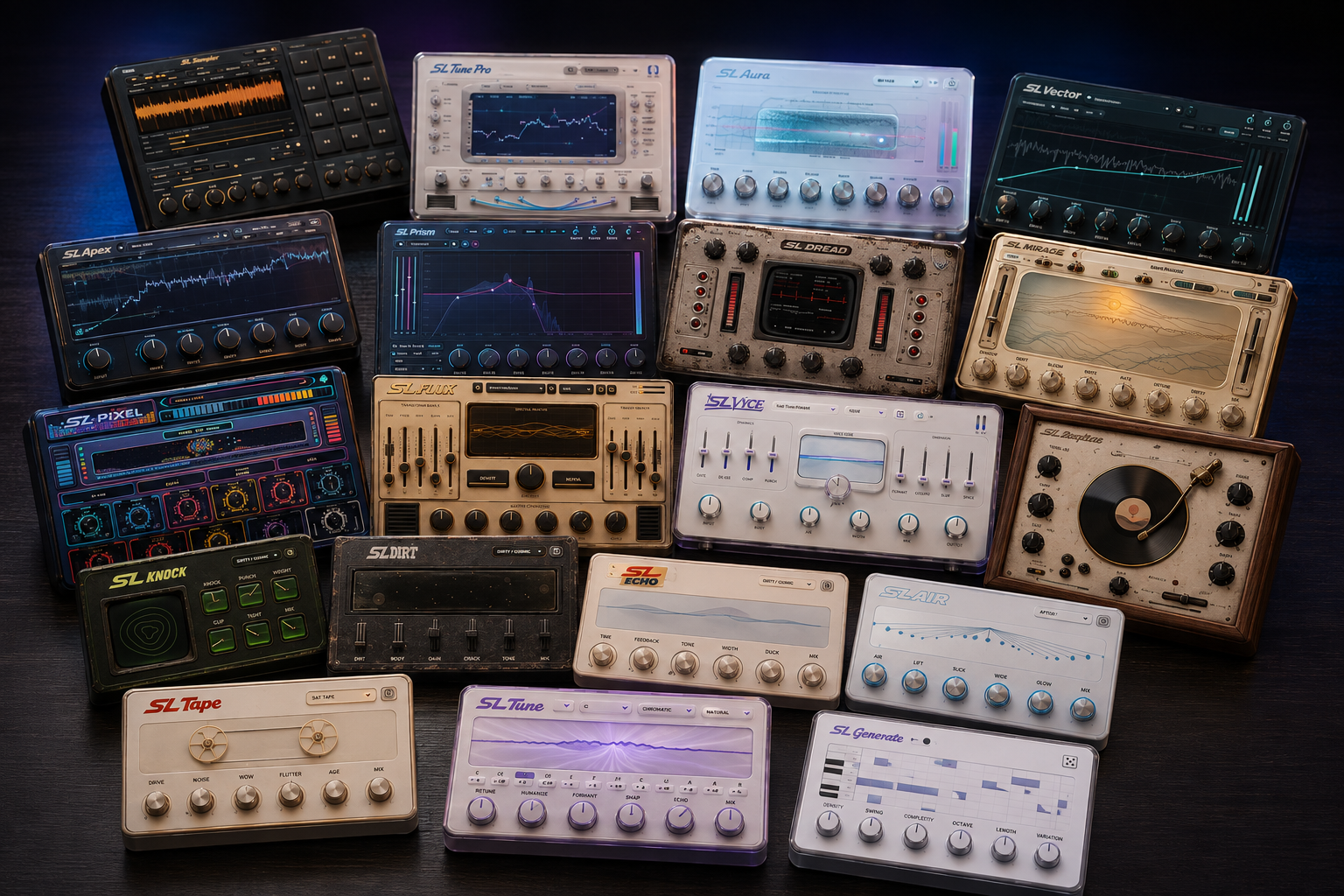 Explore all plugins
SL Hub FAQ
Is SL Hub free?
Yes. SL Hub is a free download. On iPhone and iPad, free plugins are included; paid plugins use in-app purchases or an optional subscription. App Store purchases and subscriptions are separate from desktop purchases.
Where do I buy plugins or subscribe?
On Mac, use Buy or Explore subscriptions in Hub, or buy on sfoorlabs.com. Windows purchases use the website. Use the same SL Account for these desktop purchases. On iPhone and iPad, paid access is purchased in the App Store edition. App Store purchases and subscriptions are separate from desktop purchases.
What happens to plugins I bought separately?
Your separate purchases remain yours when a subscription ends. Subscription-only access ends with the paid period; payment and renewal settings stay in your account.
Which platforms does SL Hub support?
For desktop, choose Apple Silicon Mac with macOS 13 or later, or Windows 10 version 2004 or later / Windows 11 x64. Intel Mac is not supported. The App Store edition supports iPhone and iPad with iOS or iPadOS 17 or later.
Will a desktop plugin update interrupt my session?
Choose updates individually or use Update All. Auto updates are optional and work while Hub is running. Updates wait until the plugin and DAW are closed; your DAW is never closed automatically.
Can I use desktop SL Hub without internet?
Browsing, downloads and account checks need internet. Existing desktop subscription receipts last at most 24 hours and never beyond the paid access boundary. Cloud generation always needs online authorization.