Move static sound with SL Drift.
Rate, Depth, Spread and Mix create controlled stereo motion for pads, backing vocals, effects and loops.
Download SL Drift free
Use two complete free effects to test the Sfoor Labs workflow on macOS. Add specialist paid processing only when the mix calls for it.
Rate, Depth, Spread and Mix create controlled stereo motion for pads, backing vocals, effects and loops.
Download SL Drift freePlate, Hall, Size and Mix add ambience to vocals, synths, guitars and sound design without a crowded interface.
Download SL Space freeUse static, dynamic and spectral EQ across 24 bands with phase choices, Mid Side, sidechain and EQ Match.
Explore SL PrismChoose Clean, Warm, Vintage or Dirty, then shape saturation, movement, wear, noise and glue.
Explore SL Tape ProCurrent website downloads are for macOS Apple Silicon. Product pages list exact plugin formats and verified platform availability. Windows and Intel Mac support are not claimed.
Compare every Sfoor Labs pluginFour distinct desktop tools for sampling, detail, character and dynamics.
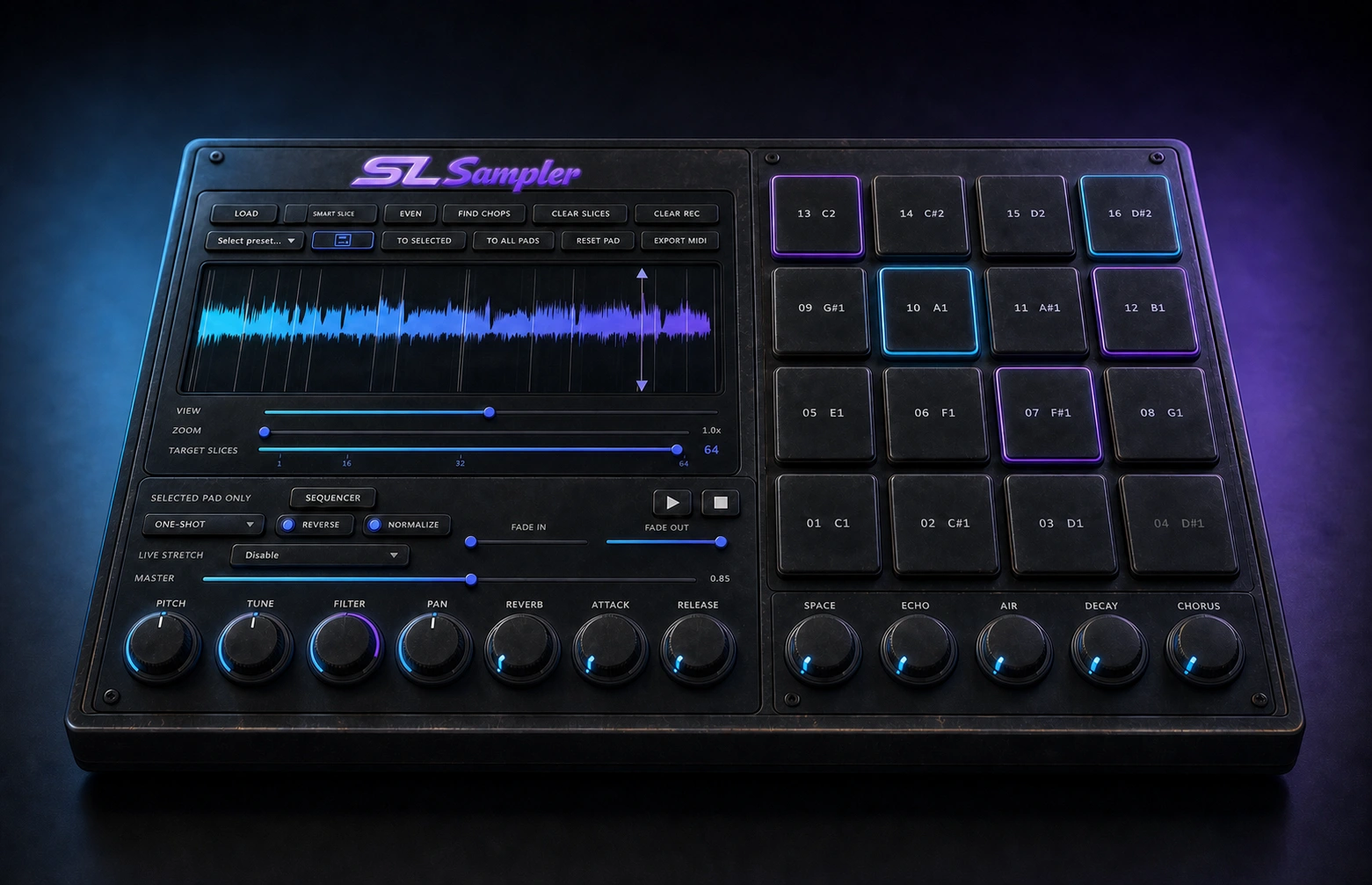
Turn recordings into playable instruments with Smart Slice and up to 64 pads.
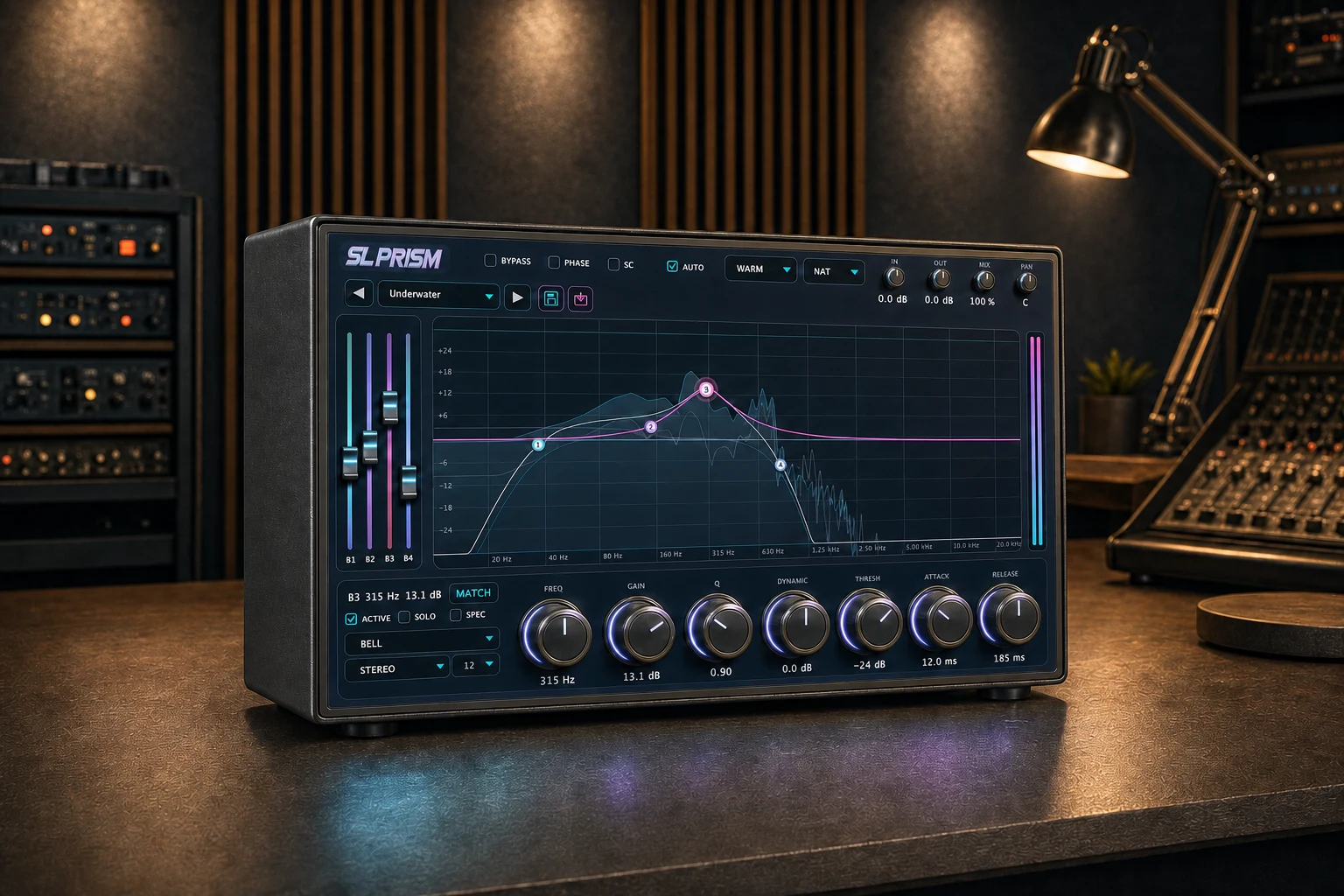
Control static, dynamic and spectral detail across 24 EQ bands.
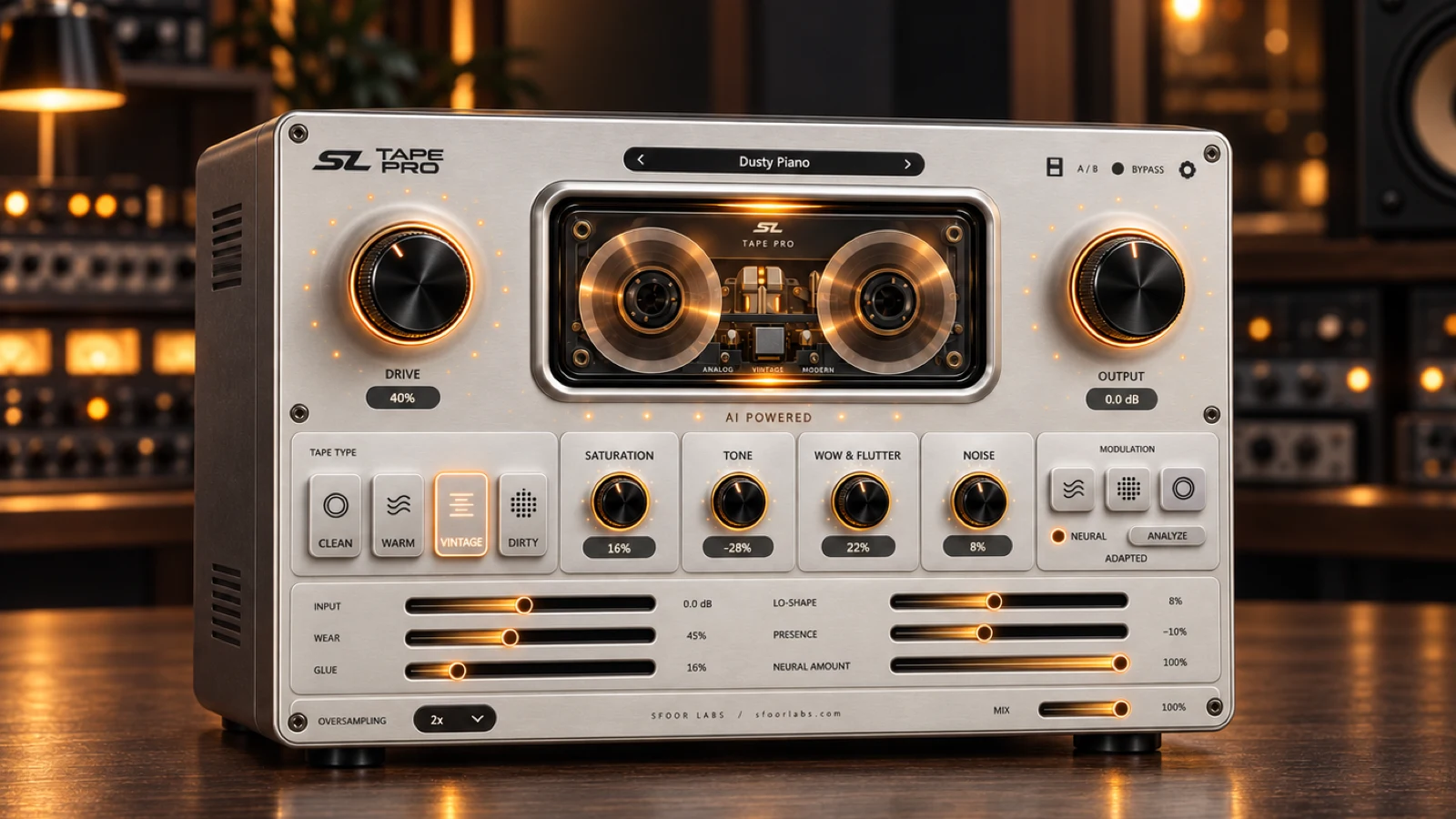
Add detailed tape color, movement, wear, noise and glue.
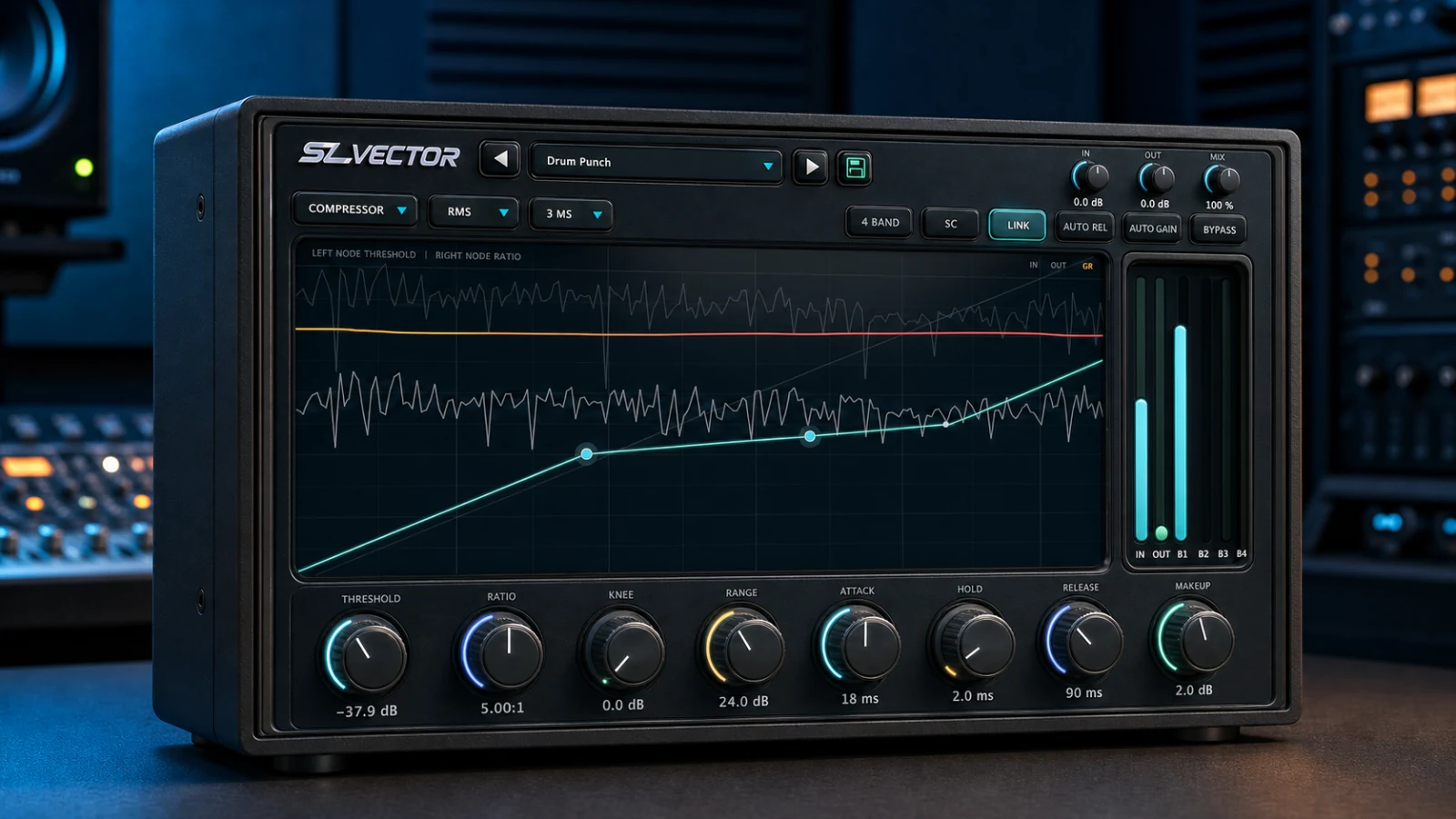
Shape four frequency bands with focused multiband dynamics.