


West Coast leads and keys
Connected leads. Warm keys.
27 presets for sustained leads, piano, electric keys and bass. Overlap notes for mono legato and use Glide to move smoothly between pitches.

Hear the instrument
The same connected phrase through different factory presets. This is the instrument alone, without drums or a backing track.
Shape each phrase
Set Glide, Tone, Attack and Release. Add Chorus and Space, then balance the lows, mids and highs with the three-band EQ.
Made to play
Use the keyboard, Pitch and Mod controls or MIDI from your host. Save your own sounds. The sunset scene responds to your playing; switch Motion off whenever you prefer.
Included with your purchase
27 factory presets for leads, piano, electric keys and bass. Save your own presets and shape each sound with six controls and a three-band EQ.
Mac compatibility
macOS 13 or later on Apple Silicon. Standalone, VST3 and Audio Unit. The installer is signed and notarized by Apple.
You may also like
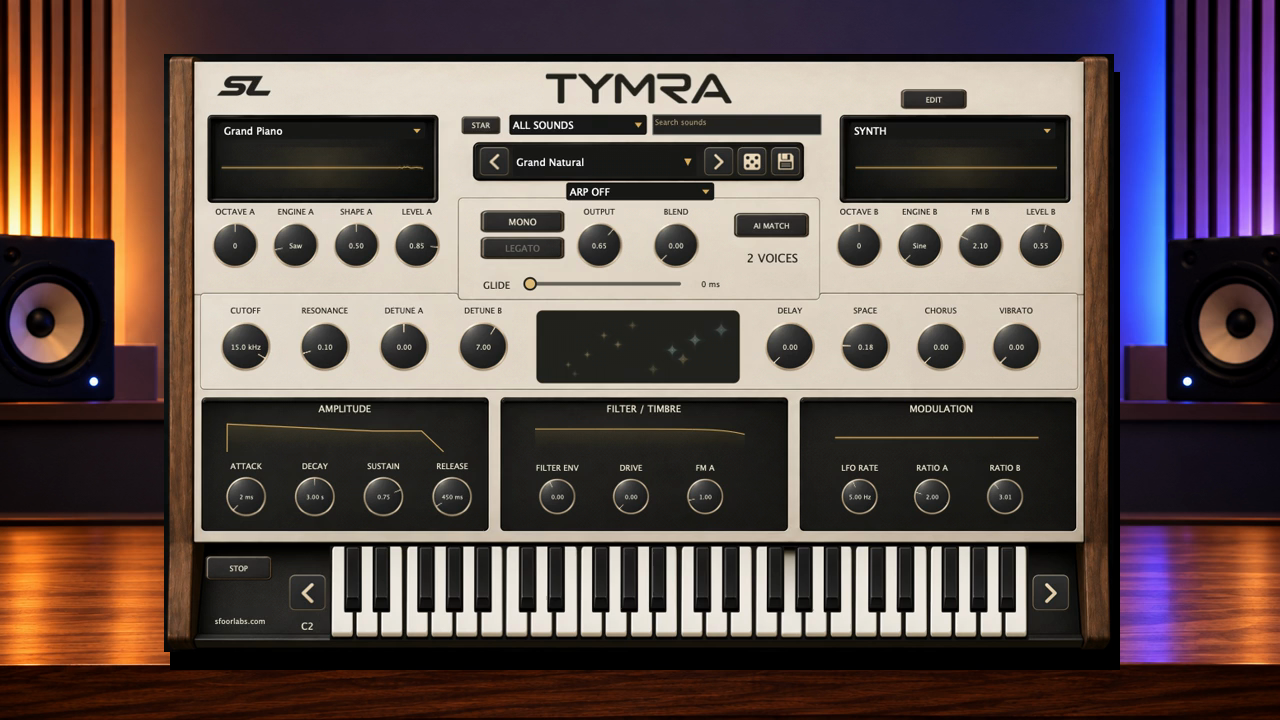 SL Tymra
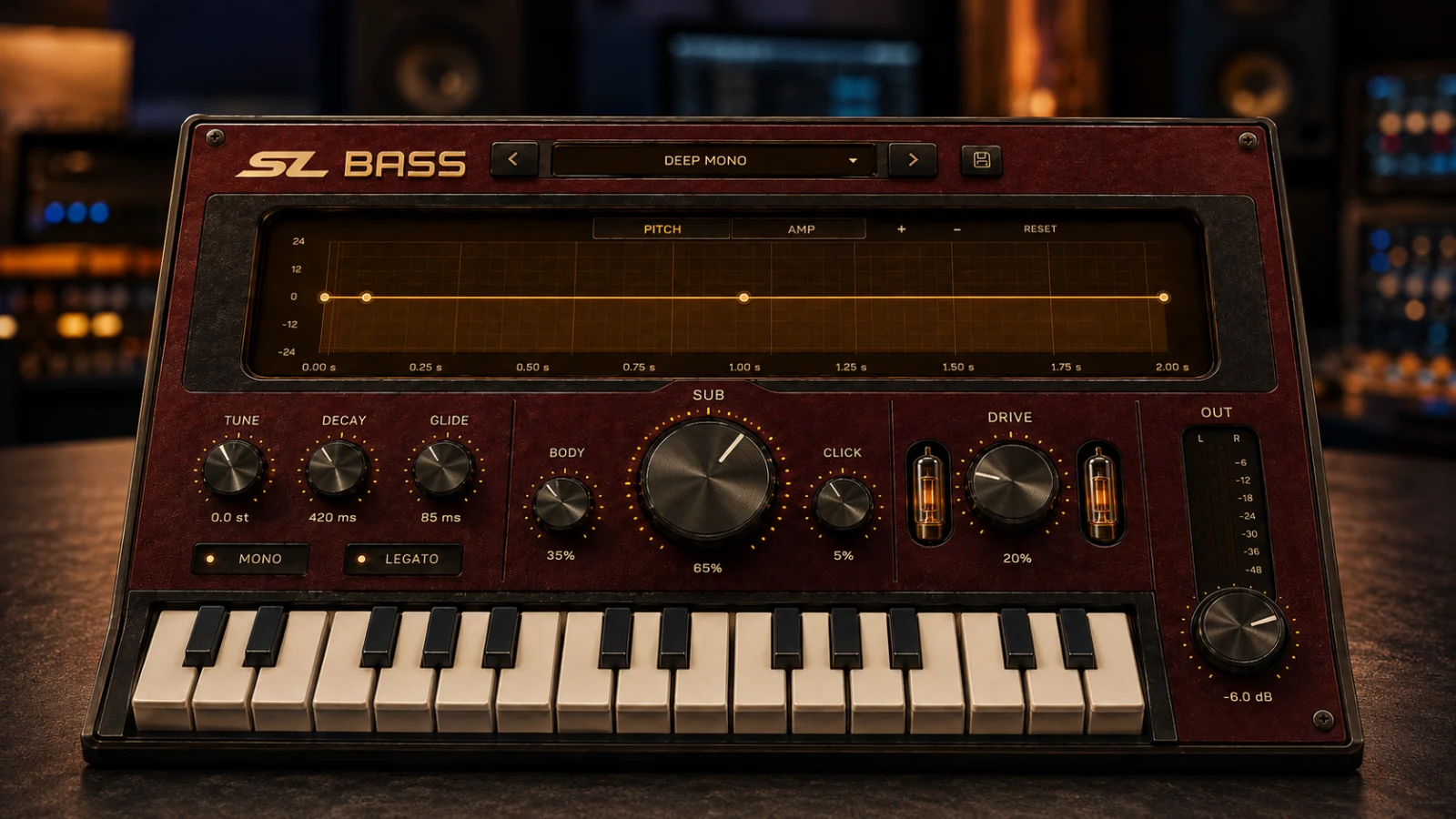 SL Bass
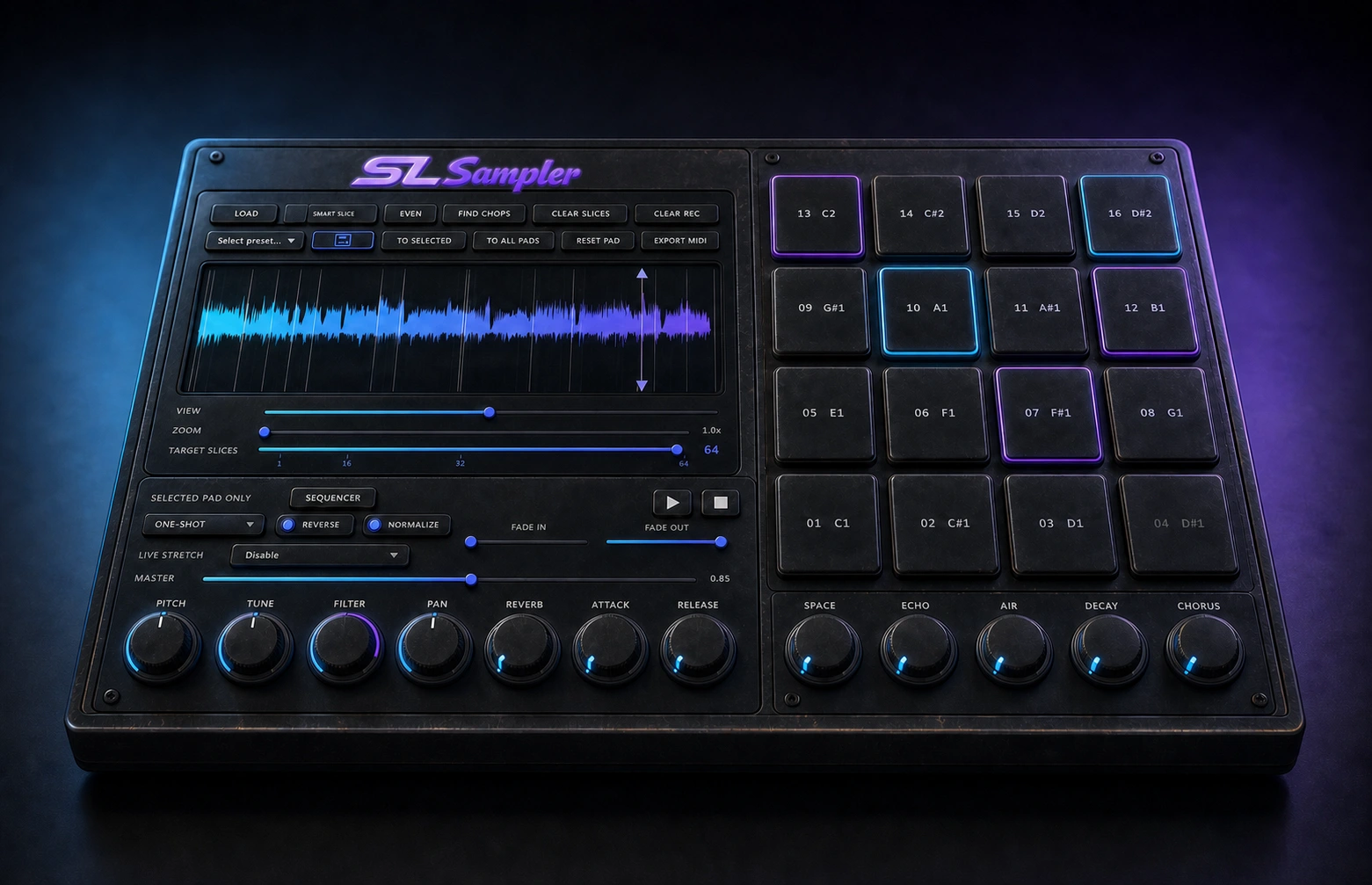 SL Sampler
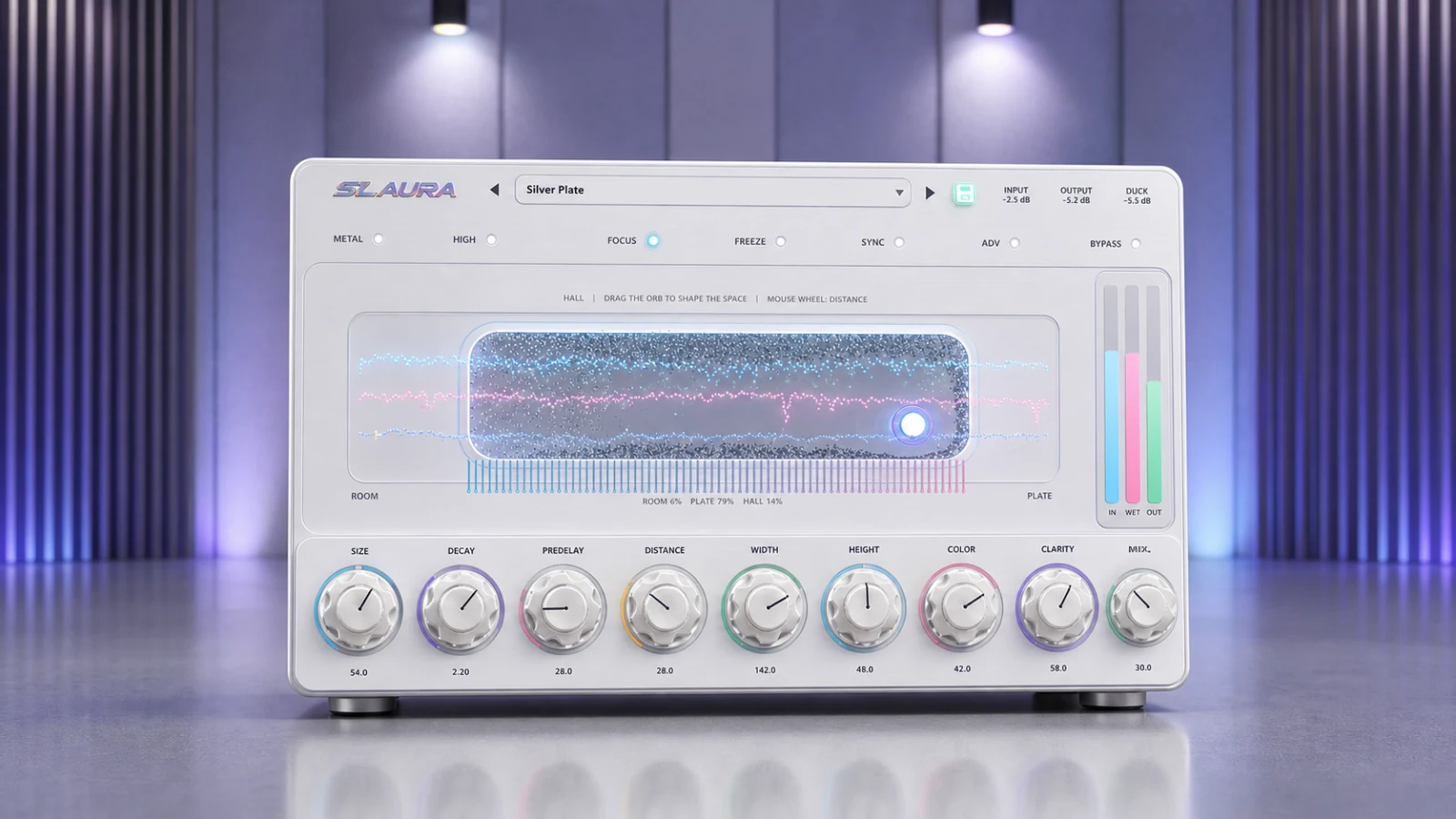 SL Aura
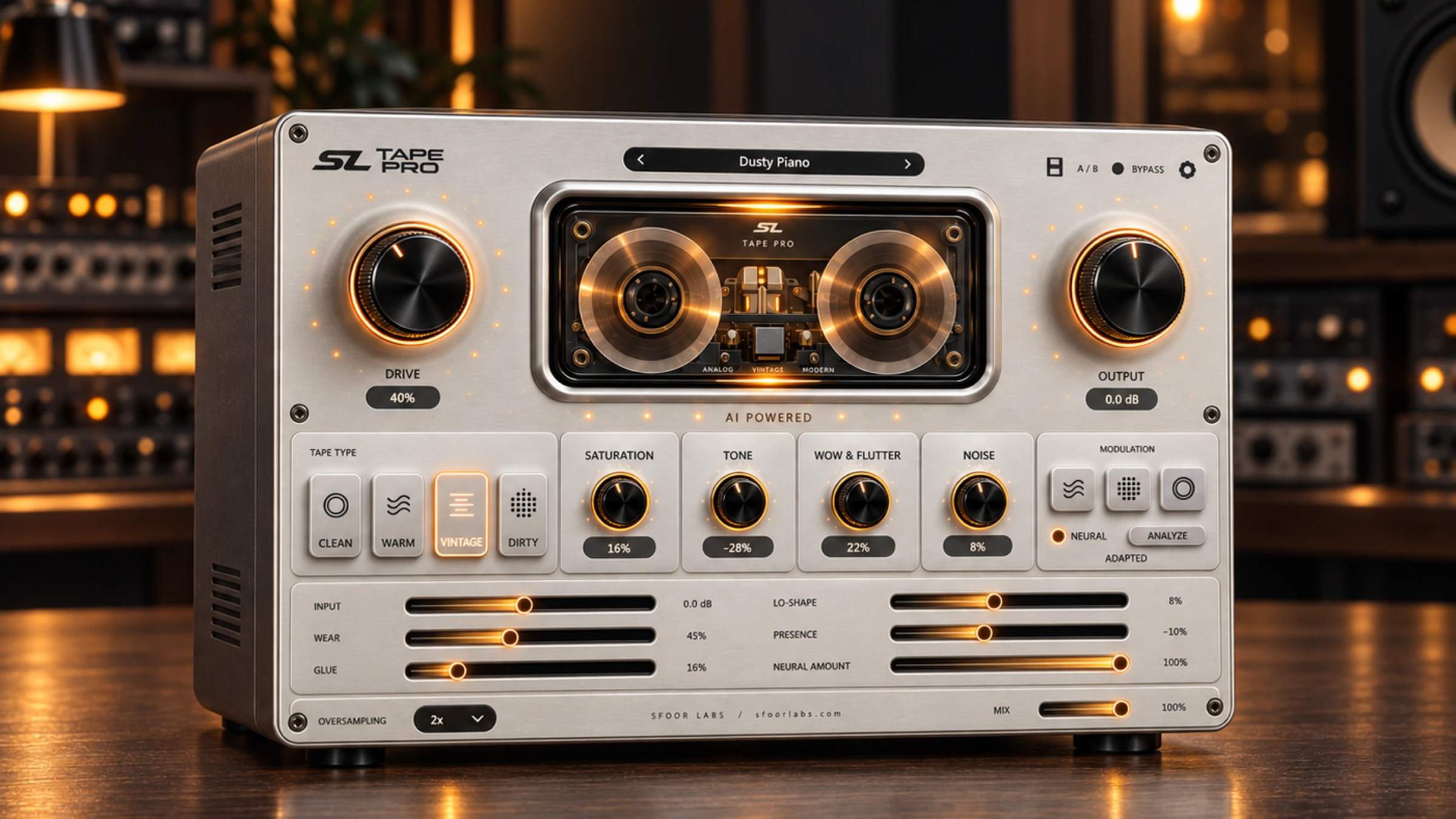 SL Tape Pro
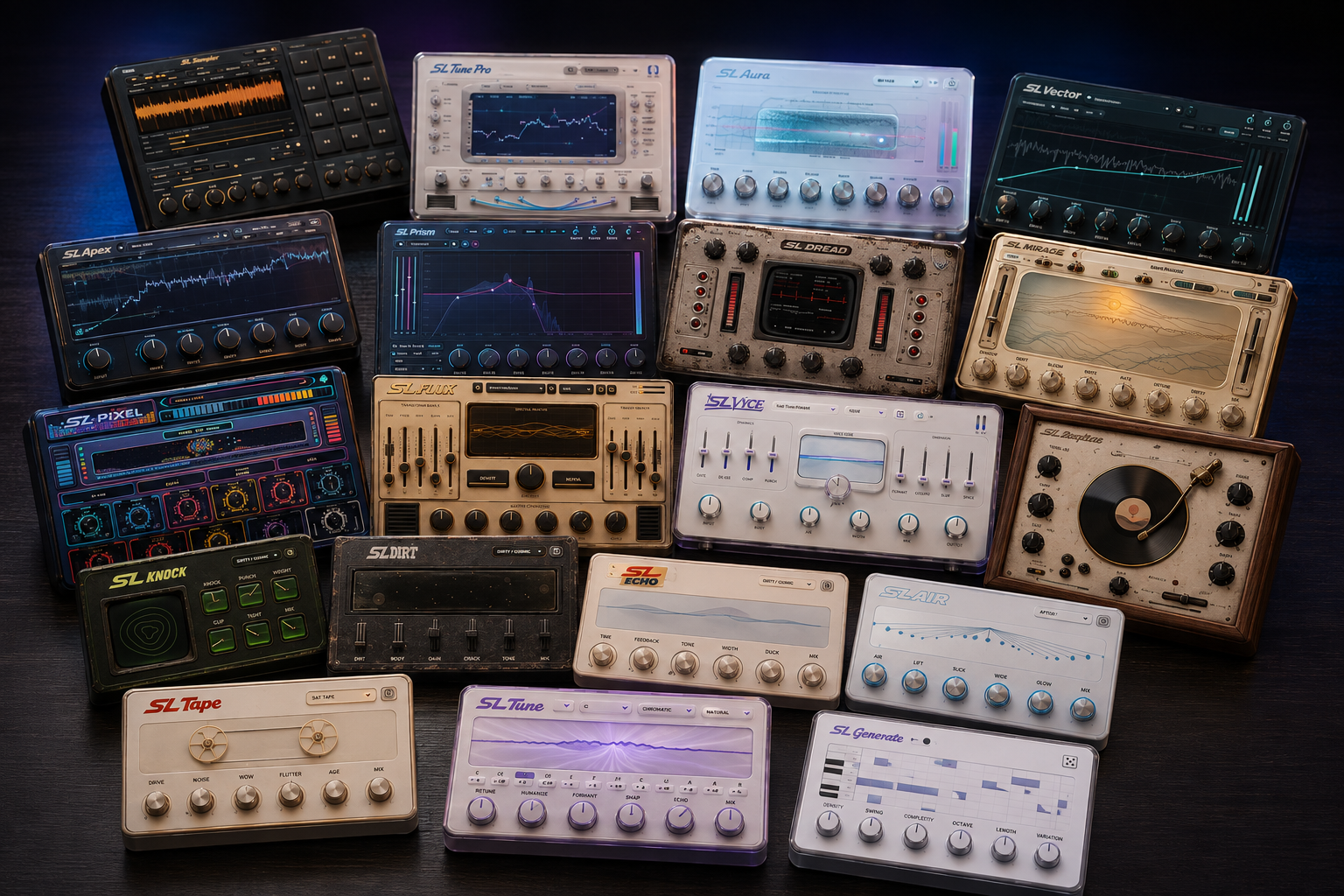 Explore all plugins
Desktop platforms
Windows 10 version 2004 or later / Windows 11 x64: VST3 and standalone. Mac formats and minimum requirements are listed above. One website desktop purchase includes Mac and Windows. Existing desktop customers can use their account or SL Hub; App Store purchases remain separate.
FAQ
How do I get a smooth slide between notes?
Use a mono legato lead, overlap your notes and increase Glide. Attack controls how gradually each phrase begins.
Does the Mac purchase include the iPhone edition?
The iPhone and iPad edition is available separately on the App Store. A website desktop purchase includes Mac and Windows.
How do I install it?
Open the DMG, run Install SL Calioura, then rescan plugins in your DAW. The installer includes the standalone app, VST3, Audio Unit and FL Studio Picker thumbnail.