
Windows x64 / Apple Silicon Mac
Windows VST plugins
Audio effects and instruments for Windows in VST3 and standalone formats. Start with five free plugins in SL Hub, or use your existing Sfoor Labs desktop purchases on Windows and Mac.
Watch the Windows launch trailer
5 free Windows plugins
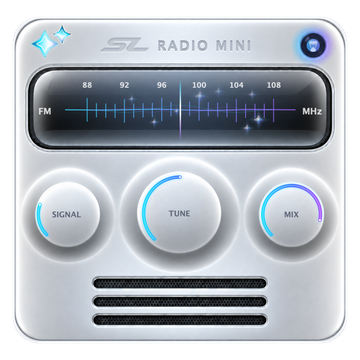
Drift, Space, Radio Mini, Clean and Bass Boost are free. No paid subscription is required. Use the verified-account download flow to get SL Hub, then install your tools.
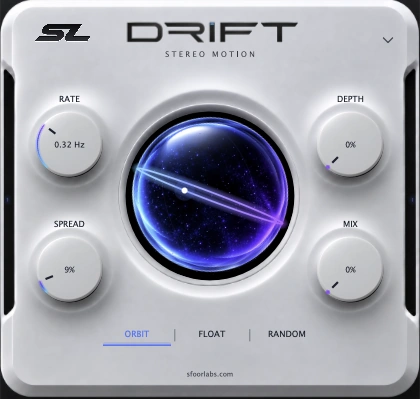
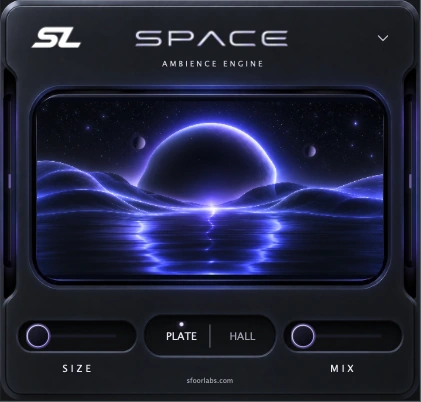
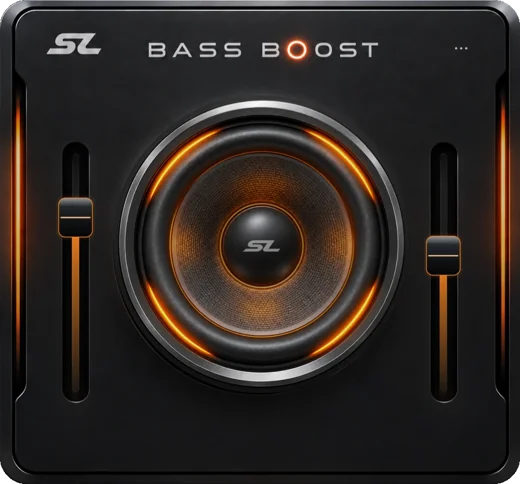
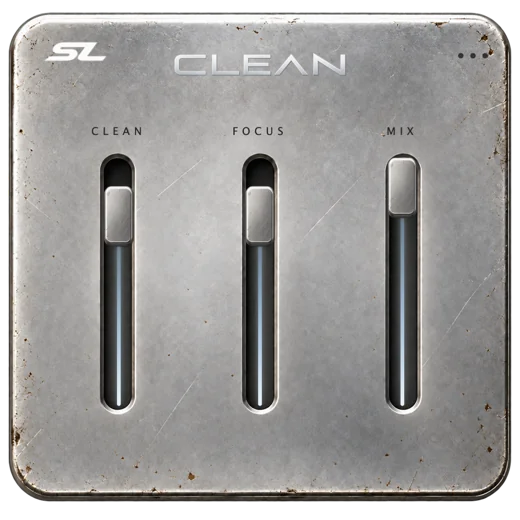
Effects and instruments for Windows and Mac
One website desktop product purchase includes both versions. Already purchased? Sign in to your account library or connect SL Hub. App Store purchases for iPhone and iPad are separate.
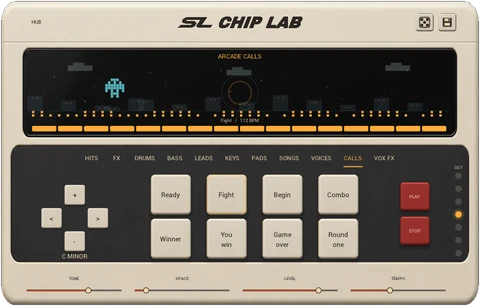
SL Chip Lab
Windows + Mac desktop license
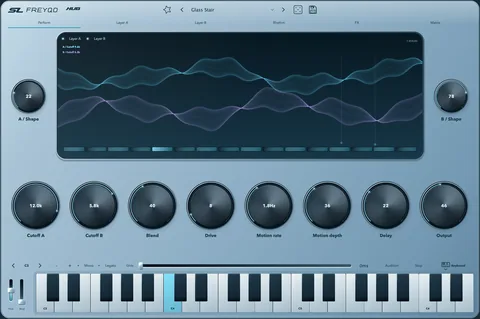
SL Freyqo
Windows + Mac desktop license
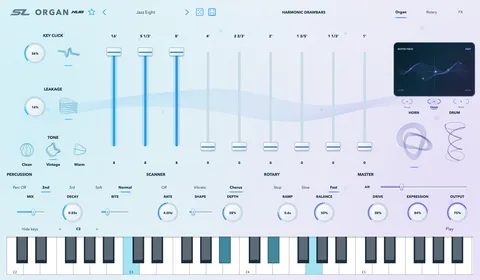
SL Organ
Windows + Mac desktop license
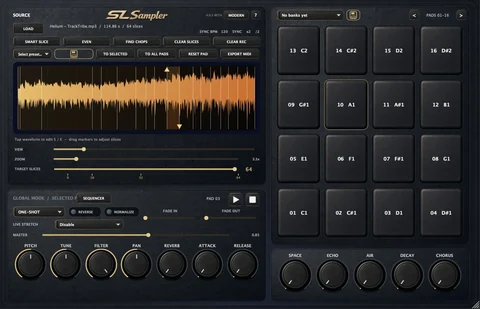
SL Sampler
Windows + Mac desktop license
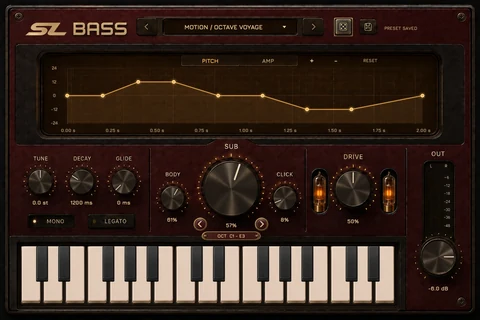
SL Bass
Windows + Mac desktop license
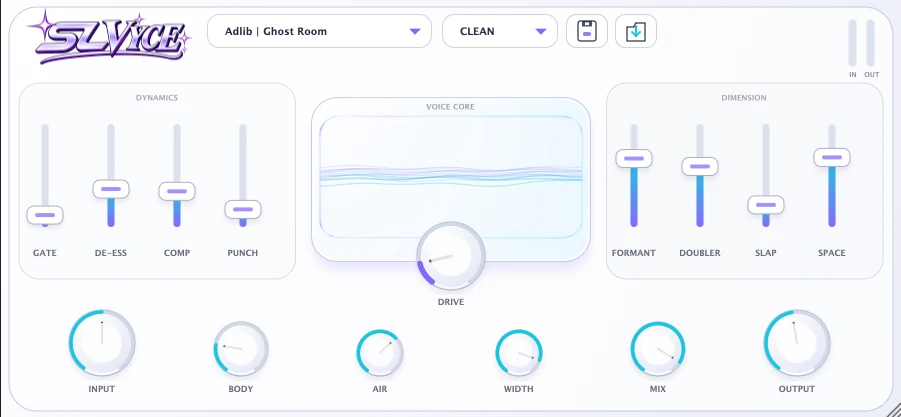
SL VYCE
Windows + Mac desktop license
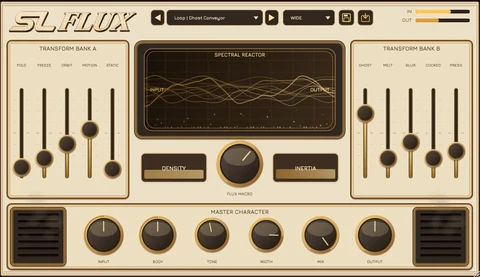
SL FLUX
Windows + Mac desktop license
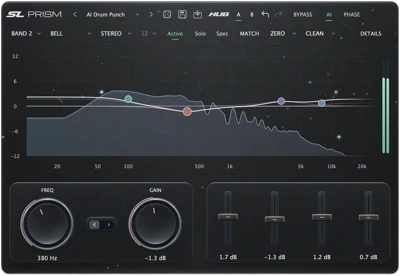
SL Prism
Windows + Mac desktop license
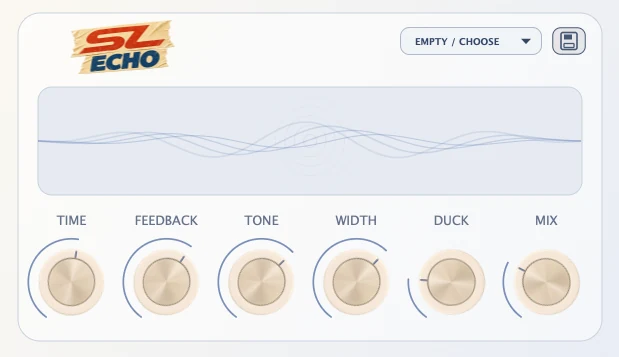
SL Echo
Windows + Mac desktop license
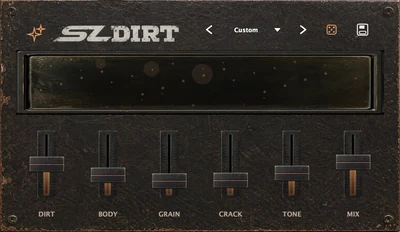
SL Dirt
Windows + Mac desktop license
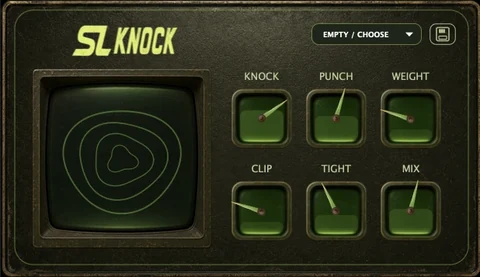
SL Knock
Windows + Mac desktop license
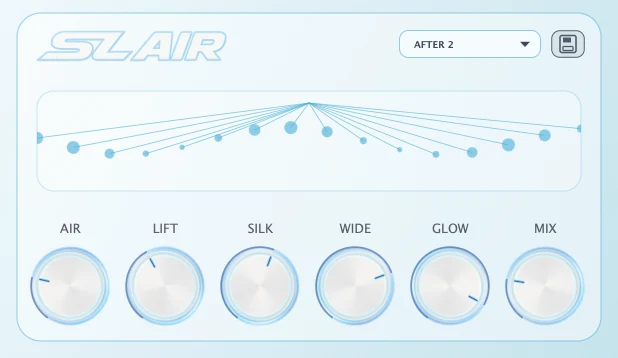
SL Air
Windows + Mac desktop license
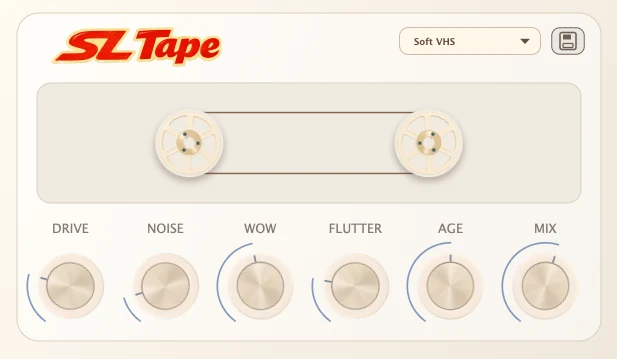
SL Tape
Windows + Mac desktop license
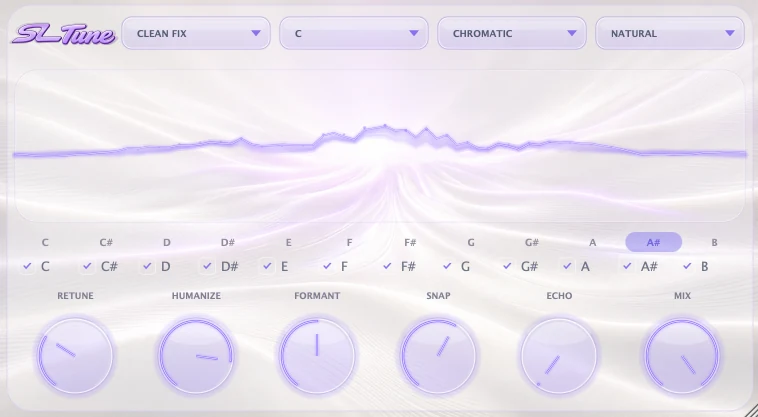
SL Tune
Windows + Mac desktop license
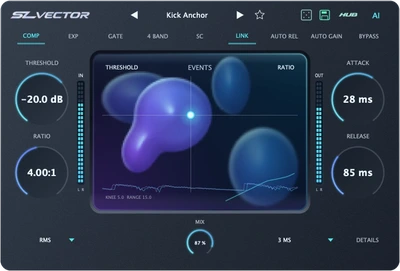
SL Vector
Windows + Mac desktop license
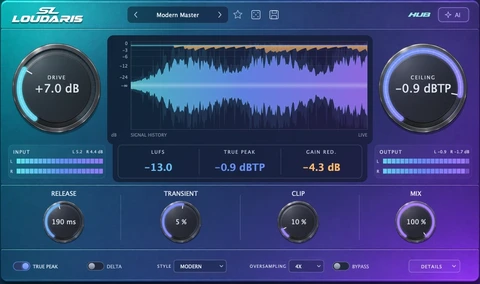
SL Loudaris
Windows + Mac desktop license
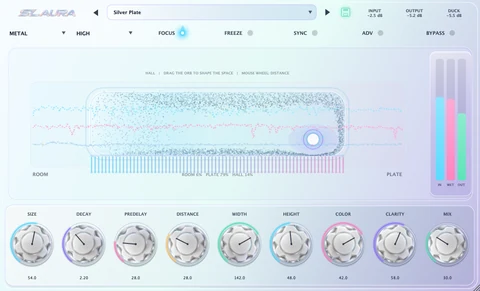
SL Aura
Windows + Mac desktop license
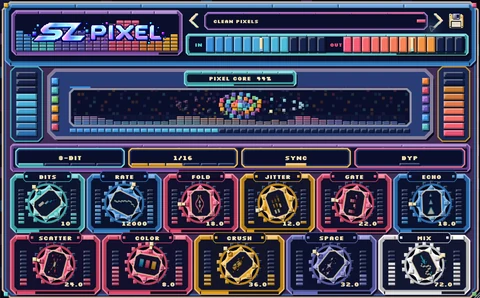
SL Pixel
Windows + Mac desktop license
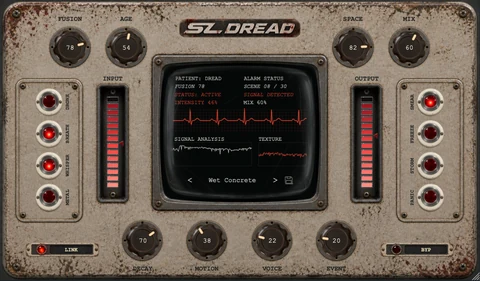
SL Dread
Windows + Mac desktop license
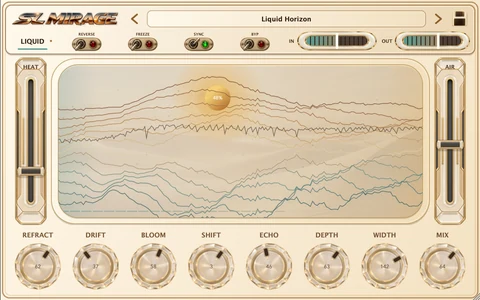
SL Mirage
Windows + Mac desktop license
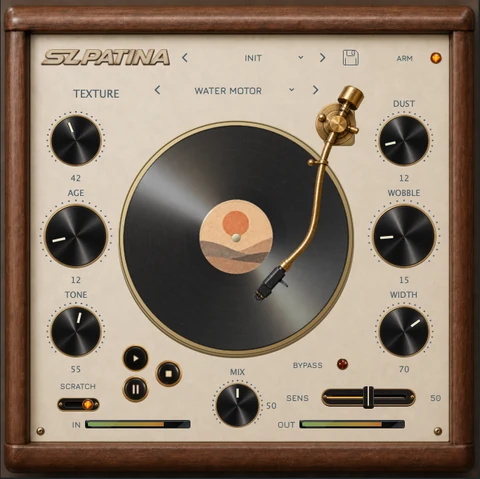
SL Patina
Windows + Mac desktop license
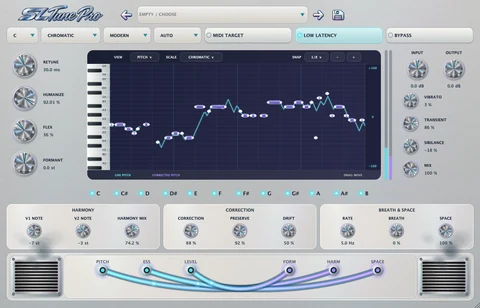
SL Tune Pro
Windows + Mac desktop license
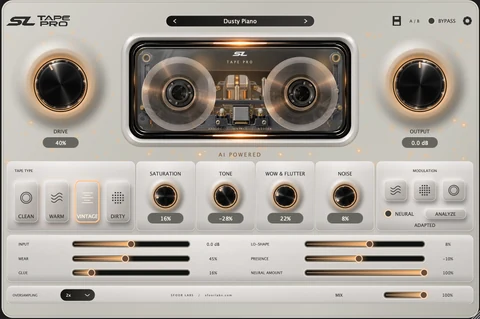
SL Tape Pro
Windows + Mac desktop license
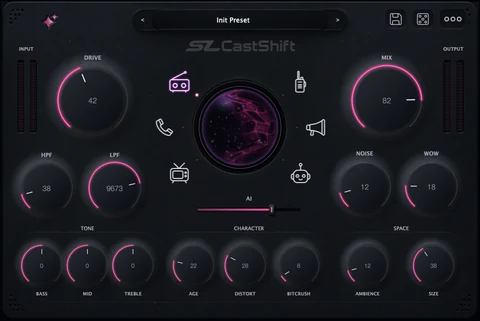
SL CastShift
Windows + Mac desktop license
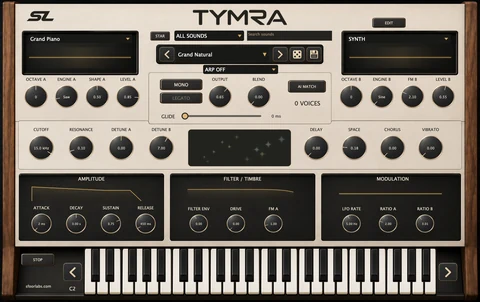
SL Tymra
Windows + Mac desktop license
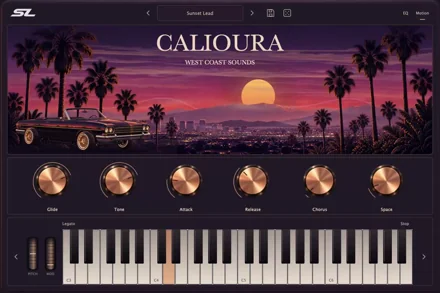
SL Calioura
Windows + Mac desktop license
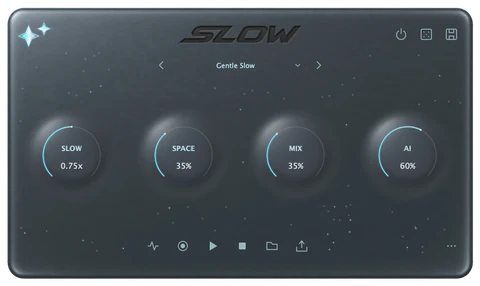
SL OW
Windows + Mac desktop license
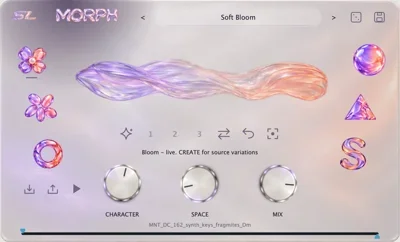
SL MORPH
Windows + Mac desktop license
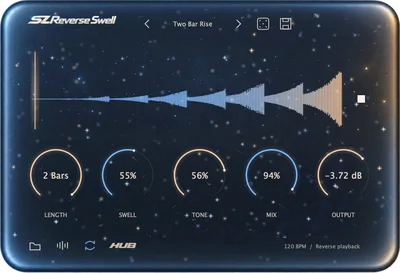
SL Reverse Swell
Windows + Mac desktop license
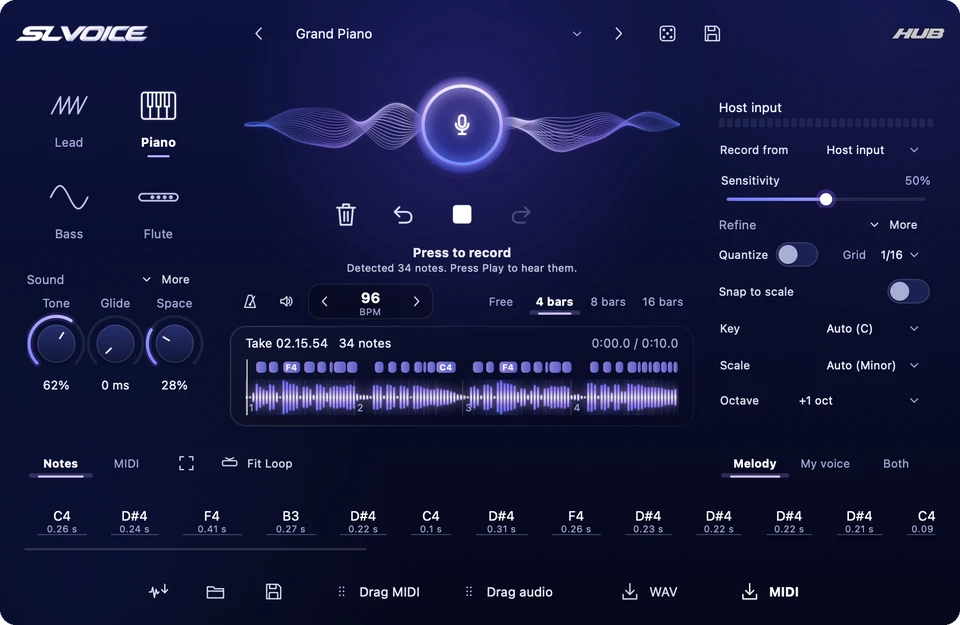
SL Voice
Windows + Mac desktop license
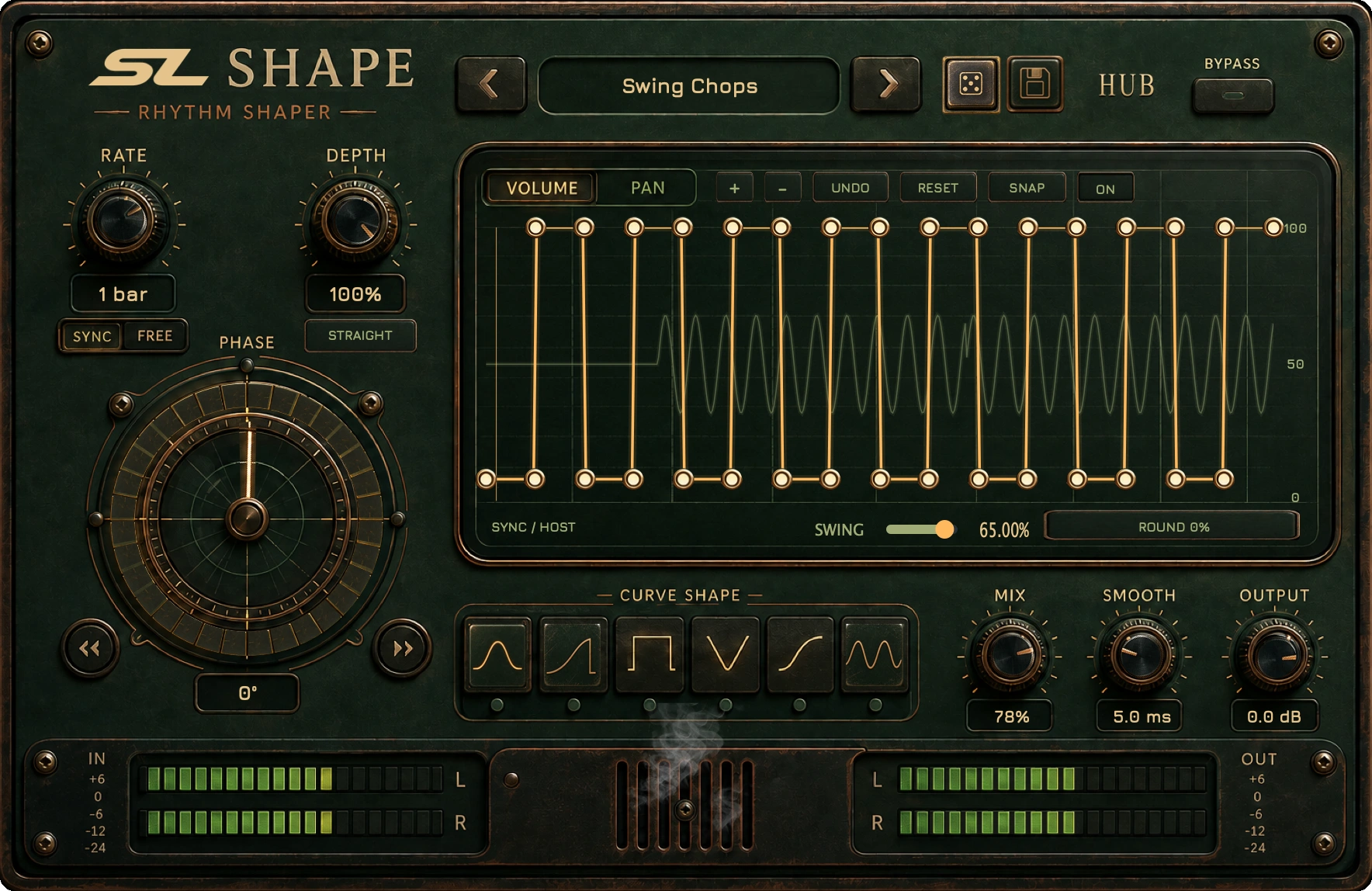
SL Shape
Windows + Mac desktop license
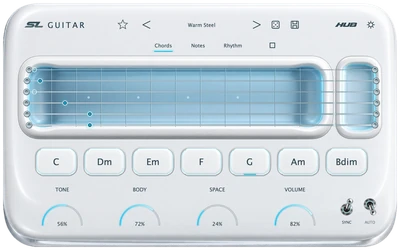
SL Guitar
Windows + Mac desktop license
SL Generate on Windows
SL Generate is also available through SL Hub with its applicable Generate access. See the SL Generate page for features and plans.
Windows installation FAQ
Which Windows versions and formats are supported?
Windows 10 version 2004 (build 19041) or later and Windows 11 x64. Install VST3 for a compatible host or use the standalone app. AU and AUv3 are Apple formats. Compatibility with every host and device has not been independently verified.
Do I need to buy the Windows version again?
No. A website desktop product purchase covers its Mac and Windows versions. Use the same Sfoor Labs account. App Store purchases are a separate license.
Where do free plugins install?
Get SL Hub for your platform, connect your account, and select a free plugin. The five free plugins do not require a paid subscription.
Why can Windows show Unknown Publisher?
The current Windows installers do not have an Authenticode publisher certificate. SL Hub verifies Sfoor Labs release signatures and file hashes; these are separate from Microsoft publisher verification. Download only through the official website or SL Hub.