

SL FLUX
Turn static sounds into movement, texture and impact. Ten transformations, two tactile fader banks, five processing scenes and one expressive macro make detailed sound design fast.
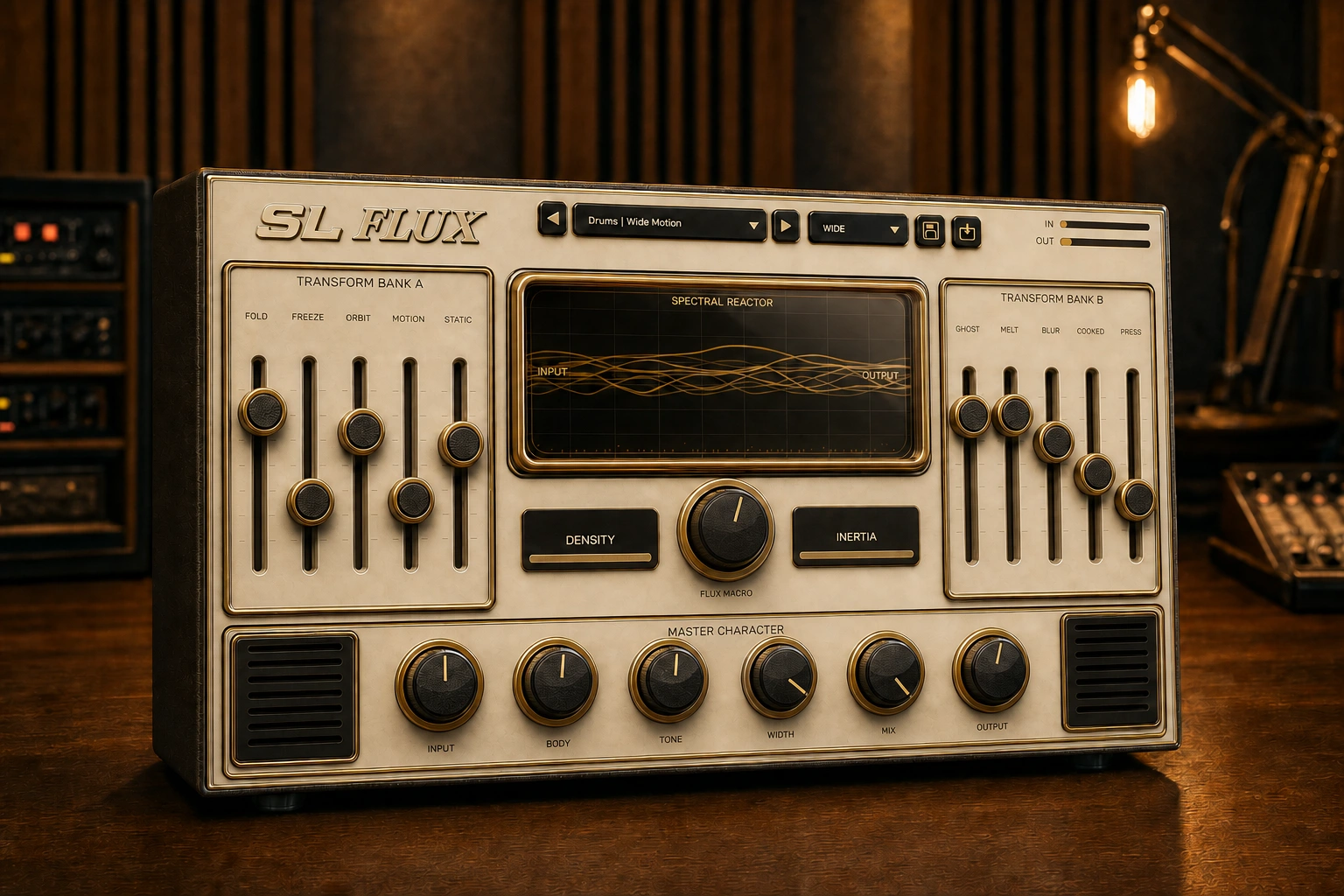
What SL FLUX does
A creative VST3 multi effect with ten transformations, five processing scenes and an expressive macro for movement, texture and impact.
- 10 transformations
- 16 presets
- Five processing scenes
- FLUX Macro
- Reactive spectral display
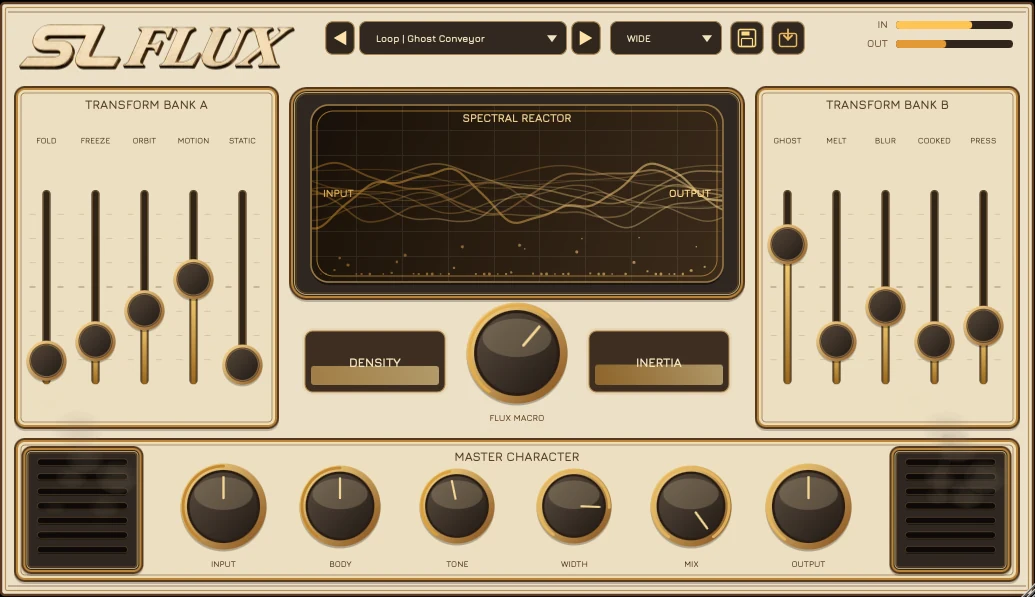
Built for music, not menus.
Turn static sounds into movement, texture and impact. Ten transformations, two tactile fader banks, five processing scenes and one expressive macro make detailed sound design fast.
SL FLUX FAQ
What format does SL FLUX use?
VST3. Current supported systems: macOS Apple Silicon.
What is SL FLUX designed for?
A creative VST3 multi effect with ten transformations, five processing scenes and an expressive macro for movement, texture and impact.
Where can I see every Sfoor Labs plugin?
Visit the complete Sfoor Labs plugin catalog for current products, bundles and release status.
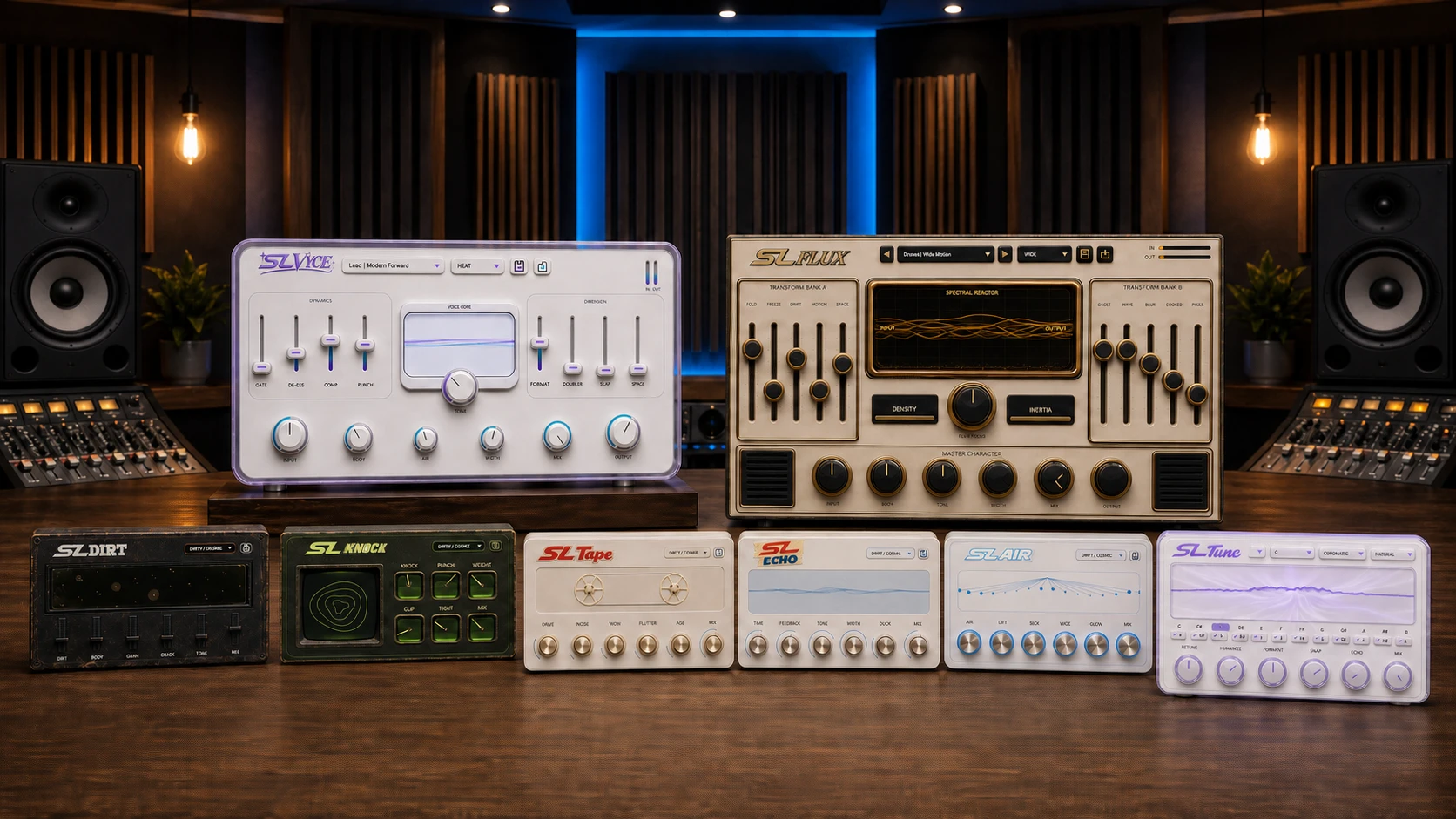 SL Complete Plugin Suite
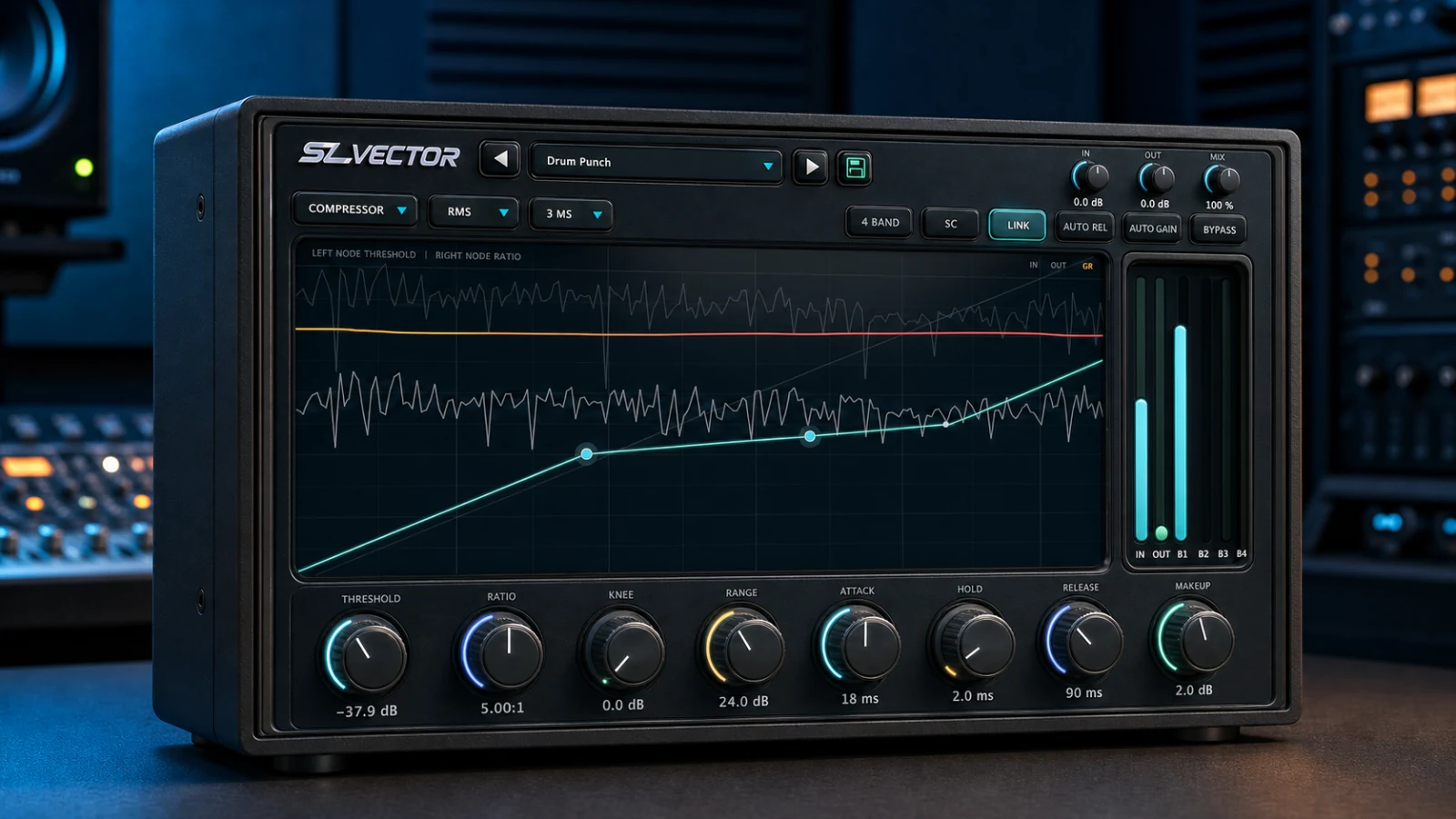 SL Vector
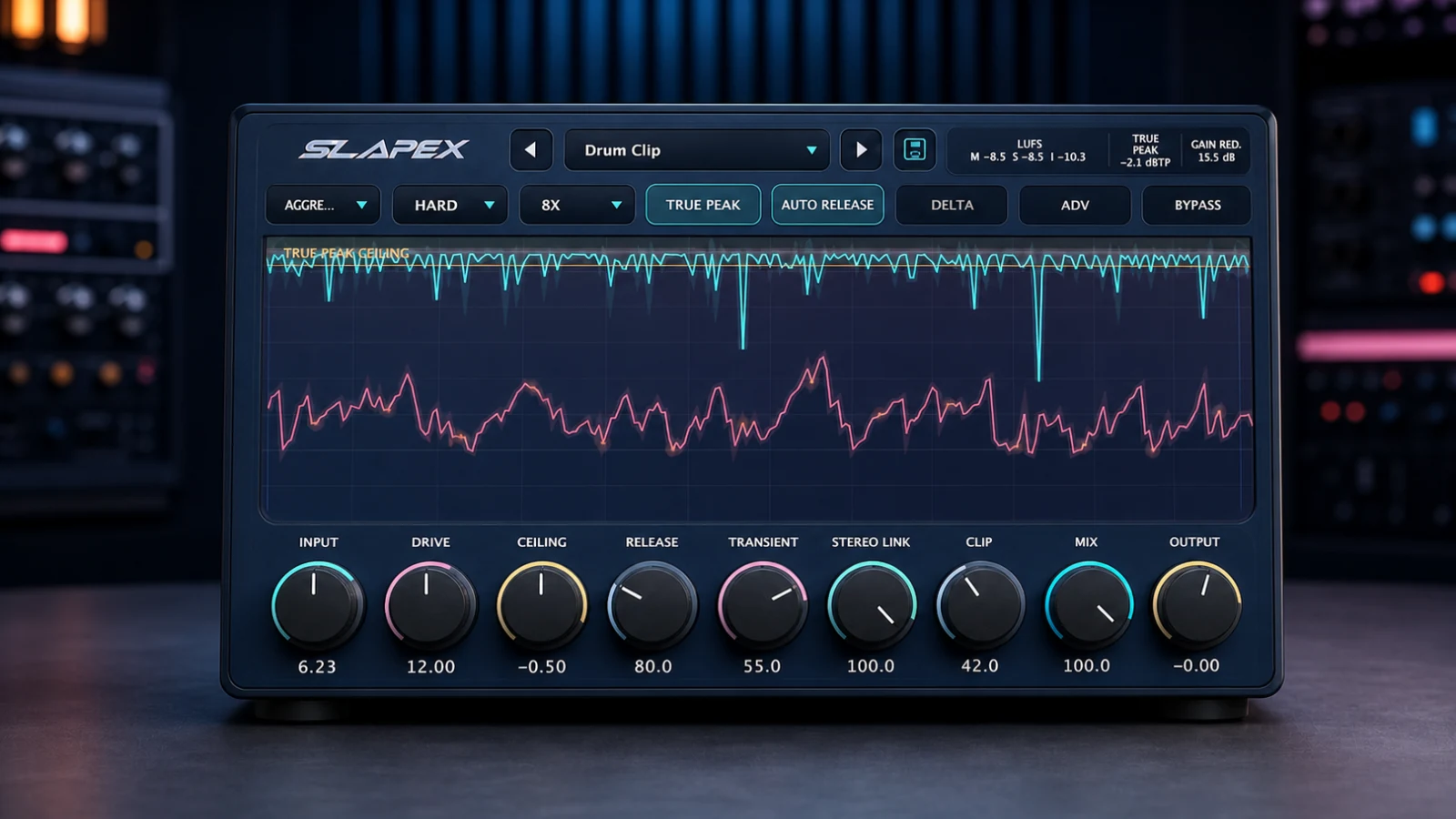 SL Apex
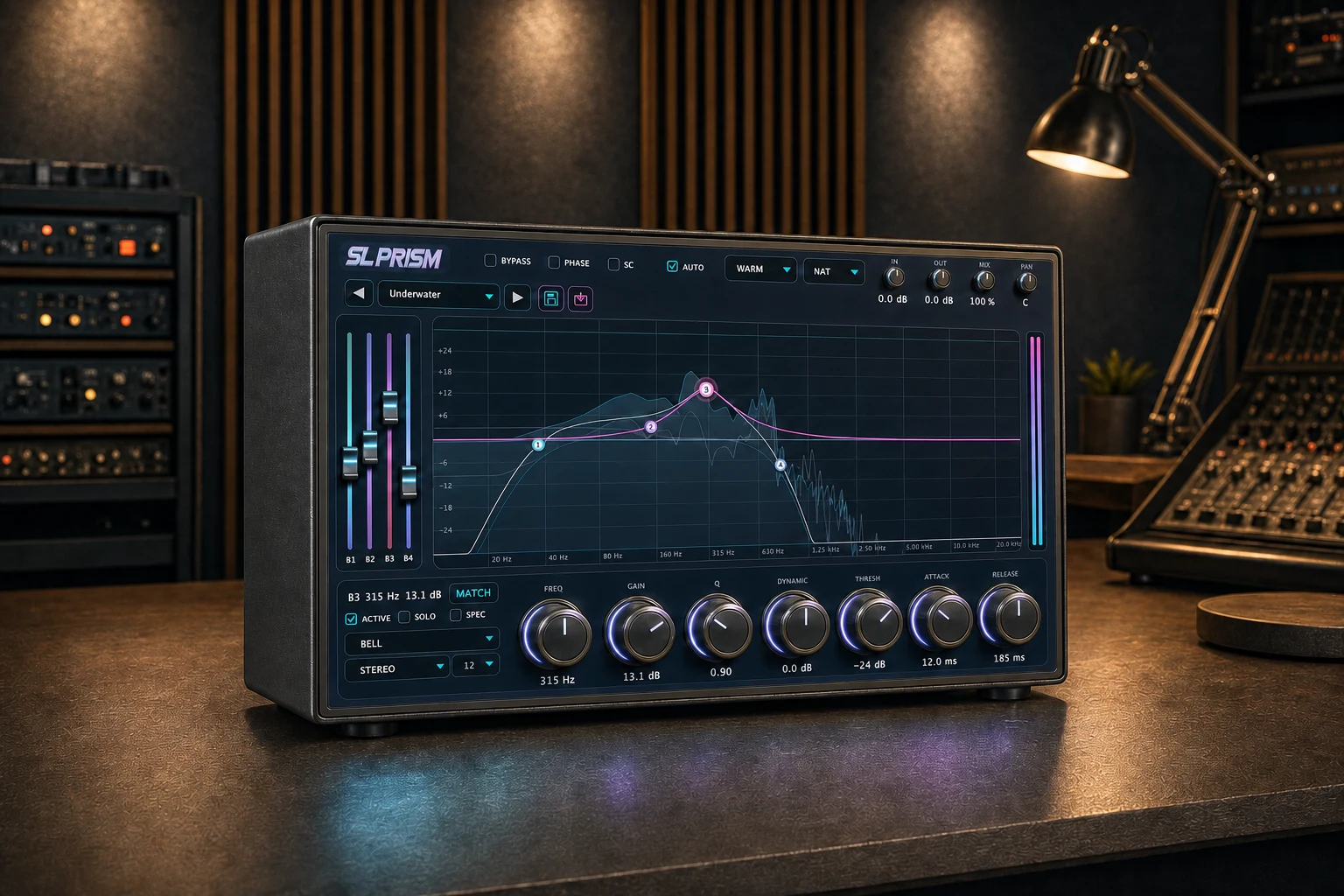 SL Prism
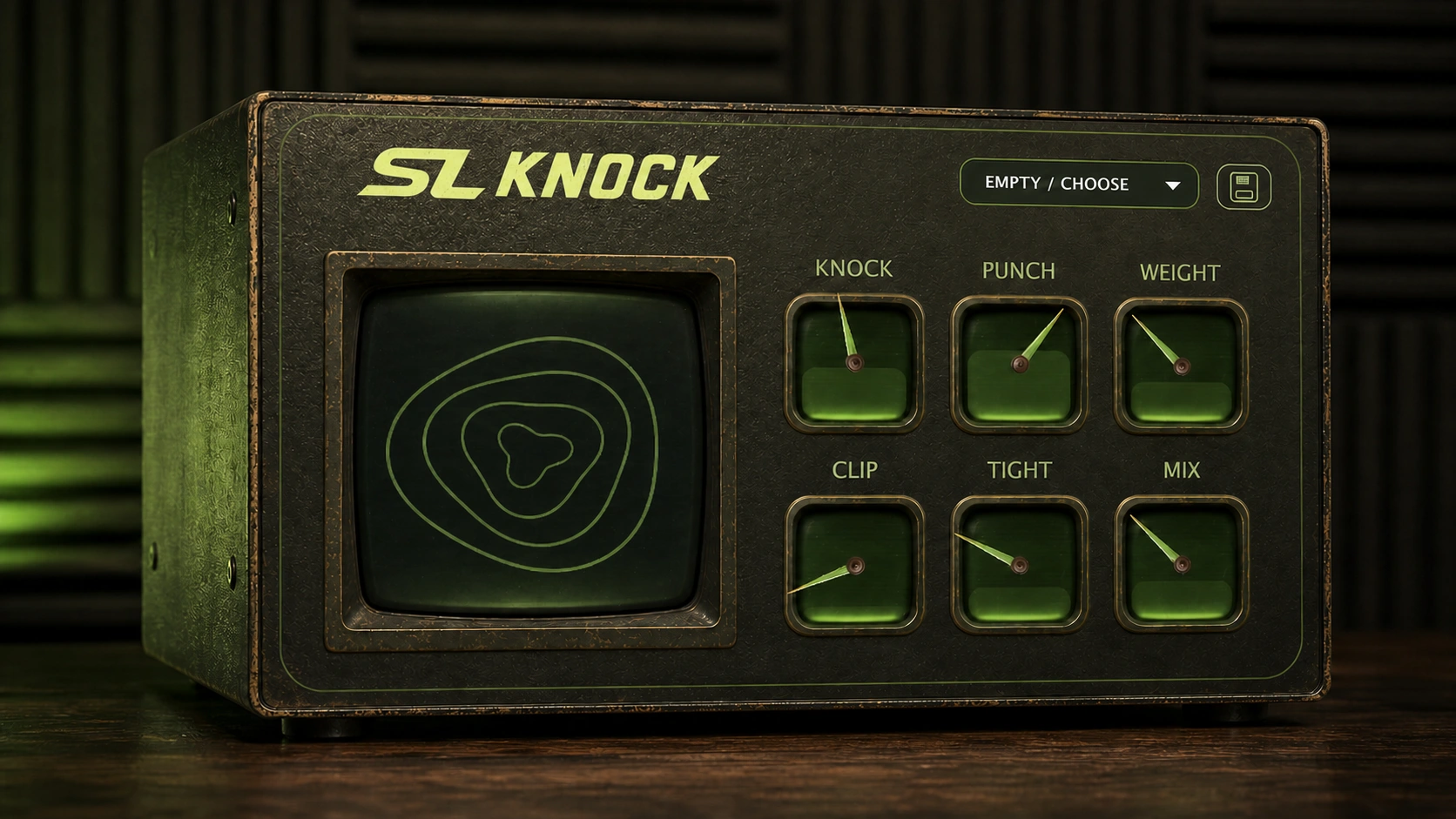 SL Knock
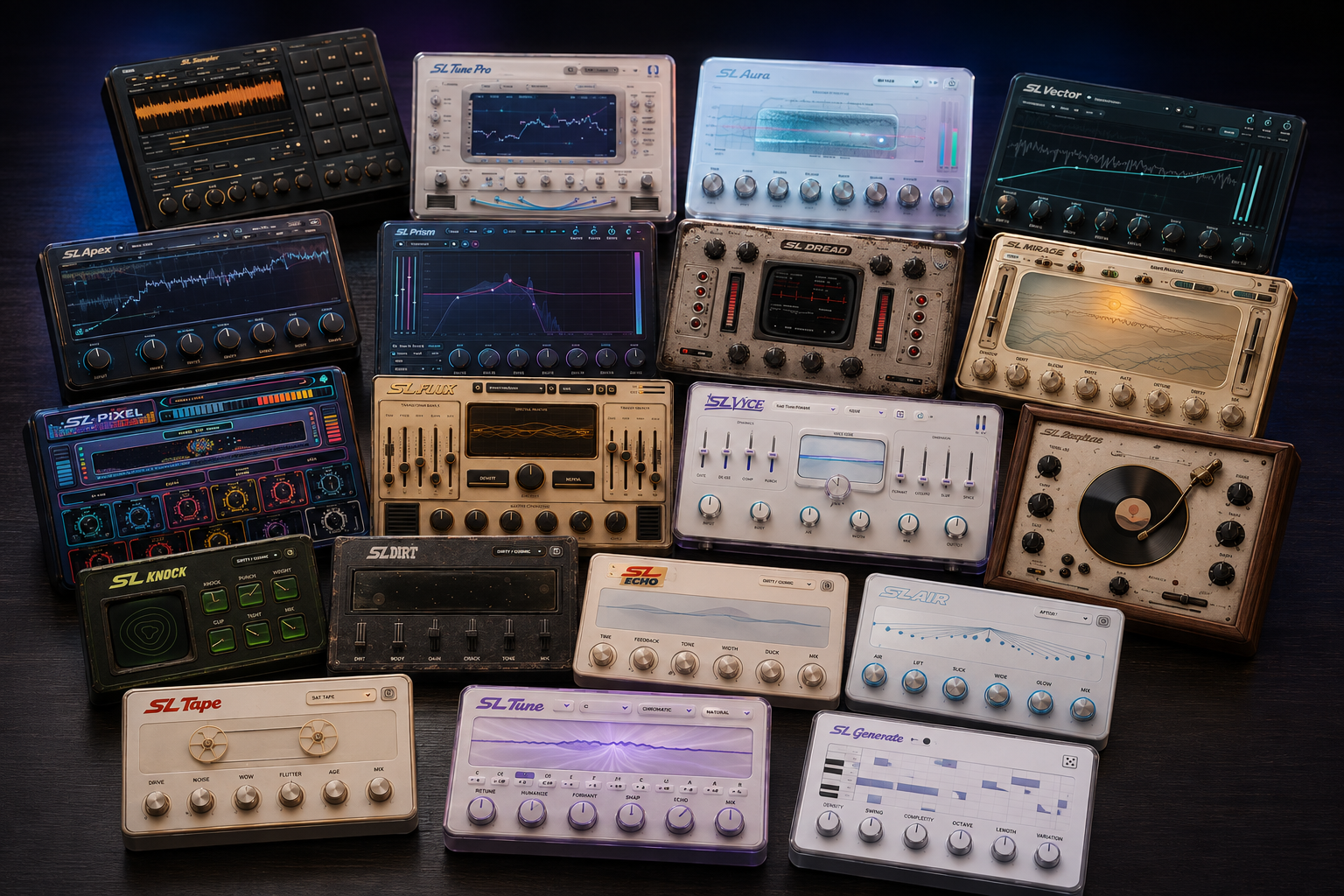 Explore all plugins
Before you buy
This website purchase is a macOS Apple Silicon download. Available iPad AUv3 editions are sold separately through the App Store. Windows and Intel Mac versions are not included. Prices are charged in USD.
Current testing focuses on macOS and FL Studio. Check your system and host before purchasing; compatibility with every DAW has not been verified.