


Build your patch.
Connect oscillators, filters, samples and MIDI tools. Build serial, parallel and nested paths, then play the result.
Available in SL Hub on iPhone, iPad, Mac with Apple silicon and Windows x64.
VST3 (Mac, Windows) · AU (Mac) · AUv3 (iPhone, iPad)
Available in SL Hub for iPhone and iPad. Find it under Instruments.
Choose what each stage does.
Build instruments from oscillators, filters and envelopes. Import WAV or AIFF audio, trim it, create loops or divide it into playable slices. Combine effect paths with MIDI note and timing tools.
- Serial and parallel paths
- Nested containers
- Sample trimming, loops and slices
- MPE expression
- Step parameter locks
- Eight performance variations
Keep the patch playable.
Map parameters to sixteen macros and an XY control. Store eight variations to recall settings without replacing the routing or releasing held notes.
Follow the signal.
Audio, MIDI, pitch, control and per-voice connections have separate roles. Native displays show signal and note activity while the patch runs.
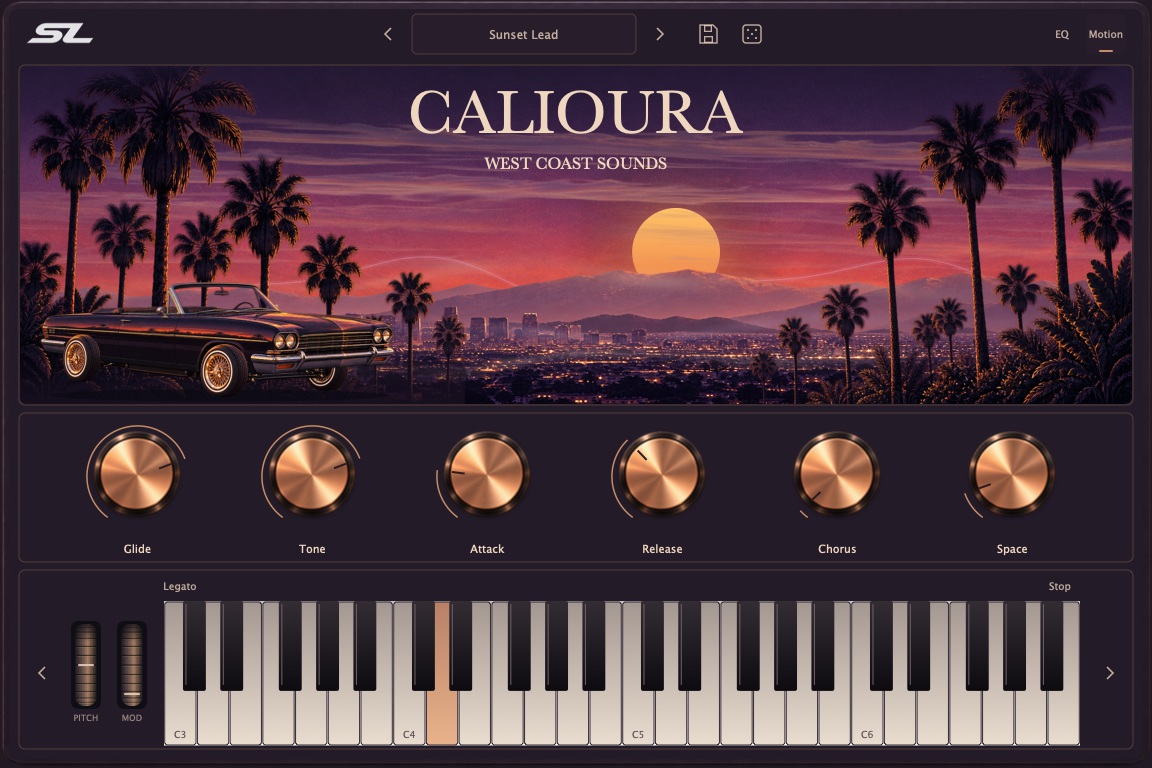 SL Calioura
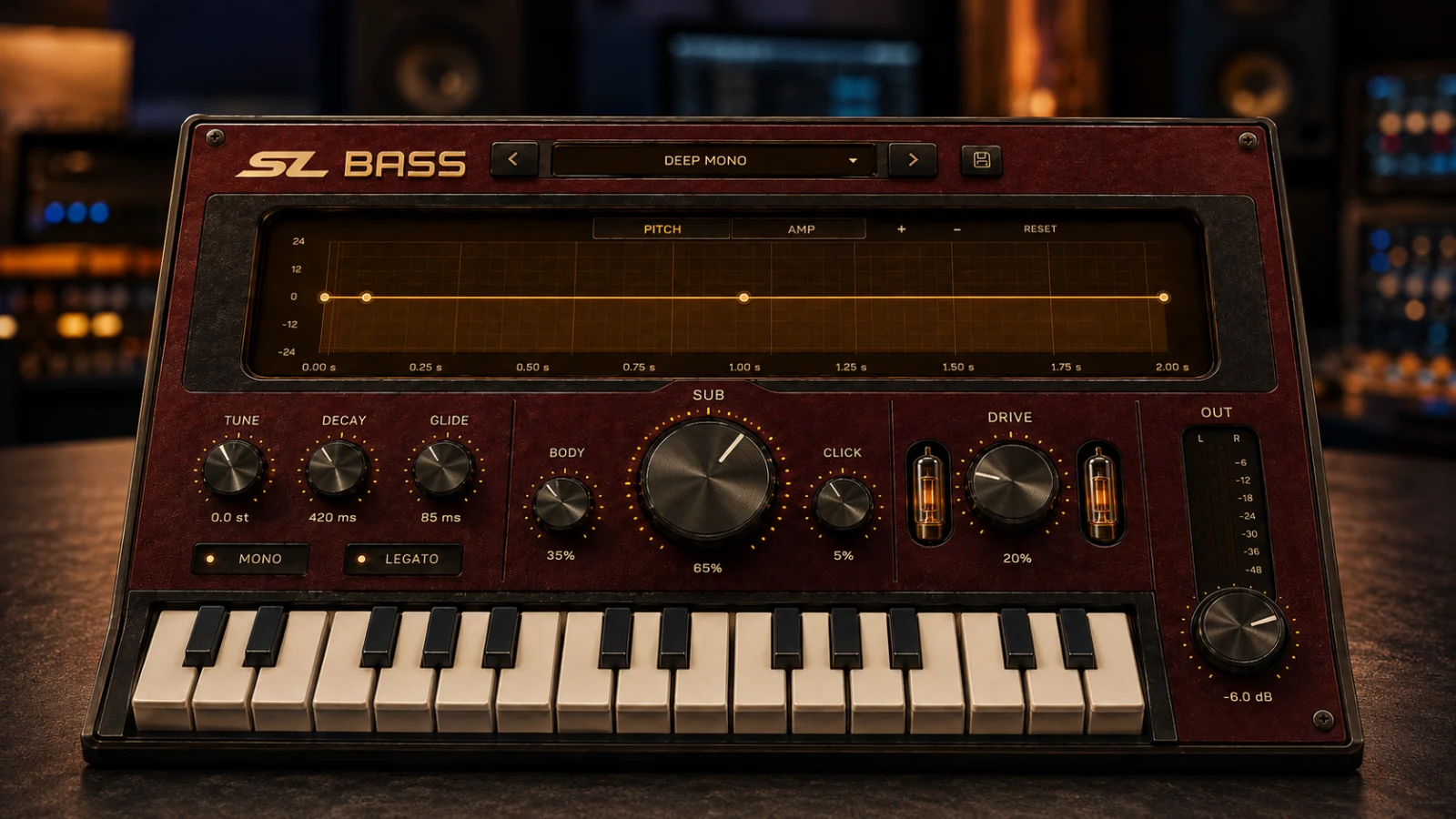 SL Bass
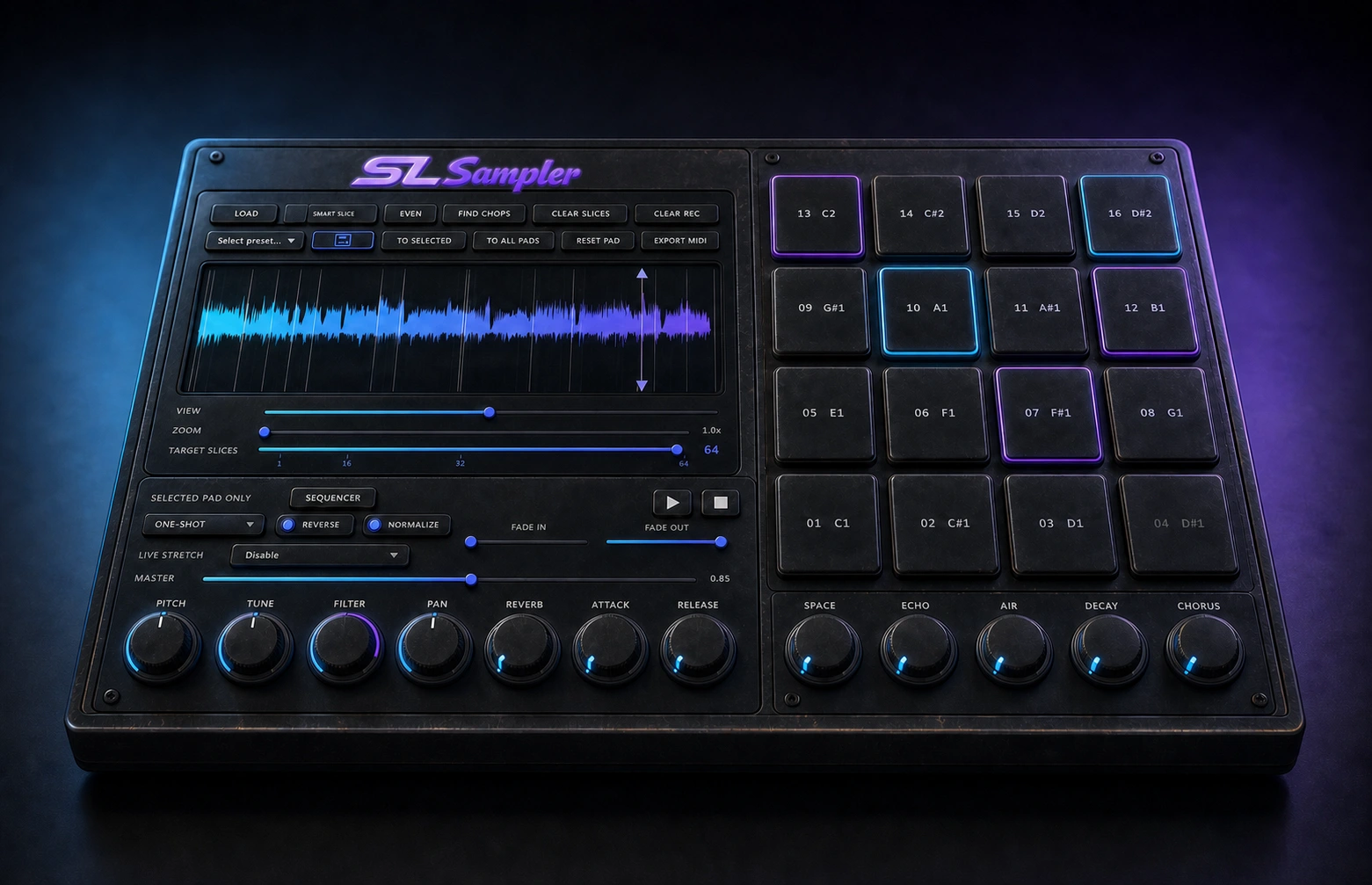 SL Sampler
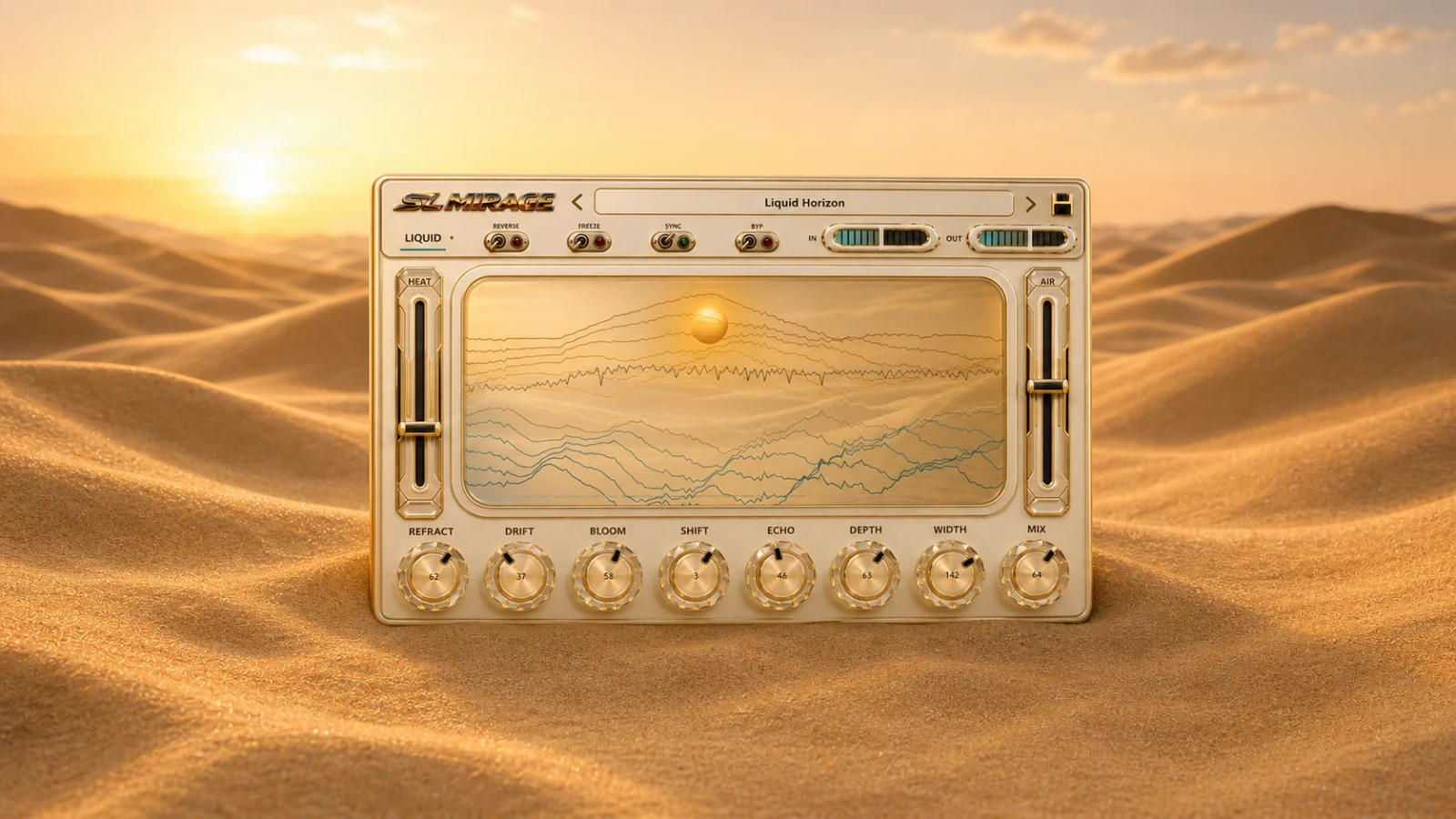 SL Mirage
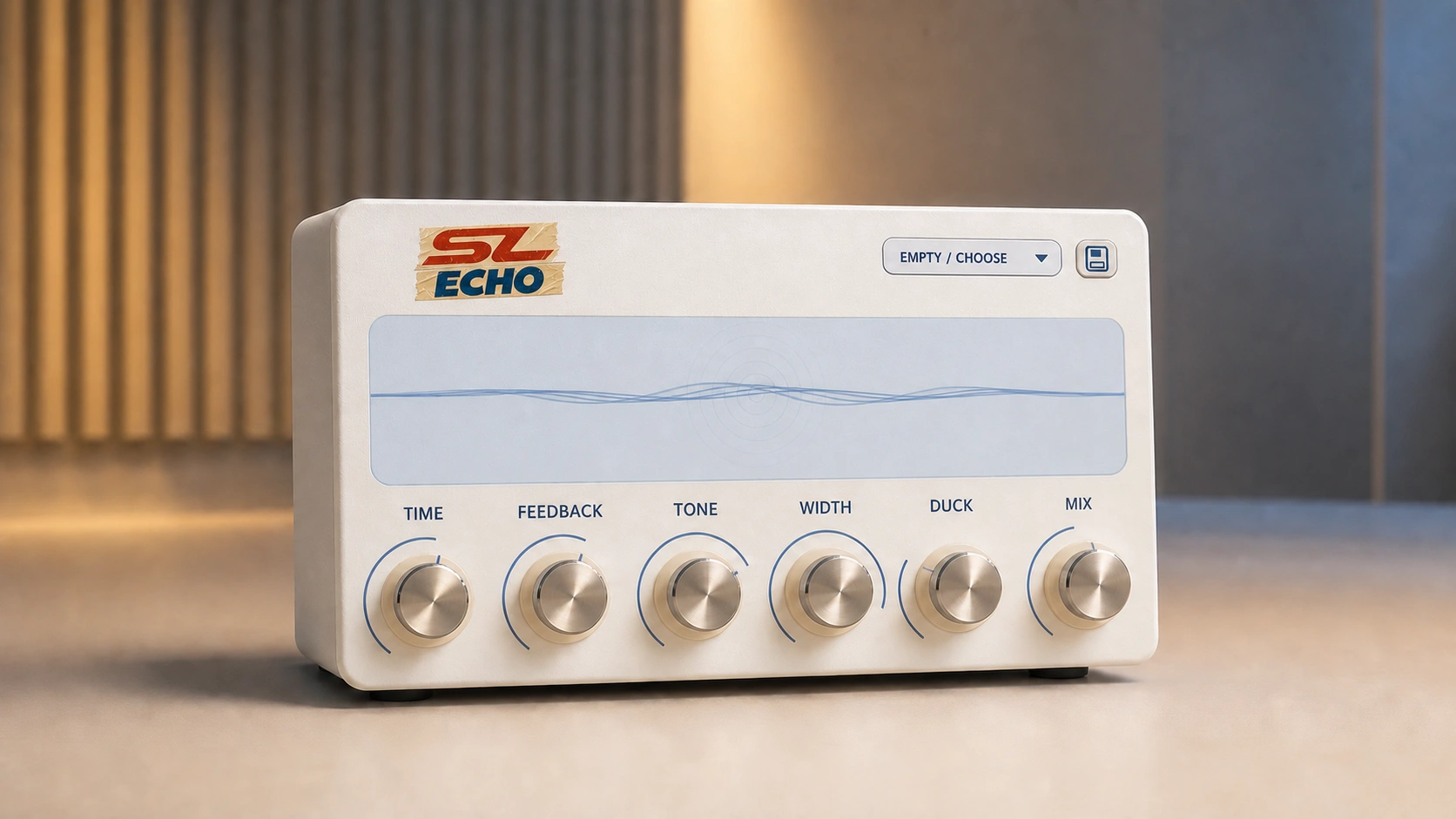 SL Echo
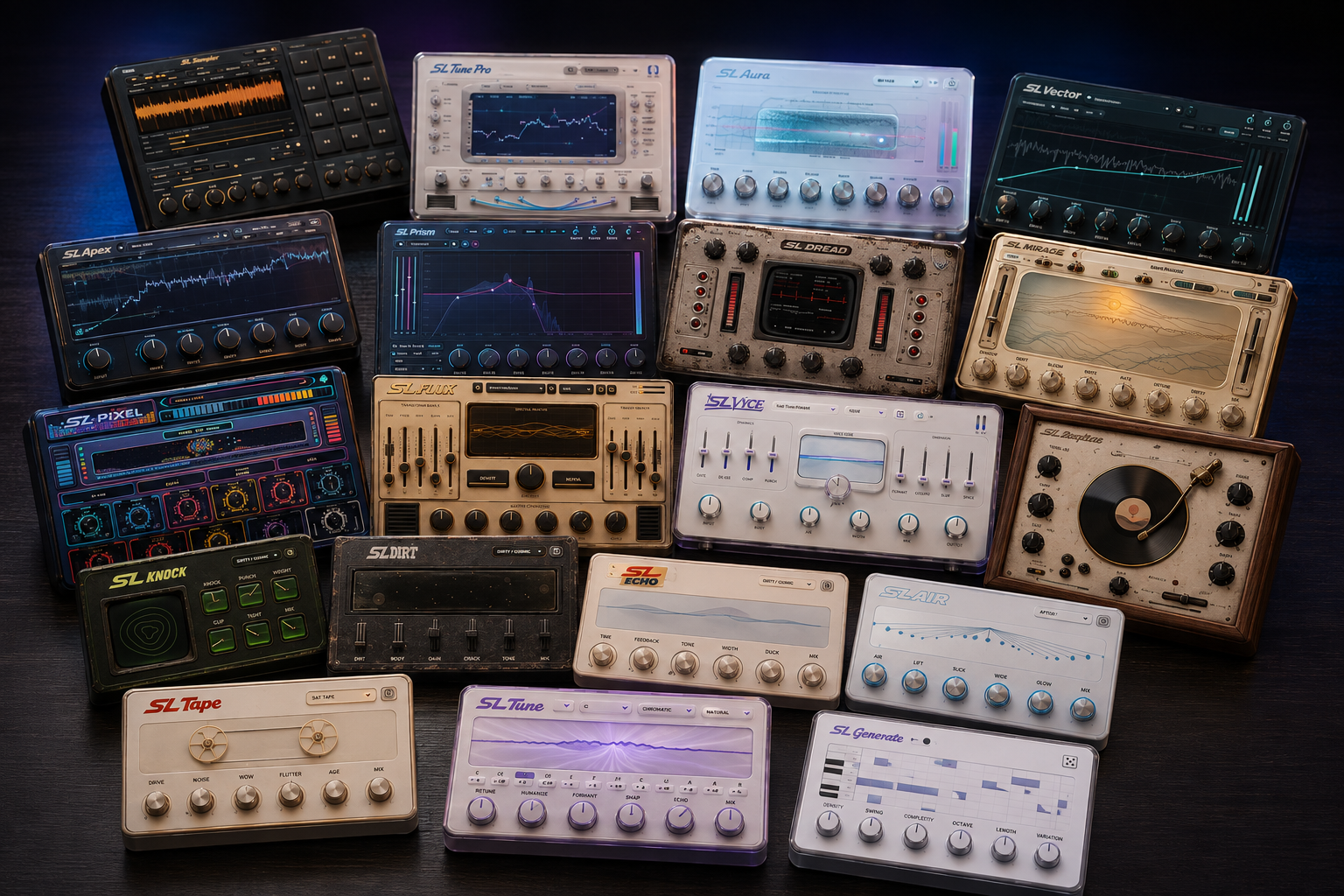 Explore all plugins
SL Modular FAQ
Available in SL Hub for iPhone and iPad. Find it under Instruments.
In a compatible AUv3 host, load SL Hub Instrument and choose SL Modular.