

Your voice starts the track.
Sing, hum or whistle a melody. Hear it as piano, flute, lead or bass, edit the detected notes and bring MIDI or audio into your project.
One desktop purchase for Mac and Windows. SL HUB is included in the installer.
Mac version 1.0.1 · Build 2026.10.2022
iPhone and iPad: $14.99 USD · Coming soon
Sing. Edit. Drag.
Record a single melody, choose a sound and correct the notes in the MIDI editor. Keep your original recording alongside the result and compare Melody, My voice or Both.
- 30 factory presets
- Group note selection and editing
- Four octaves up or down
- Optional quantize and scale snapping
- Host BPM with manual override
- Drag MIDI and rendered audio on Mac
From a sung idea to your project.
In a Mac DAW, load SL Voice to Melody as an instrument. Record your phrase, then drag MIDI onto a suitable instrument track or drag the rendered audio onto an audio track.
Standalone works without a DAW. Record or import a melody, edit it, then export a MIDI file or a WAV render to use in your project.
Auto BPM follows the project when the host supplies tempo. Choose Manual when you want a separate tempo. Fit Loop can place the detected melody into 4, 8 or 16 bars.
You may also like
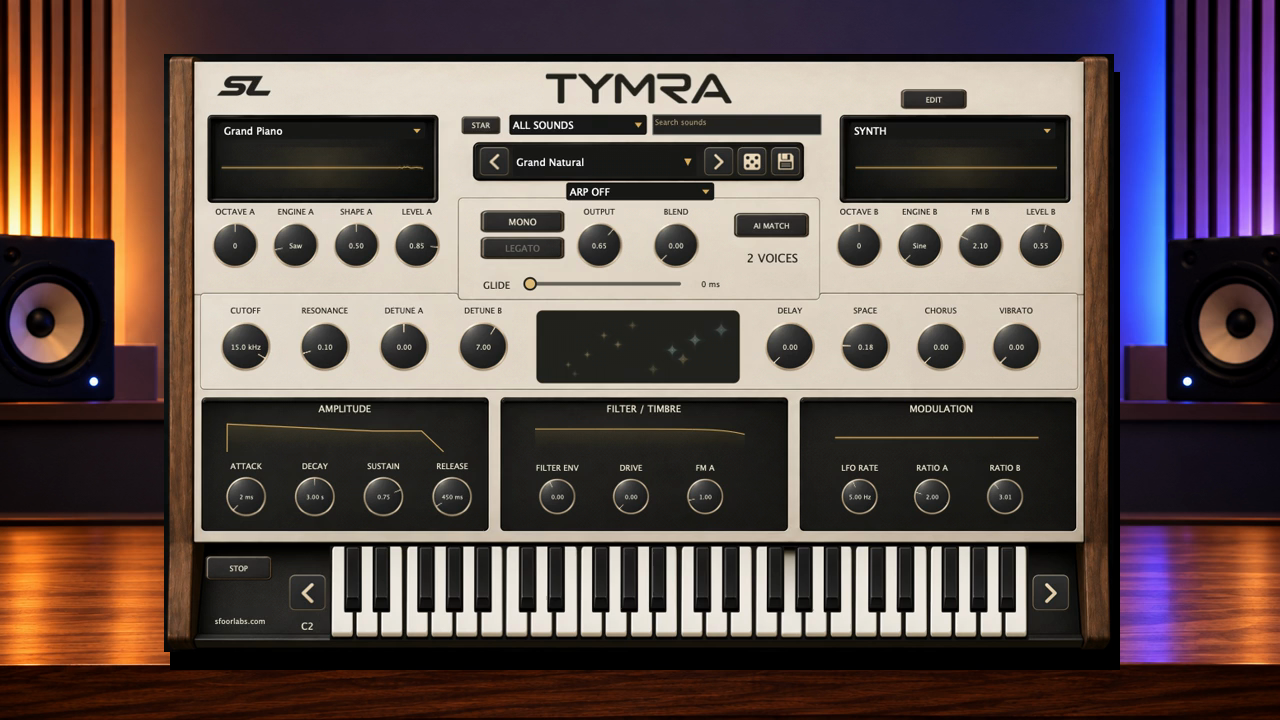 SL Tymra
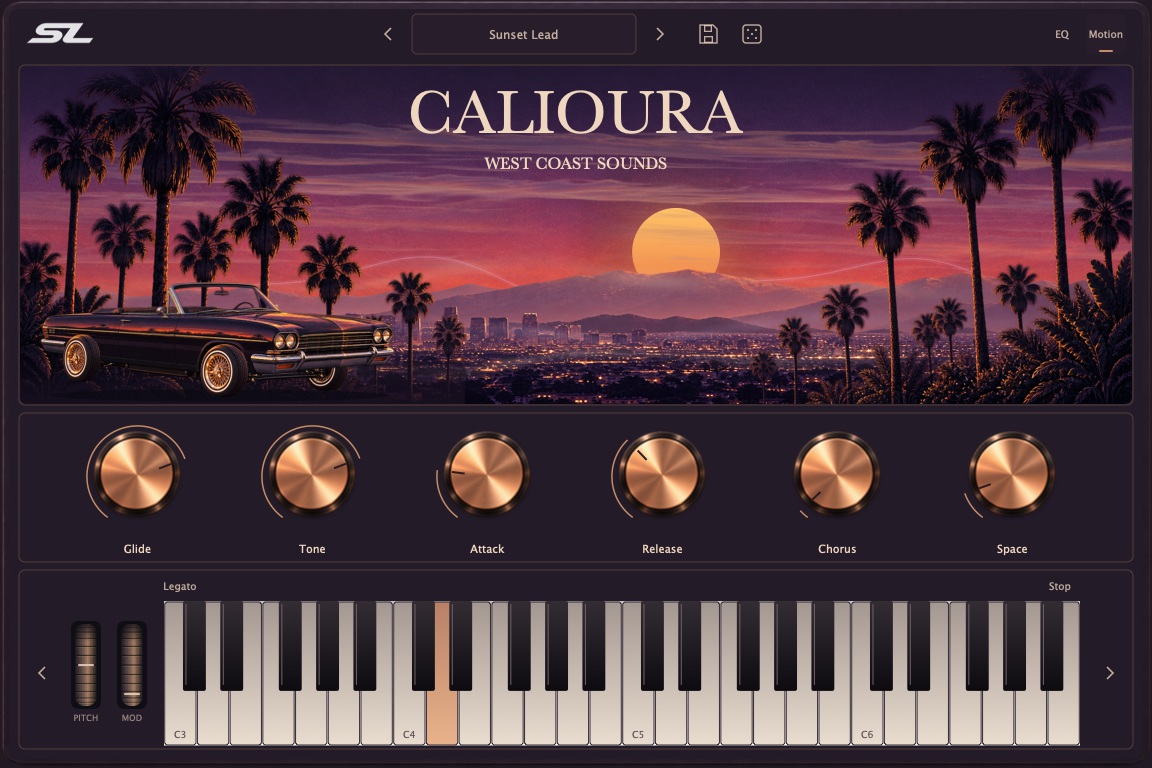 SL Calioura
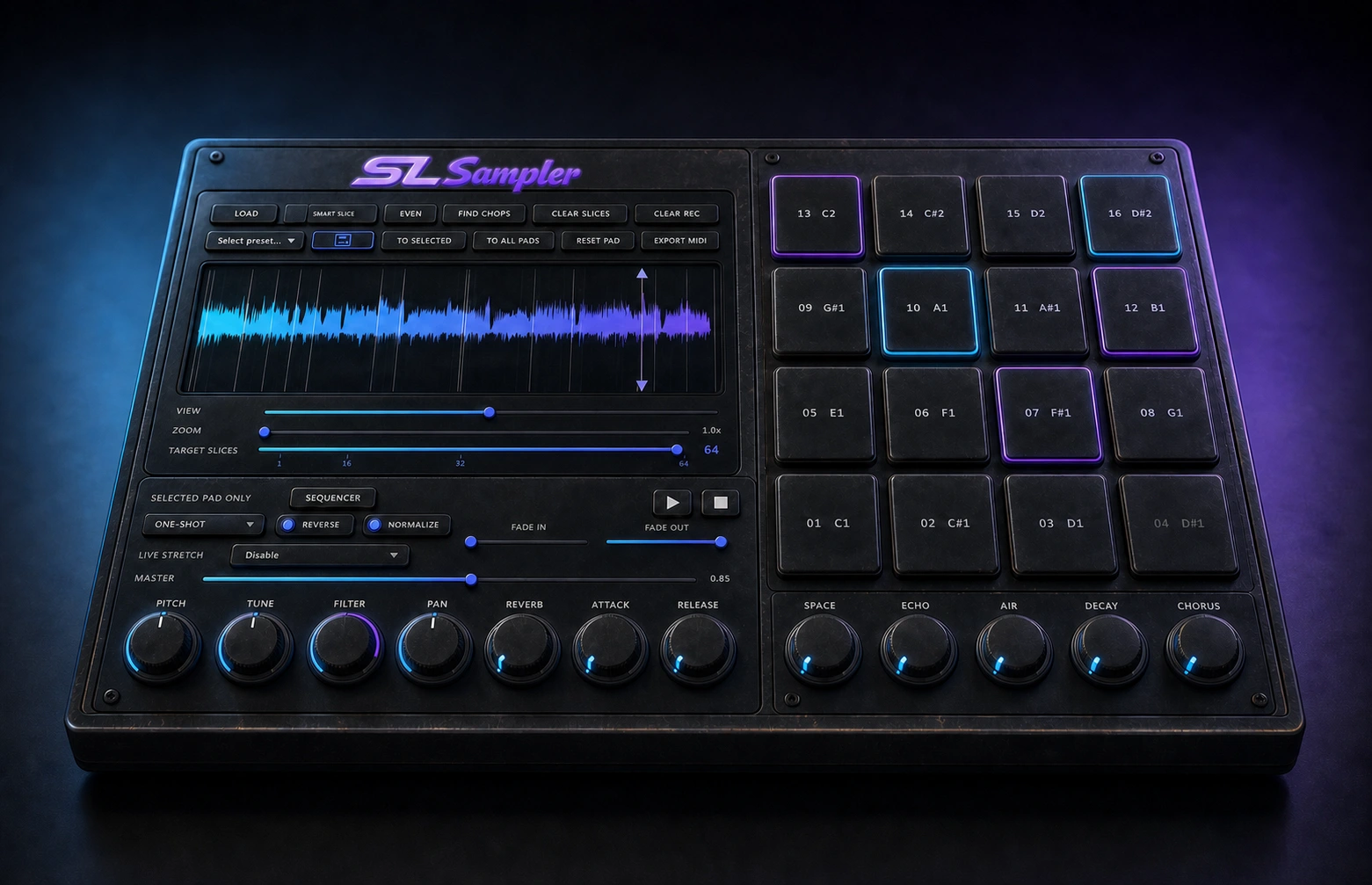 SL Sampler
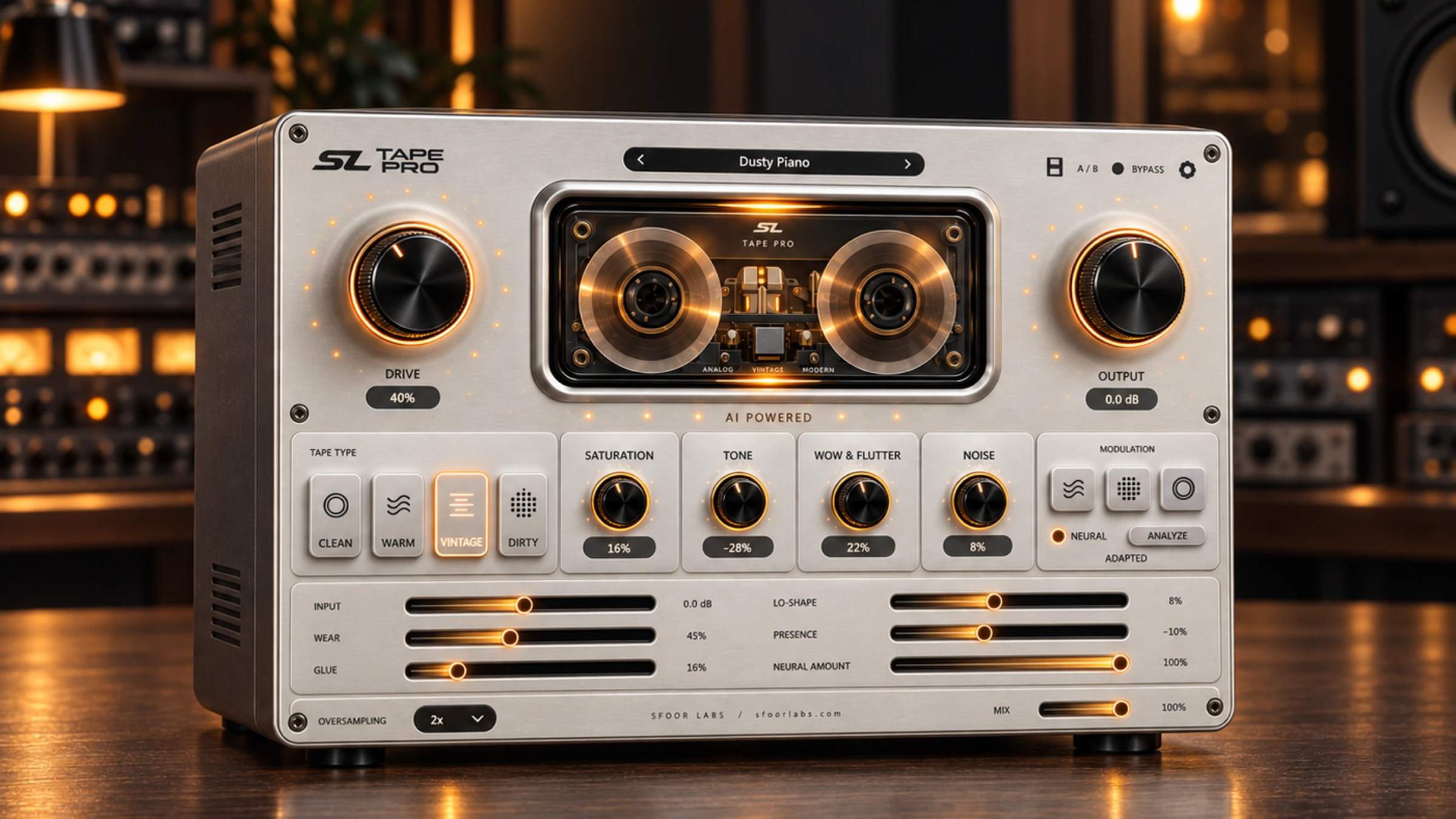 SL Tape Pro
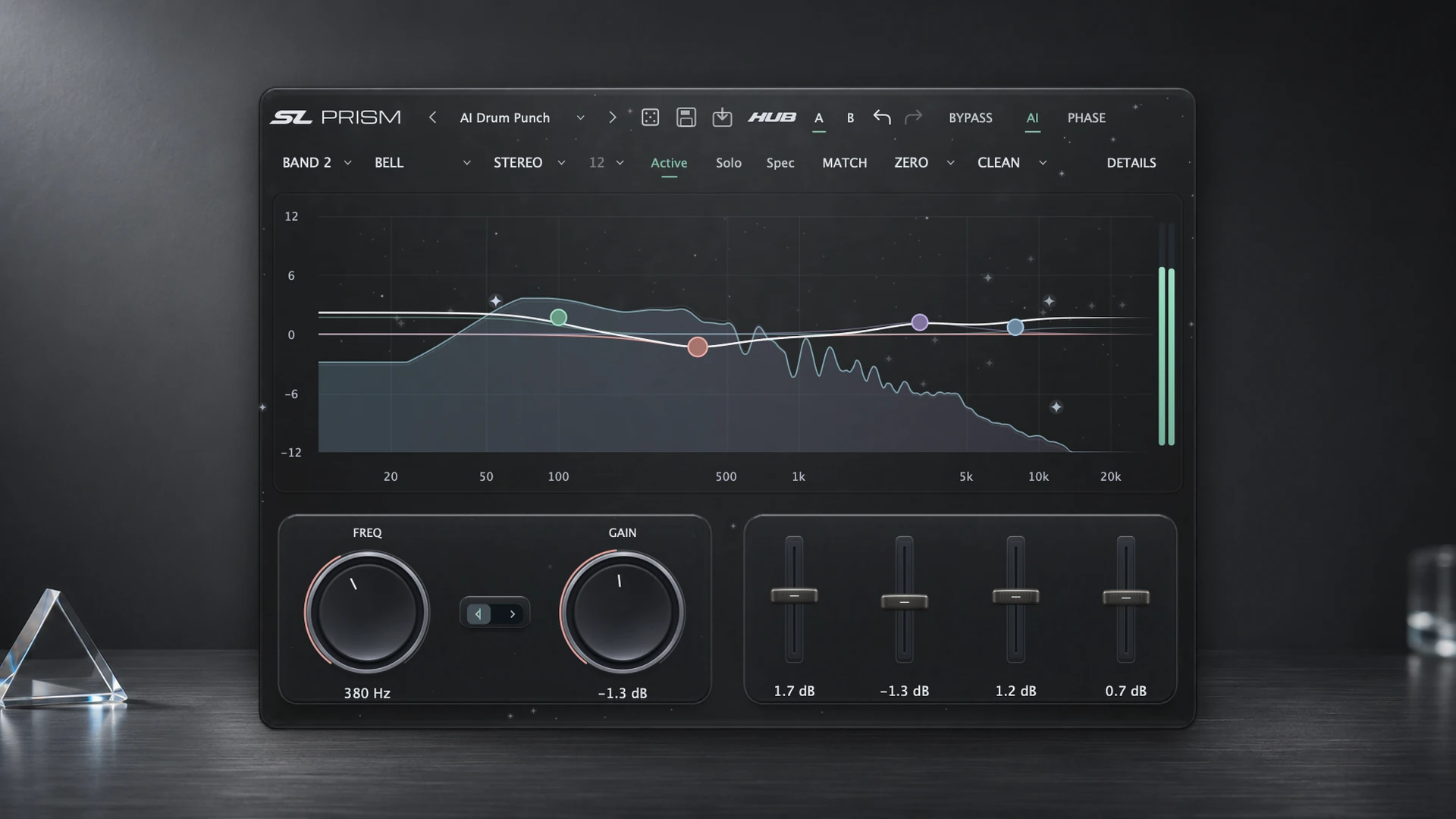 SL Prism
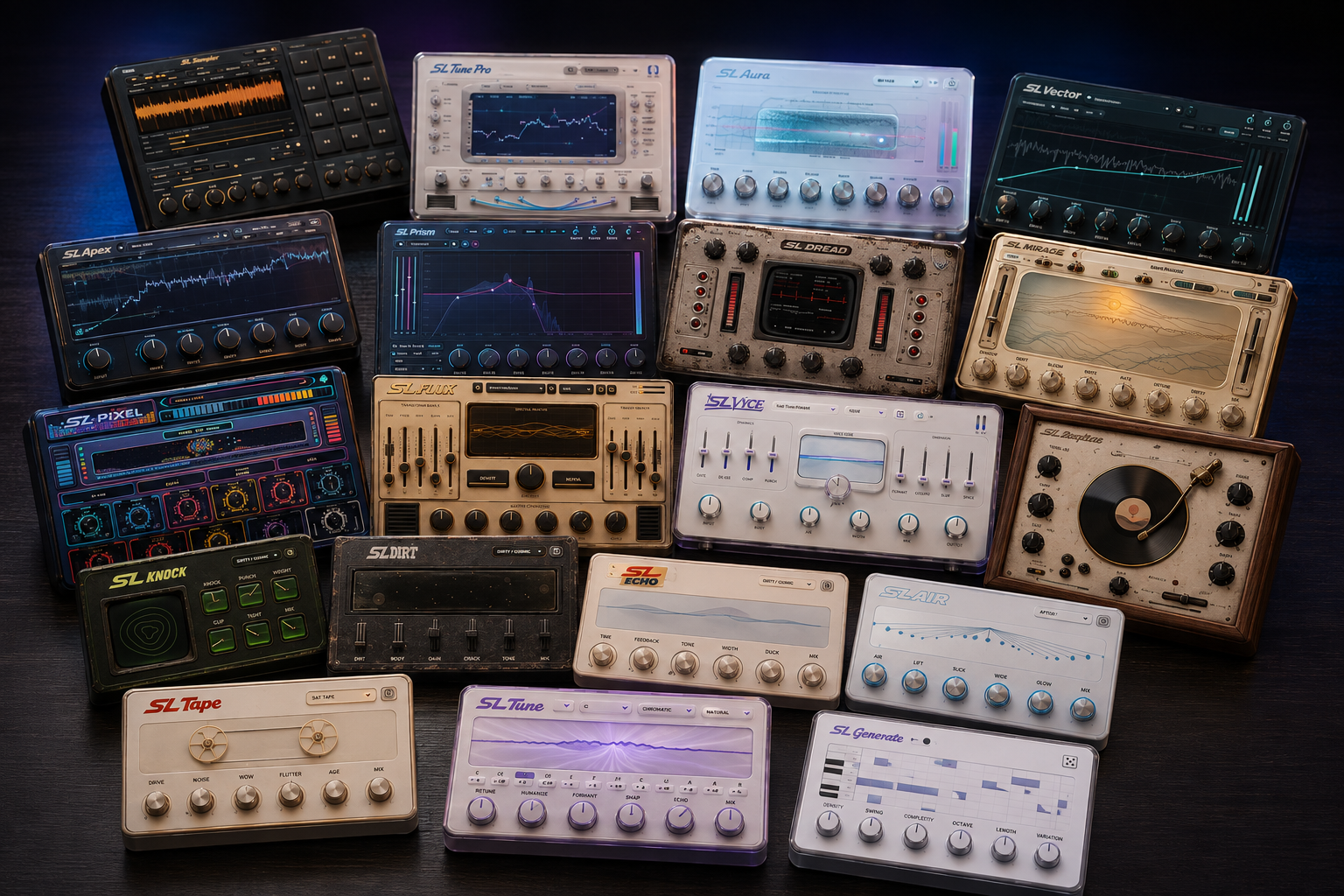 Explore all plugins
Desktop platforms
Windows 10 version 2004 or later / Windows 11 x64: VST3 and standalone. Mac formats and minimum requirements are listed above. One website desktop purchase includes Mac and Windows. Existing desktop customers can use their account or SL Hub; App Store purchases remain separate.
Desktop platforms
Windows 10 version 2004 or later / Windows 11 x64: VST3 and standalone. Mac formats and minimum requirements are listed above. One website desktop purchase includes Mac and Windows. Existing desktop customers can use their account or SL Hub; App Store purchases remain separate.
SL Voice FAQ
What can I record?
A single sung, hummed or whistled melody. Clear notes and a quiet recording help. Chords and background sound can require manual corrections.
Does it work as a plugin?
Yes. SL Voice to Melody is an instrument in VST3 and Audio Unit formats for Apple Silicon Mac. Record using the available input route, then play or export the detected melody.
Can I bring the melody into my DAW?
On Mac, use Drag MIDI for the editable notes or Drag audio for a WAV render. In standalone, export MIDI or WAV and import the file into your project.
Can I edit incorrect notes?
Yes. Select notes individually or as a group in the MIDI editor. Move notes, change their timing or octave and undo edits.
Where is the processing done?
Voice analysis runs on your device. The original recording is retained in the project. Pitch detection is a starting point for editing, rather than a promise of perfect transcription.
Is the mobile edition released?
Not yet. The iPhone and iPad edition is being prepared separately from the Mac release and will cost $14.99 USD.