

SL Generate: AI MIDI generator for Windows and Mac
SL Generate creates editable MIDI melodies, chords, basslines, arpeggios and drum patterns. Choose the genre, key and length, edit the notes, then drag MIDI or rendered WAV into your DAW.
Mac Version 1.0.2
$3.99 / month
$47.88 for the full year. Billed yearly.
Choose SL Generate for $4.99 billed monthly or $47.88 billed yearly ($3.99 per month equivalent). It is also included in Ultimate, with the same generation allowance. Desktop subscriptions cover Mac and Windows; App Store purchases are separate.
3-day trial: 20 MIDI generations and 20 New Sound operations in total. Paid allowance: 150 MIDI generations and 25 New Sound operations per month. Online generation requires active access. Manage renewal in your account.
A phrase you can edit.
Melody, Drums, Chords, Bass and Arpeggio use your musical settings. A contains the AI phrase; B, C and D offer derived alternatives. Change notes in the piano roll before exporting.
- 8 genres
- 1, 2, 4 or 8 bars
- Key and scale
- DAW tempo sync
- MIDI + WAV
- Optional New Sound
Keep the notes. Change the sound.
Each new generation chooses a suitable factory sound for its role. You can choose another sound afterward. New Sound generates a separate cloud instrument and uses its own allowance.
Install and update through SL Hub.
Connect your Sfoor Labs account and install SL Generate inside Hub. Updates are handled there when the plugin and DAW are closed.
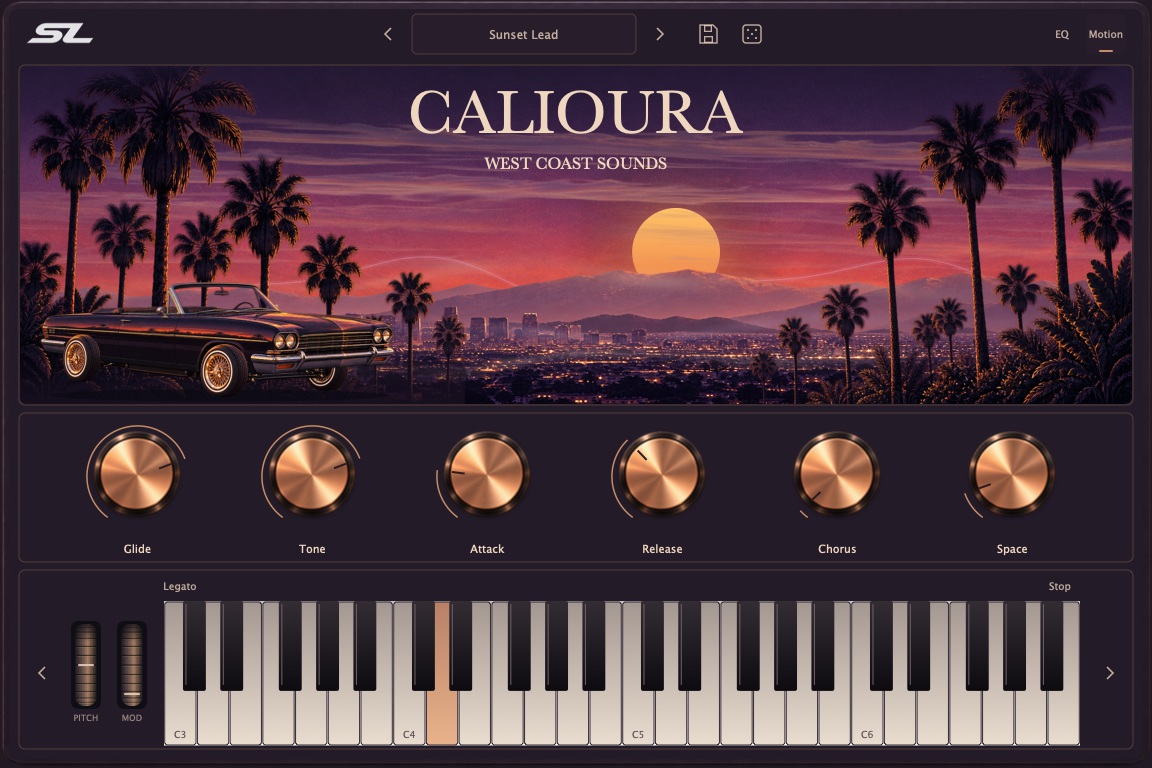 SL Calioura
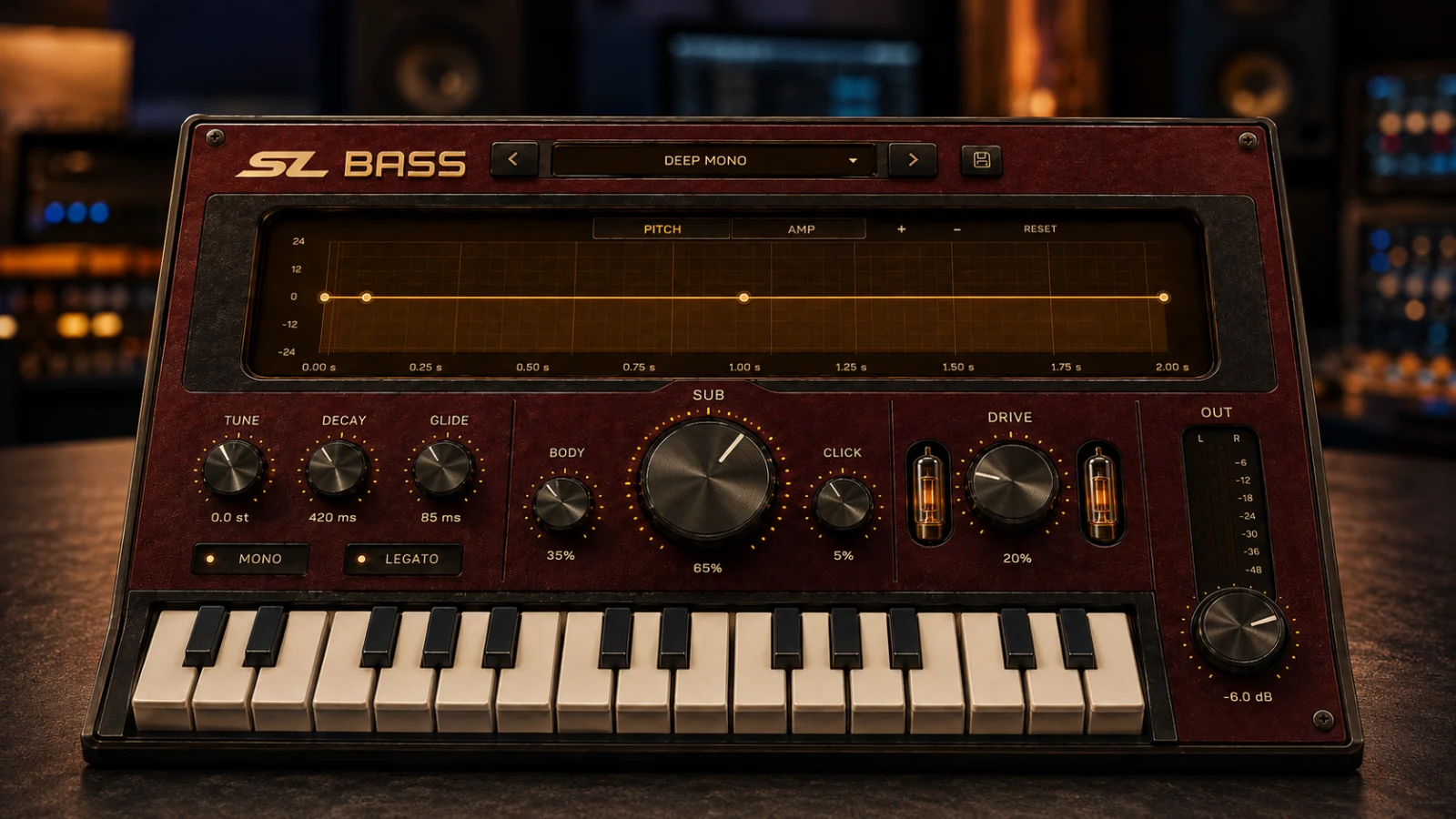 SL Bass
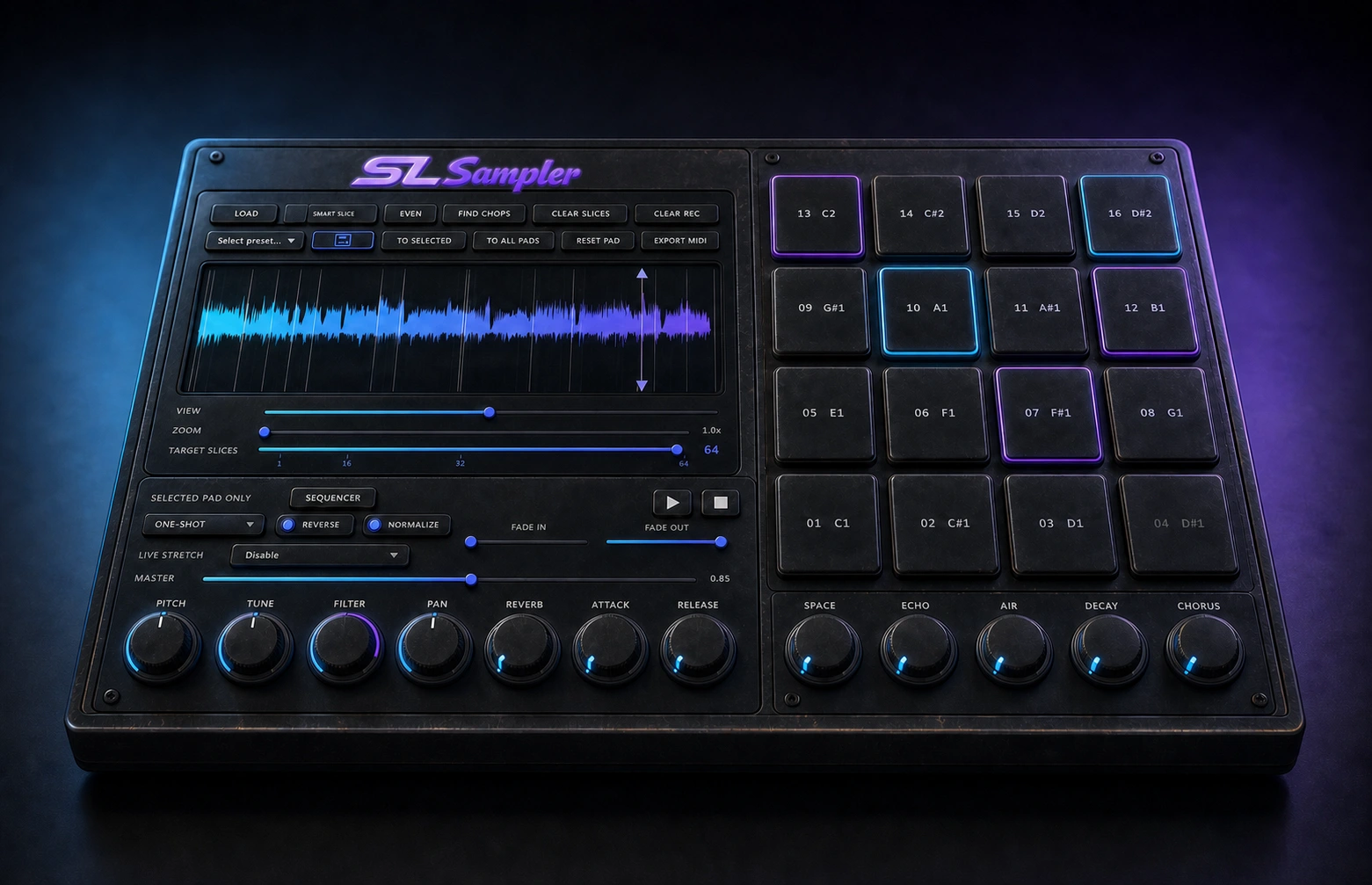 SL Sampler
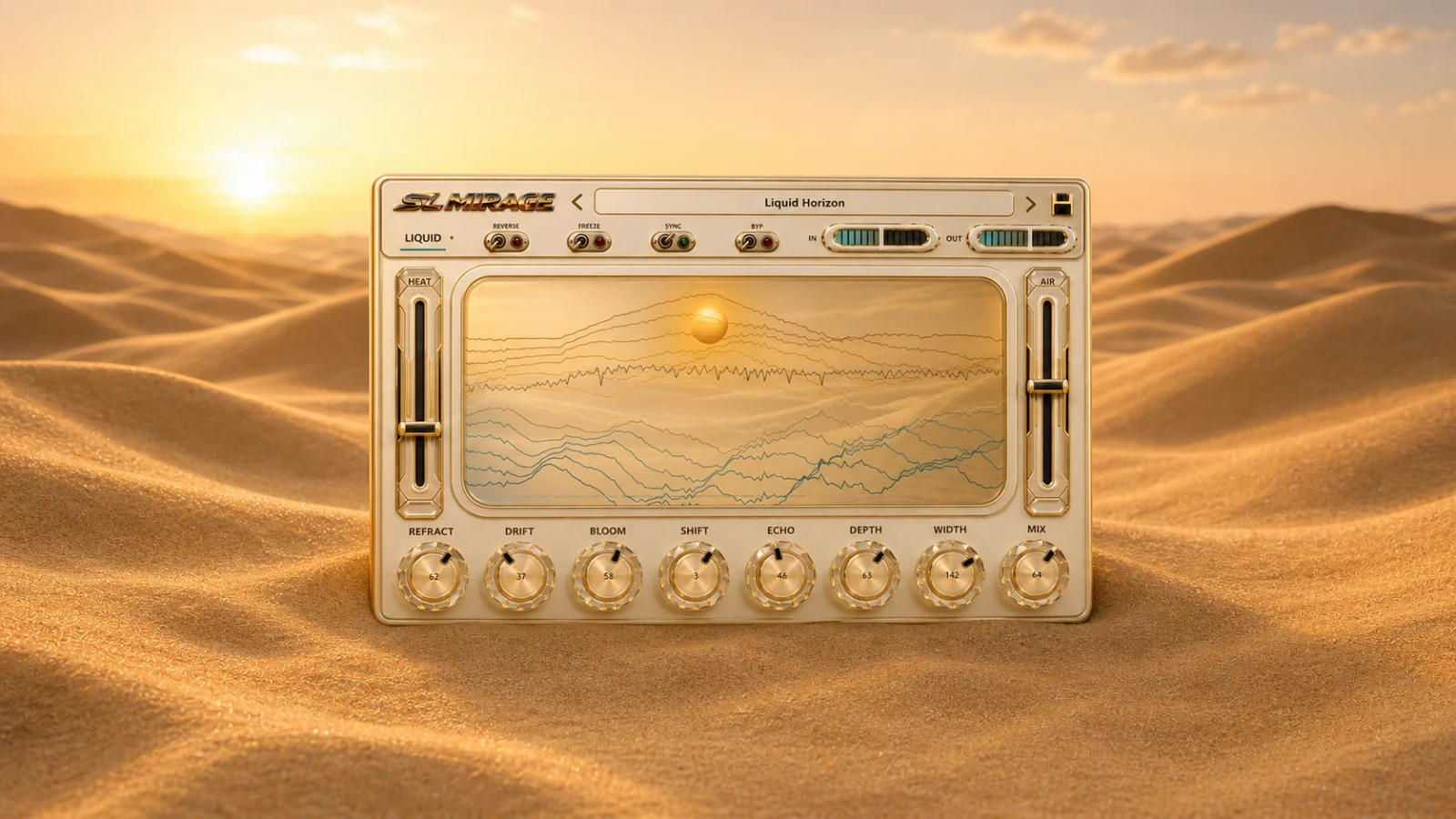 SL Mirage
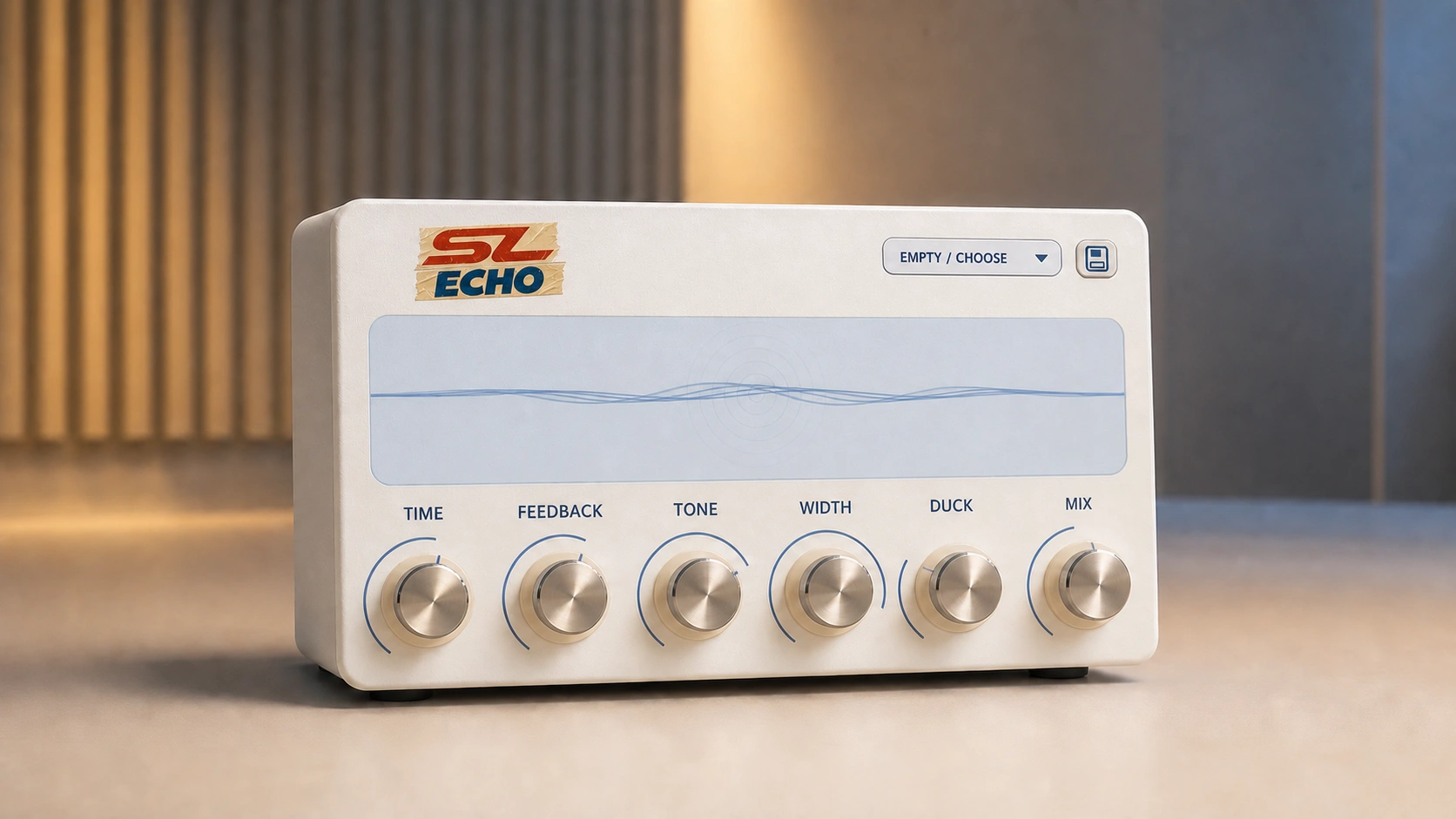 SL Echo
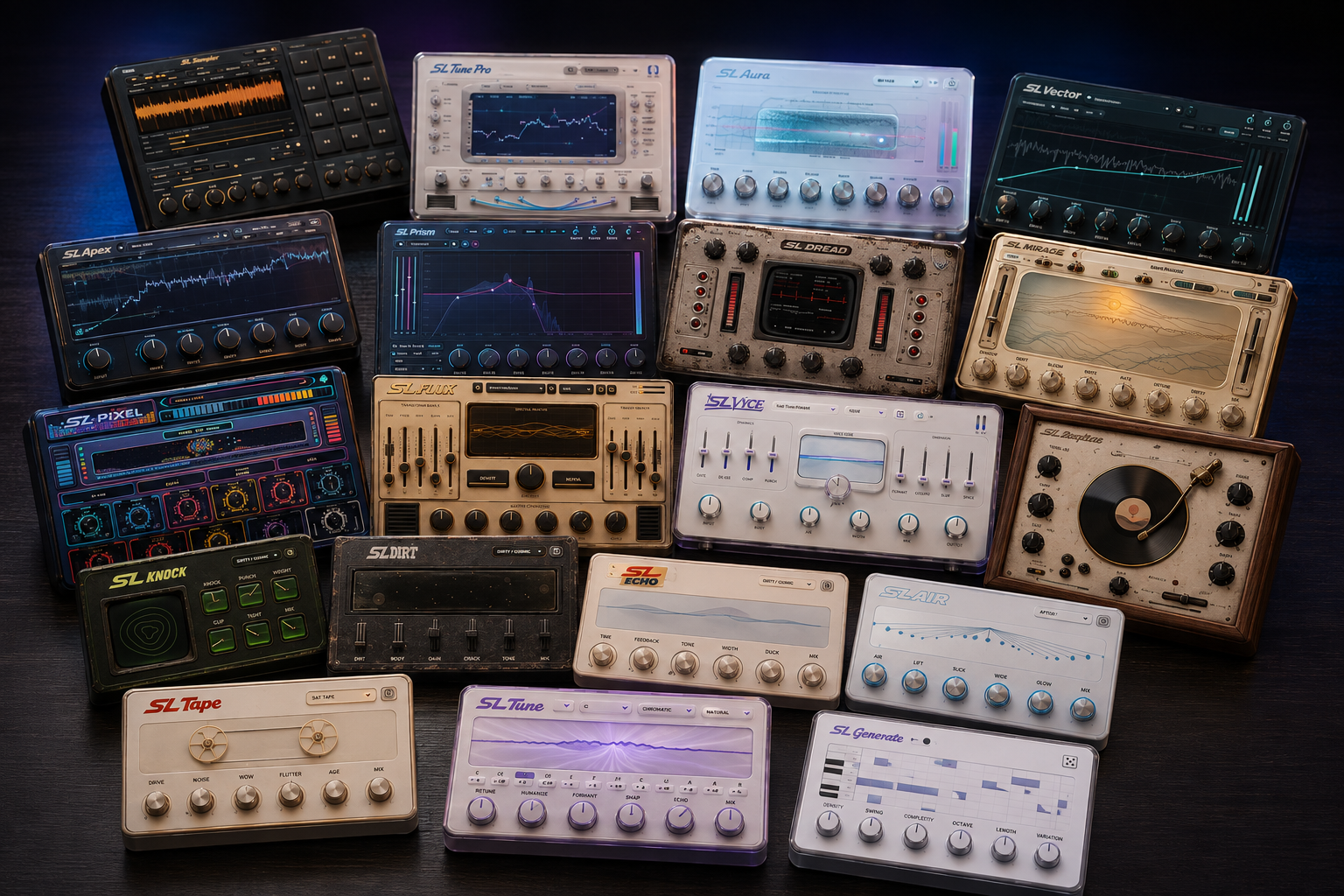 Explore all plugins
Desktop platforms
SL Generate is available for Windows x64 and Apple Silicon Mac through SL Hub with its applicable Generate access. Windows requires Windows 10 version 2004 or later / Windows 11 x64.
SL Generate FAQ
When should I choose SL Generate?
Choose SL Generate when you want editable MIDI ideas for a melody, chords, bassline, arpeggio or drum pattern on Windows x64 or an Apple Silicon Mac. Set the key, scale, genre and phrase length, edit the notes in the piano roll, then drag MIDI or rendered WAV into your DAW. Online generation and export require active access; the published generation allowances apply.
Should I use a MIDI generator or a sampler?
Use a MIDI generator to create new note patterns. Use a sampler to play or chop an existing recording. SL Generate creates MIDI phrases; SL Sampler provides Smart Slice and up to 64 pads for sample chopping. They serve different steps of a production.
What does the trial include?
3 days, 20 melodies and 20 sounds in total across devices. It requires a payment method. The selected plan renews after the trial unless canceled beforehand.
Is the subscription unlimited?
No. It includes 150 melodies and 25 sounds per month. Repeated failed requests also have a separate attempt limit.
What formats are included?
Windows 10 version 2004 or later / Windows 11 x64: VST3 and standalone. Apple Silicon Mac with macOS 13 or later: VST3, Audio Unit and standalone. Intel Mac and mobile are not included. Active Generate or Ultimate access is required.
Does it need internet access?
Yes. Sign in on sfoorlabs.com and connect the device. Generation, license checks, preview and export require active access.
How do I update?
Open SL Hub and choose Check updates. Hub downloads and installs the update when your plugin and DAW are closed.
Compare documented workflows, requirements and billing: Melody Sauce 3.1, Staccato and LANDR Composer.
MIDI workflow guide: edit a phrase and choose MIDI or WAV for your DAW.