


Strum chords. Pick a melody.
Play six strings, strum chord pads or start a rhythm pattern. Choose steel, nylon, electric, recorded archtop and palm-muted sounds.
One desktop purchase for Mac and Windows.
Choose how you play.
Chords plays guitar voicings. Notes gives you individual pitches. Rhythm repeats a pattern while you change chords.
- Six playable strings
- Seven chord pads
- Ten factory presets
- Six sound families
- Key and capo
- Editable 16-step rhythm
Change the guitar character.
Steel rings out. Nylon softens the attack. Electric adds pickup character, archtop uses recorded strings, and palm-muted steel keeps notes short.
Build a part that fits.
Set the key and capo, adjust strum timing, or edit a rhythm. Tone, Body, Space and Volume shape the result.
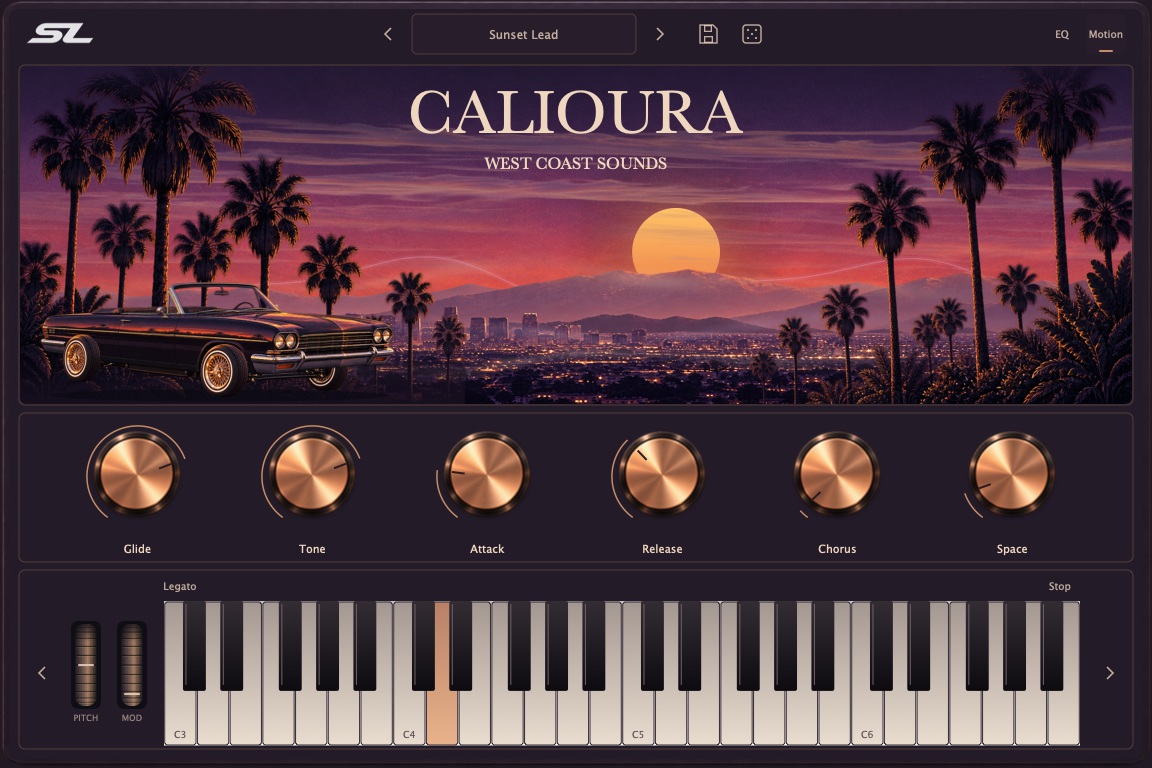 SL Calioura
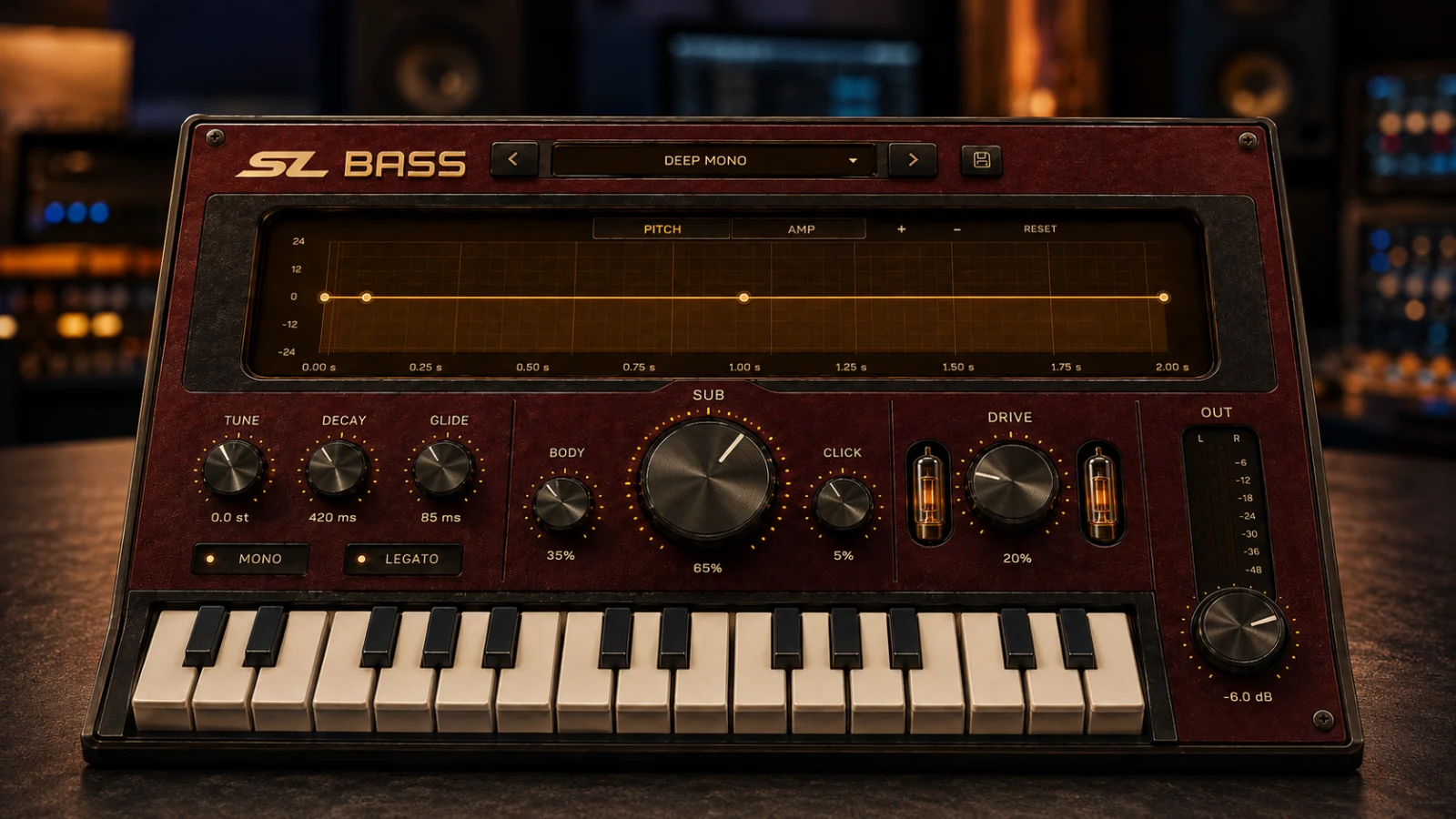 SL Bass
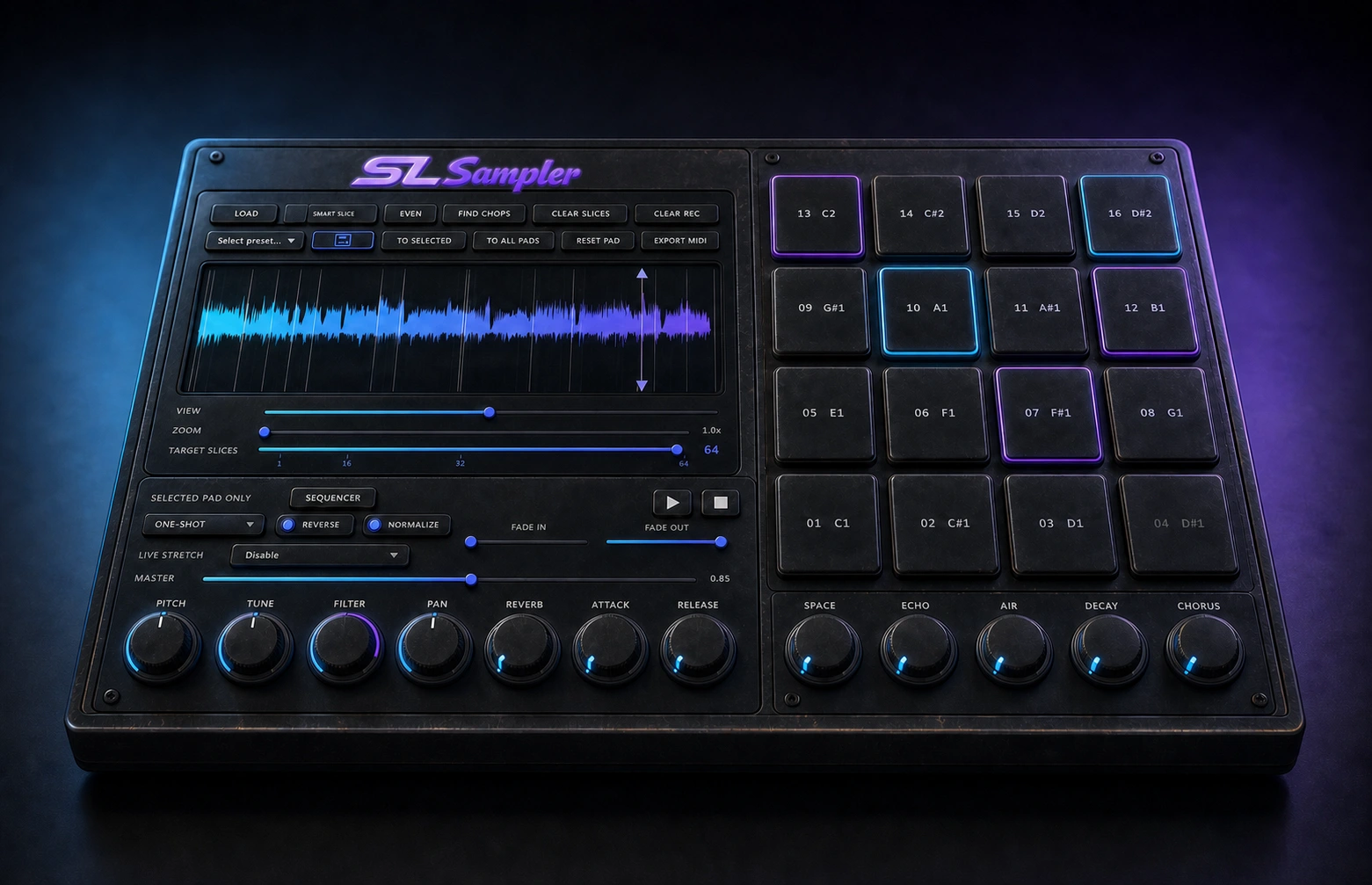 SL Sampler
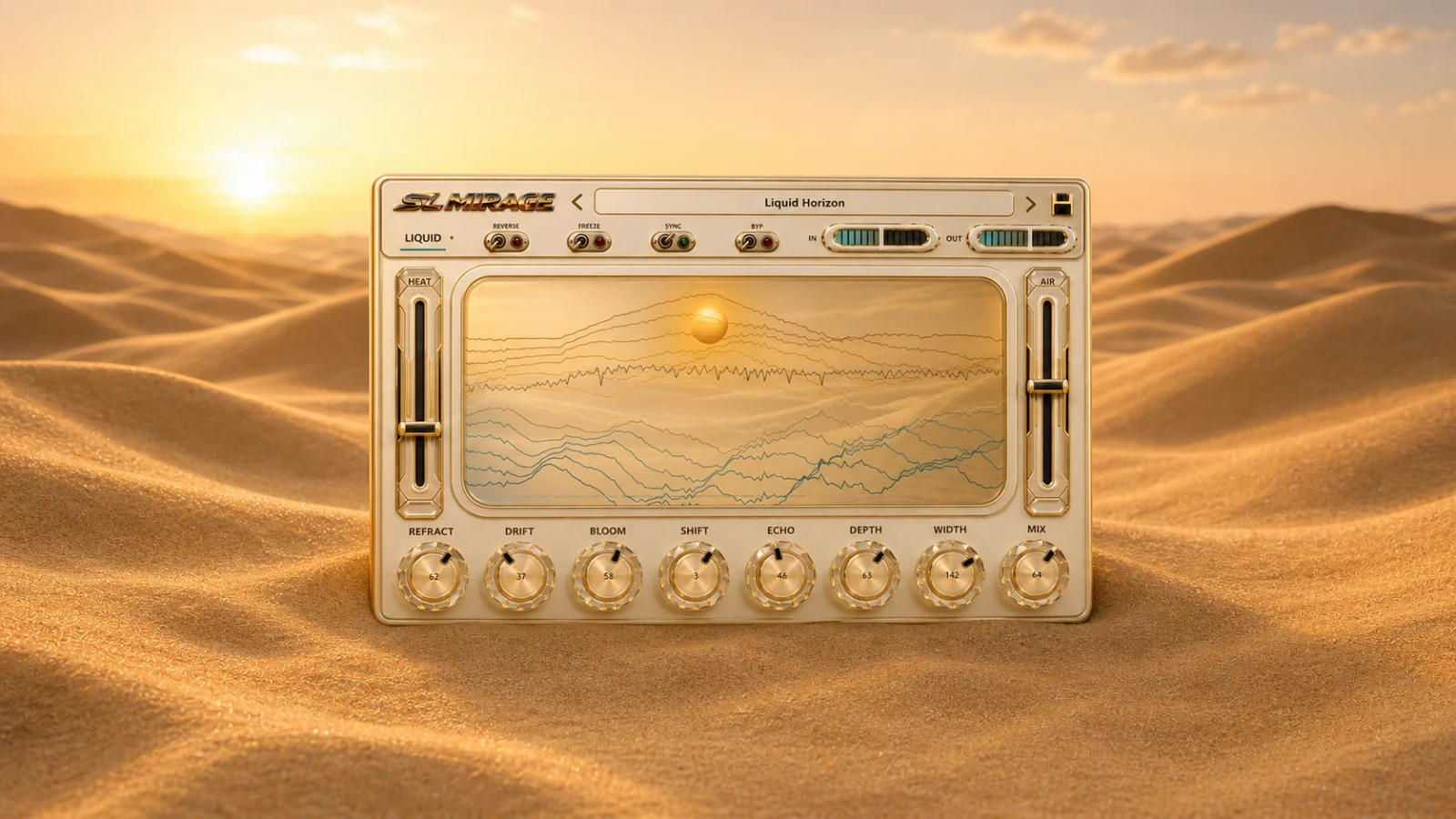 SL Mirage
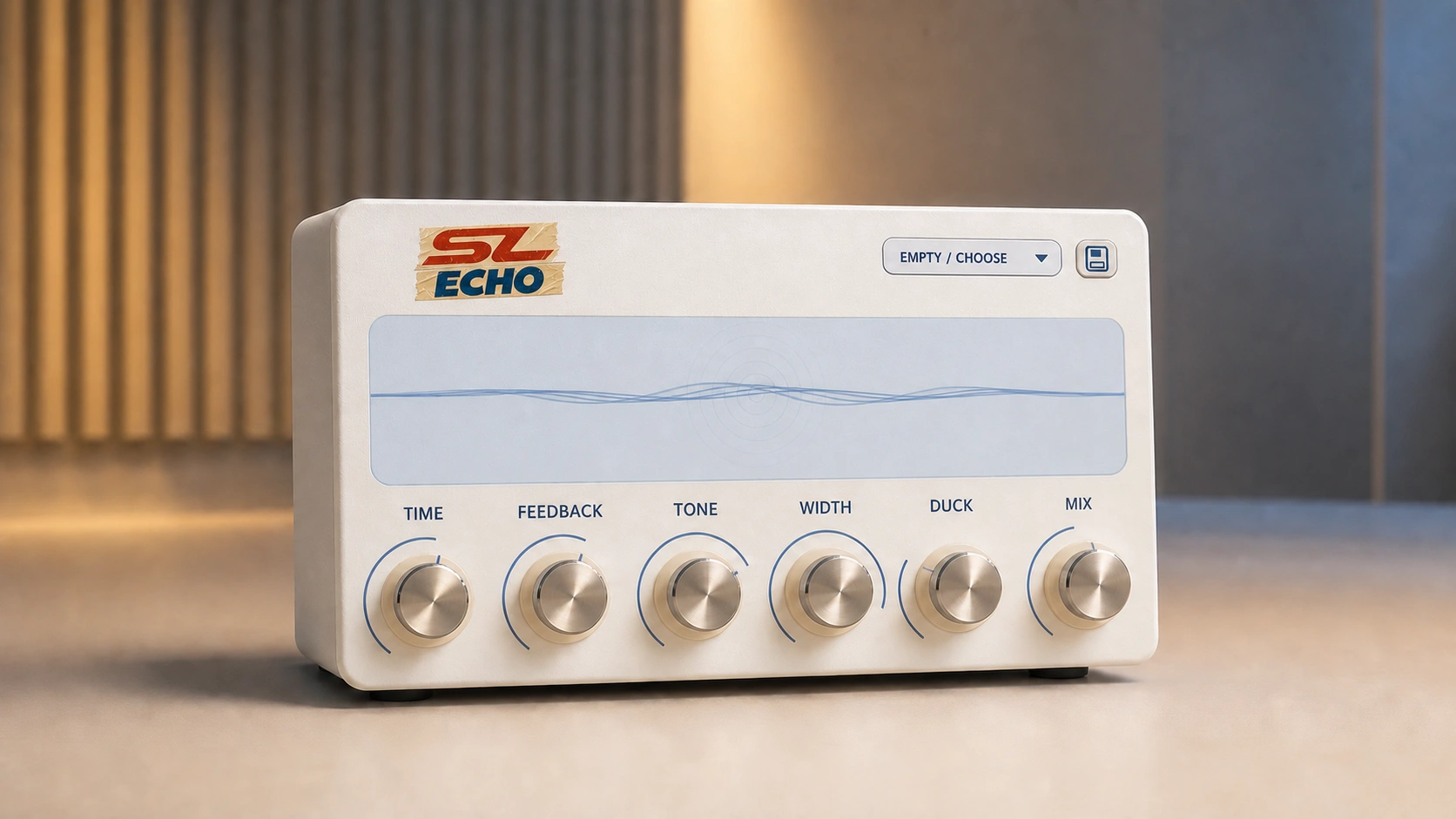 SL Echo
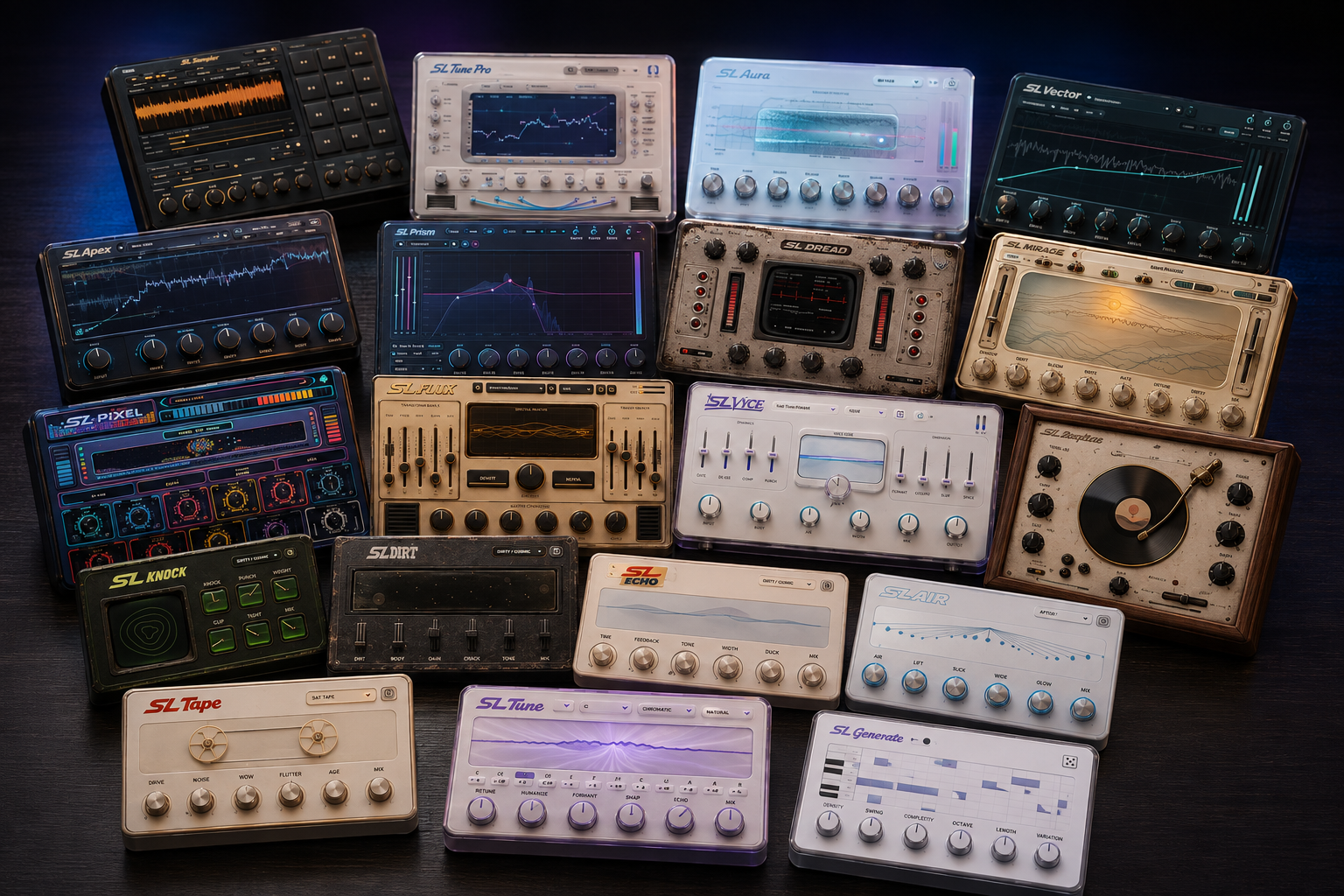 Explore all plugins
Desktop platforms
Windows 10 version 2004 or later / Windows 11 x64: VST3 and standalone. Mac formats and minimum requirements are listed above. One website desktop purchase includes Mac and Windows. Existing desktop customers can use their account or SL Hub; App Store purchases remain separate.
SL Guitar FAQ
Which Mac formats are included?
Standalone, VST3 and Audio Unit instrument for Apple Silicon Mac, macOS 13 or later.
How do I play it?
Use the strings and chord pads, send MIDI notes from a controller or DAW, or use Rhythm for repeating accompaniment.
Does the installer include SL HUB?
Yes. The signed and Apple-notarized Mac installer includes SL HUB for desktop access and updates.
Does a Mac purchase include iPhone and iPad?
No. The universal iPhone/iPad app is being prepared for a separate App Store purchase. The website purchase covers Mac.
Can I export MIDI or record audio inside Guitar?
Guitar receives MIDI and generates audio. Record its output in your music host; it does not provide MIDI export or an internal audio recorder.